Desert Online General Trading LLC
Dubai, United Arab Emirates
Desert Online General Trading LLC
Dubai, United Arab Emirates


🚀 Elevate your storage game with speed, space, and style!
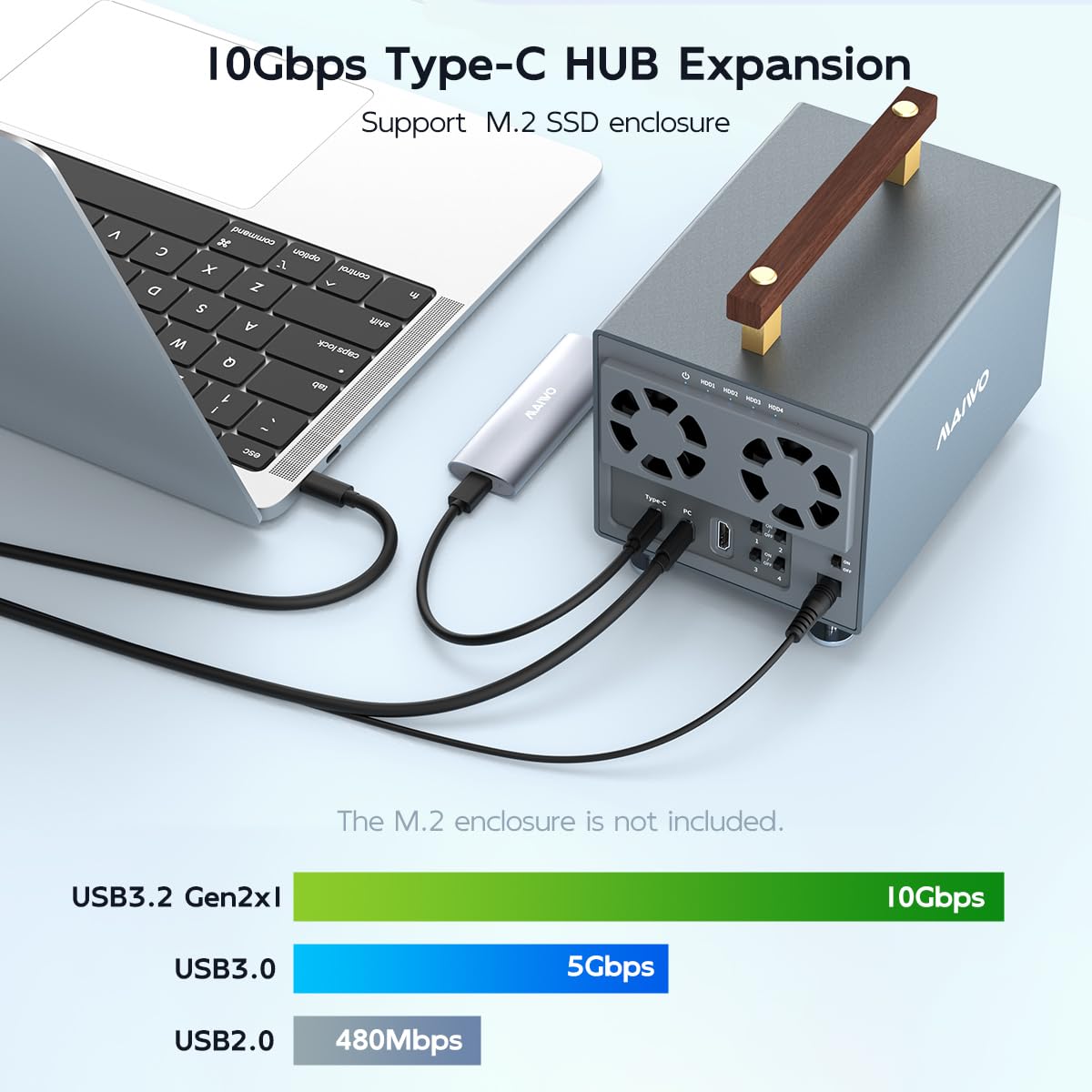
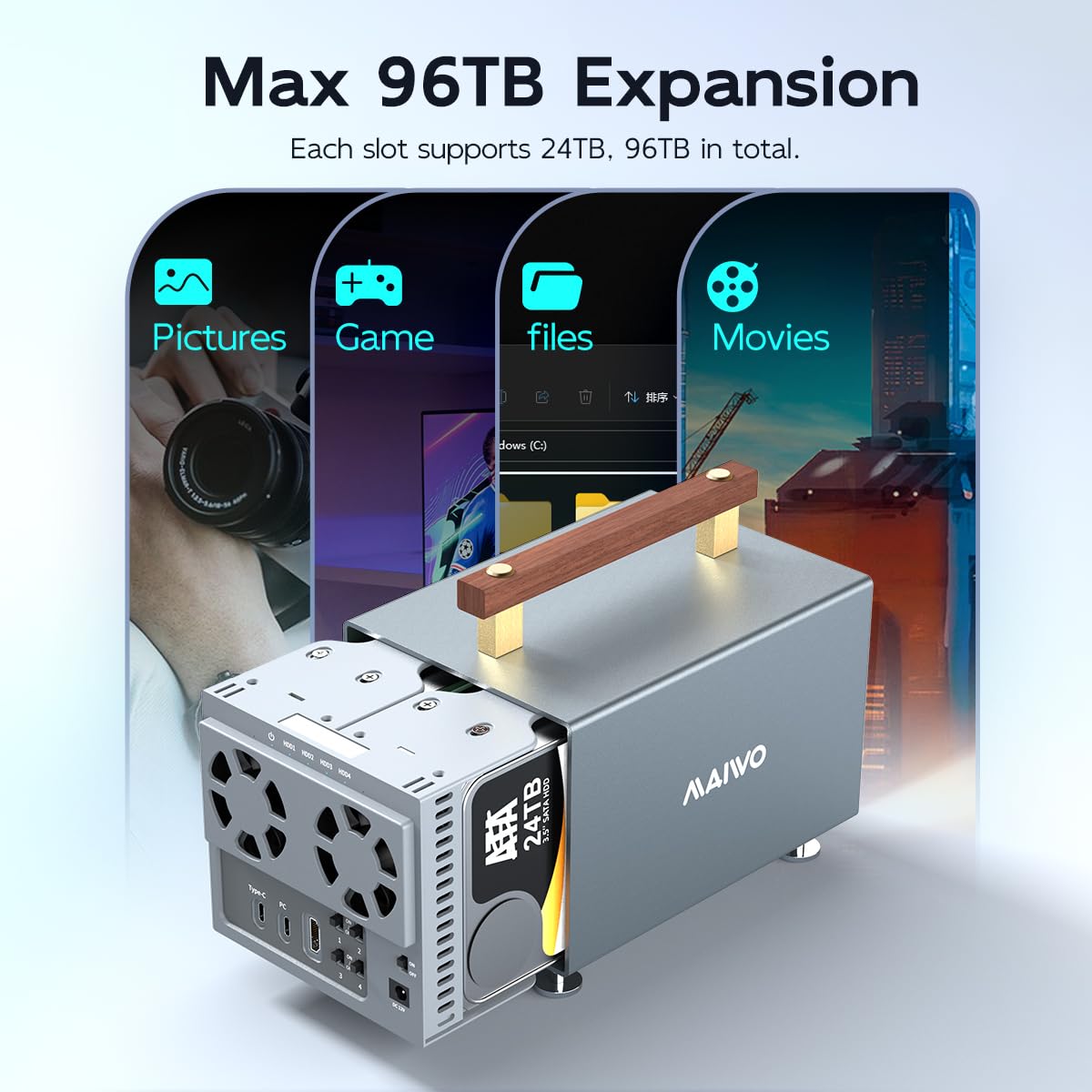
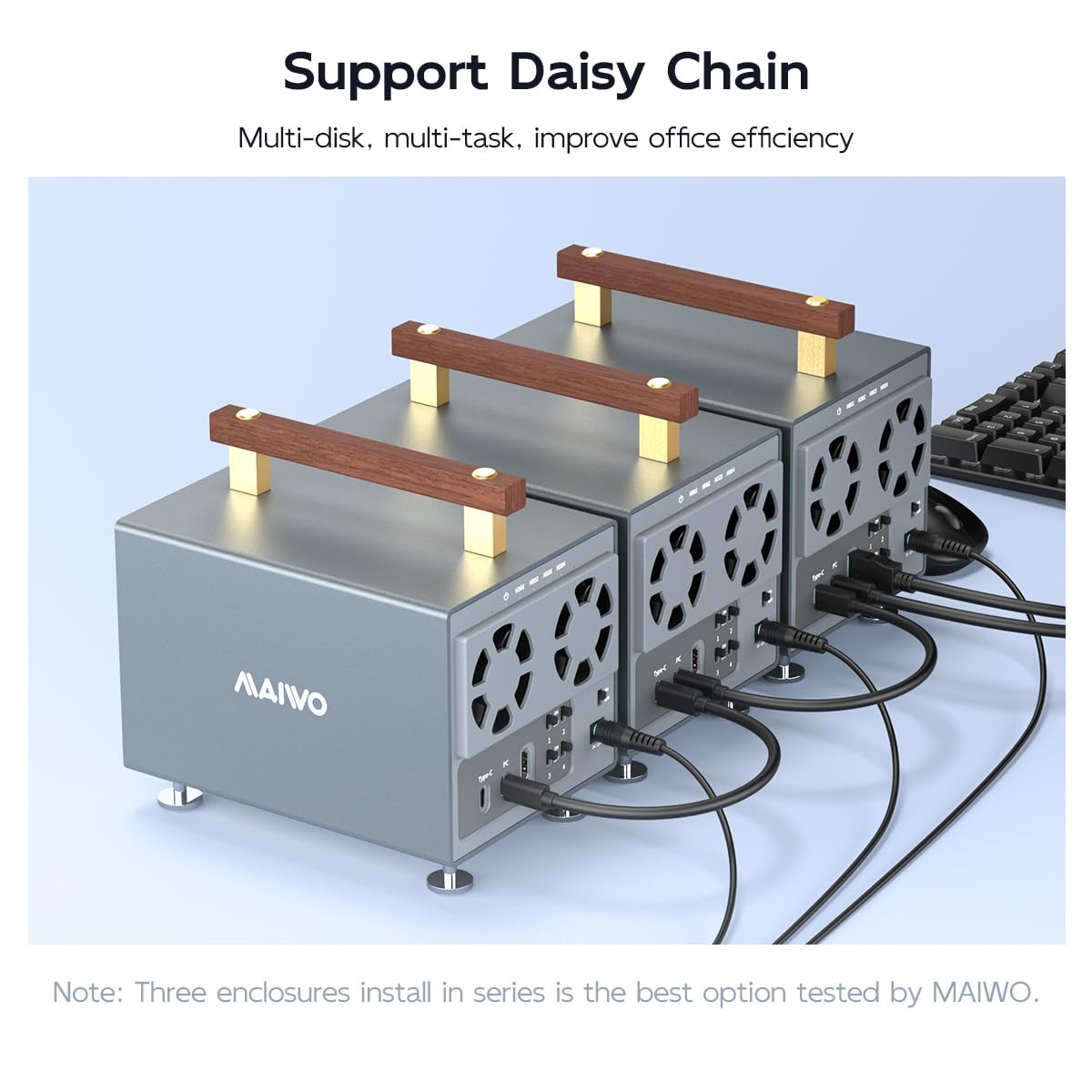
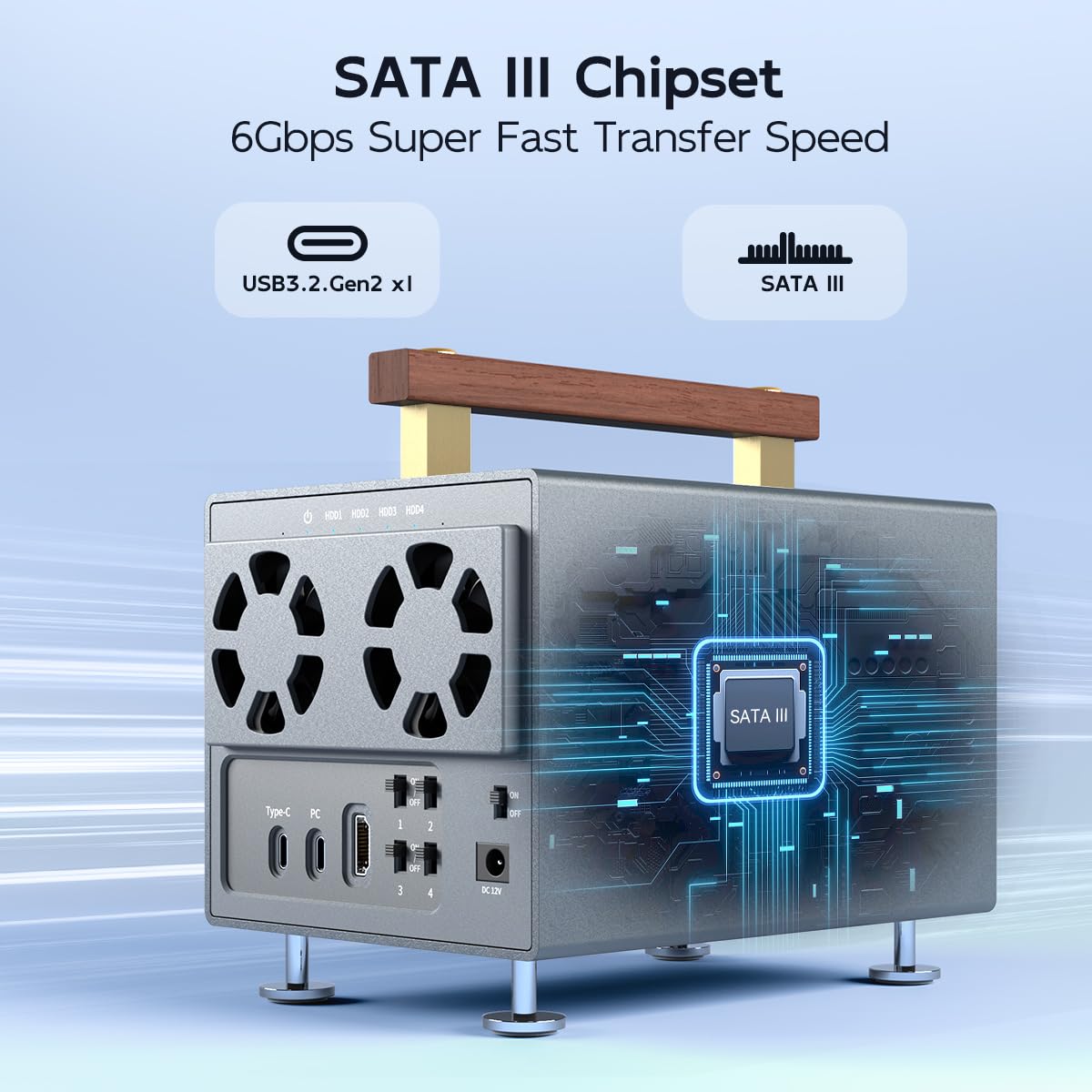
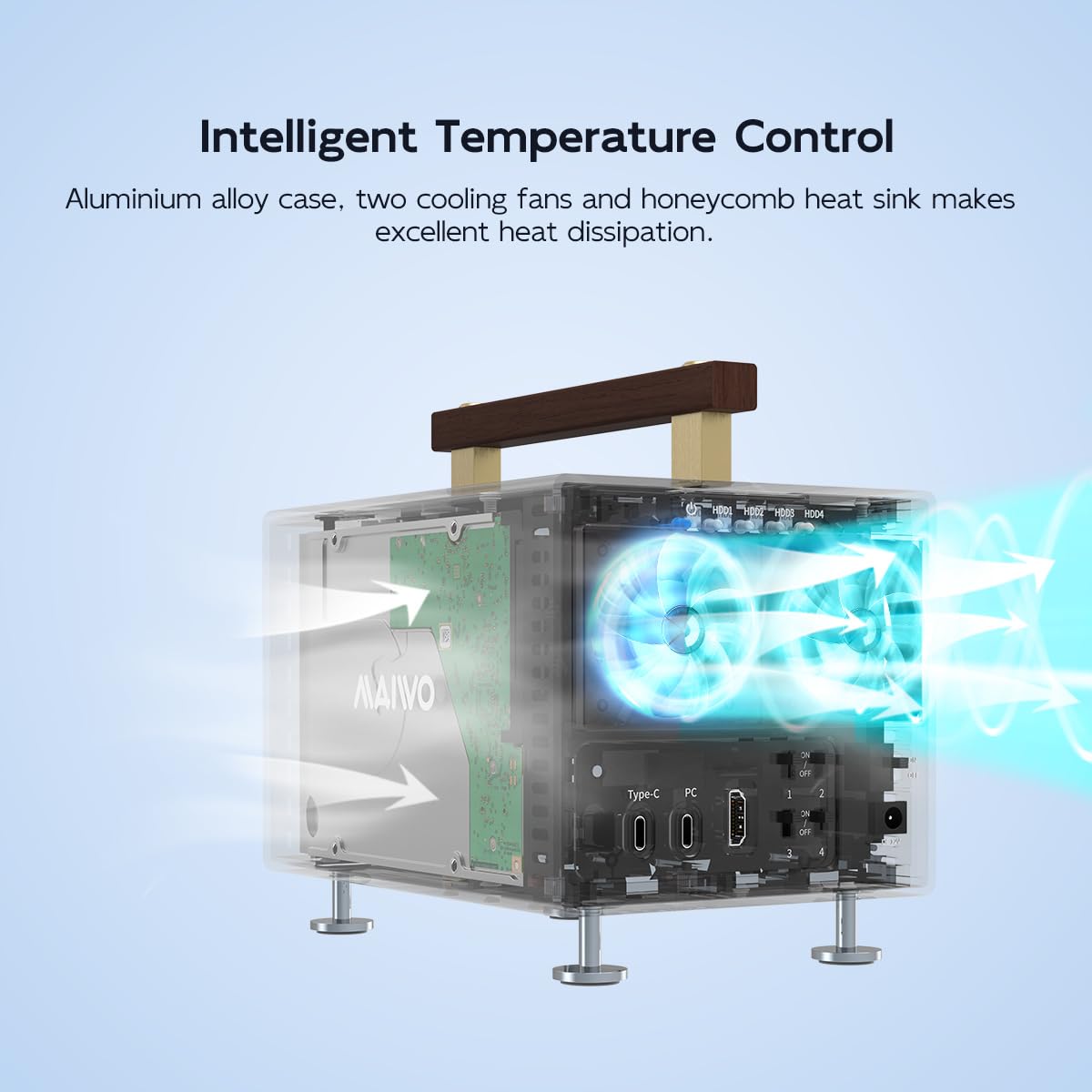
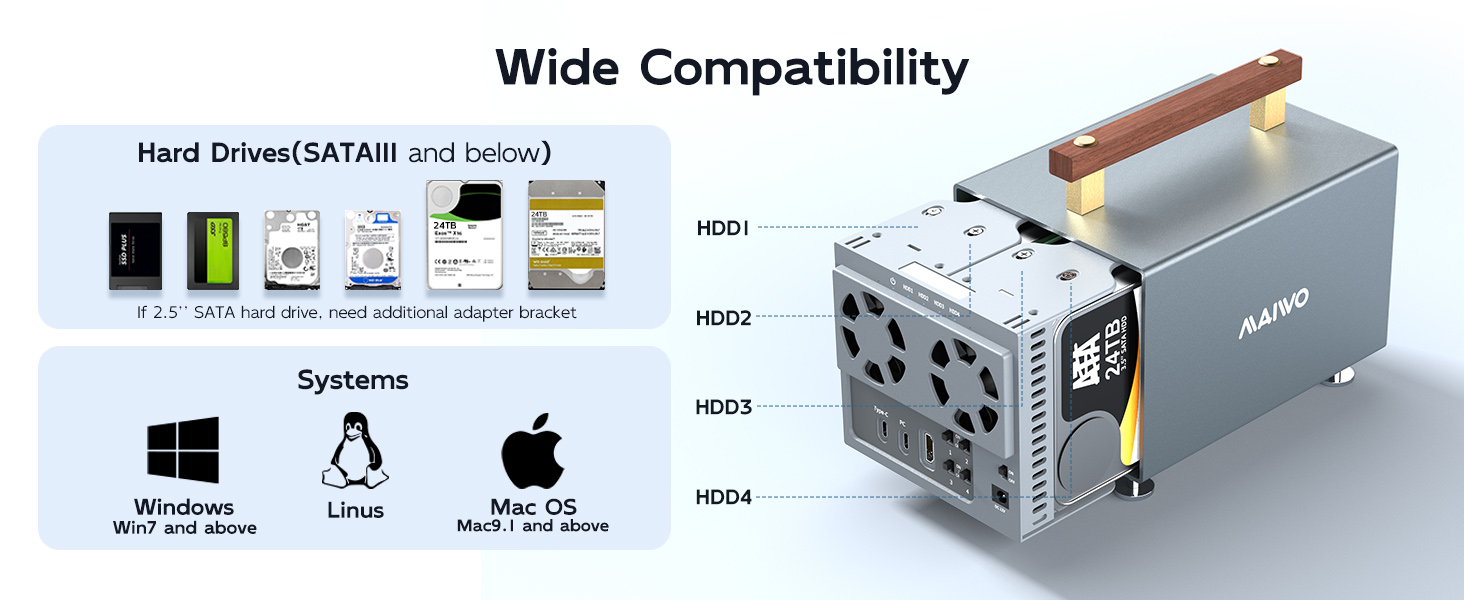
The MAIWO 4-Bay Hard Drive Enclosure is a professional-grade external storage solution featuring SATA III chipset and USB 3.2 Gen2 for blazing 10Gbps transfer speeds. It supports up to 96TB total capacity across four 3.5-inch SATA HDD bays, with independent power switches for each drive. Crafted from aluminum alloy with dual cooling fans, it ensures optimal heat dissipation. Additional features include daisy chain support, 4K HDTV compatibility, and a compact, portable design with a removable handle, making it ideal for demanding multitasking environments across Windows, Mac, and Linux platforms.



| Total Number of HDMI Ports | 1 |
| Wattage | 84 watts |
| Total Usb Ports | 2 |
| Number of Ports | 2 |
| Hardware Interface | USB 3.2 Gen 1 |
| Compatible Devices | Desktop, Laptop, Macbook, Xbox, TV, Router, Phone(should support OTG), PS5, etc. |
| Item Weight | 0.8 Kilograms |
| Item Dimensions L x W x H | 7.24"L x 5"W x 6.65"H |
| Color | Grey |
G**Z
MAIWO 4 HARD DRIVE 3.5' ENCLOSURE TYPE C USB GEN 2 WITH SECOND USB C AND HDMI
Item received as advertised. The delivery time was as scheduled. A note for the future users. If you are going to use 2.5 " ssd with adapter pay attention to compatibility as some adapters consider connection to the center and to aside as is the internal backplane.The packaging was just ok and could have a little more protection. Very satisfied with connection, cables and speed. True USB 3.2 gen 2 speeds. Fan have thermal control and when operate are little loud
T**B
It just up & died/bricked for absolutely no-reason a little over 2months after I got it.
I brought MAIWO 4 Bay Hard Drive Enclosure a few months ago:1. It just up & died/bricked for absolutely no-reason a little over 2months after I got it. & yes, the power supply is working, I reconnected it many times, gently shook it, tried a little profanity, etc (NO, I did NOT throw it across the room ;). It’s a pretty-sexy brick though so I keep it on my desk just to look-at ;).2. I was a military electronic technician a few decades ago. So if I could just get the electronic schematic, I could probably fix-it myself. However I can’t find it (?planned obsolescence anyone?).2. Note most fancy electronic gadgets on amazon have a 1year warranty or at least have a few months passed the 1st month. So of course I looked for the warranty & guest what, the product description doesn't list any type manufacturer warranty on amazon at-all. And yes, I went to the manufacturer’s website & I couldn’t find any warranty info listed there either.3. So I tried to simply ask amazon if it has any type of manufacture warranty:2x phone calls: automated voice ignored anything I said or any digits I selectedChat: None of the available options has anything to do with a bricked tech gadget anyway or whether it has a manufacturer’s warranty.Conclusion: Amazon's AI was nothing but a waste of my time & amazon's time. In defense of Amazon though, most AI is mostly stock-market hype. For example most AI implementations that consumers interact with tend to handle exceptions horribly & just can’t compete with good-old-fashioned human beings. Back on subject, ?Hows-abouts simply requiring all sellers to explicitly state their item warranties (including ain’t-no warranty) & how the warranty works just like most do?4. The only reason I use Amazon is I only have to remember one darn password, wide selection, good searches, used stuff, stuff that works, stuff with at least a few months warranty, etc, etc. Amazon has been great for about a ~decade but lately I've been spending much more time weeding-out deceptive advertising. Note I HATE getting stuck with junk/bricks or returning stuff and go to great effort not to (ex: a waste of Amazon & my time, more for the landfill, etc).5. I ain’t perfect so I might have overlooked a strategy or two. If-so, just let me know & I’ll give it a try. Again the MAIWO 4 Bay Hard Drive Enclosure is really pretty-sexy to look at. I actually bragged to my geek-friends about it before it just up & died. However I can't just landfill this one, buy another one, & risk another brick.6. Lastly I mean no disrespect to Amazon because this is the exception & not the norm.
X**T
Absolutely a Great External Housing Box
This was highly recommended by a top IT Technician and it has been working GREAT for me! If you have multiple drives and need em to be well taken care of and kept cool and safe this is the box!
B**E
diccs never realy stop spinning temp is fine
no instruction
K**.
Sent back for refund
Hard to place hard drives in case.Screws are a mess to deal with.Found a better item for less money and sent this back for a refund.
P**.
Very loud but worked great so far
It is weird to setup and i almost broke it because I didn't realize how to do it lol.It is also very loud and sometimes would only spin up the fans to 100% when it needs any cooling. It does not have a curve for them - it just blasts them at 100% if the t*>xThe speed is there and I had no reliability issues so far
B**T
Works so far
works as described so far
B**Y
Screwy in every way. DO NOT BUY!
I have owned several external drive enclosures over the years, and this is by far the worst-designed one. Even those made 20 years ago were better thought out.CONS:* Tiny screws everywhere. Nothing at all snaps in or stays put without a gazillion tiny screws. You can't even slide out the main chassis (which requires 14 screws itself) without removing screws from the external housing.* Very flimsy connection. Hard drives sit in thin plastic trays that I assume will melt at some point if you keep them running for any length of time. Yet another reason to return it ASAP.* Very flimsy construction. Even when they are SCREWED into place, you can feel the trays wanting to snap from the weight of the drives if you dare move this thing around outside its main enclosure.* LOUD. Two tiny but loud fans. The same drives that made almost no noise in other enclosures are constantly spinning up and down, clicking, grinding, etc.* Unreliable. Frequently lost connections to one (but not all) drives. Which means the only way to check it is to ... you guessed it: Start removing screws.
Trustpilot
2 days ago
1 month ago
2 weeks ago
3 weeks ago