

Desert Online General Trading LLC
Dubai, United Arab Emirates
Desert Online General Trading LLC
Dubai, United Arab Emirates




🚀 Elevate your creative game with powerhouse GPU acceleration!
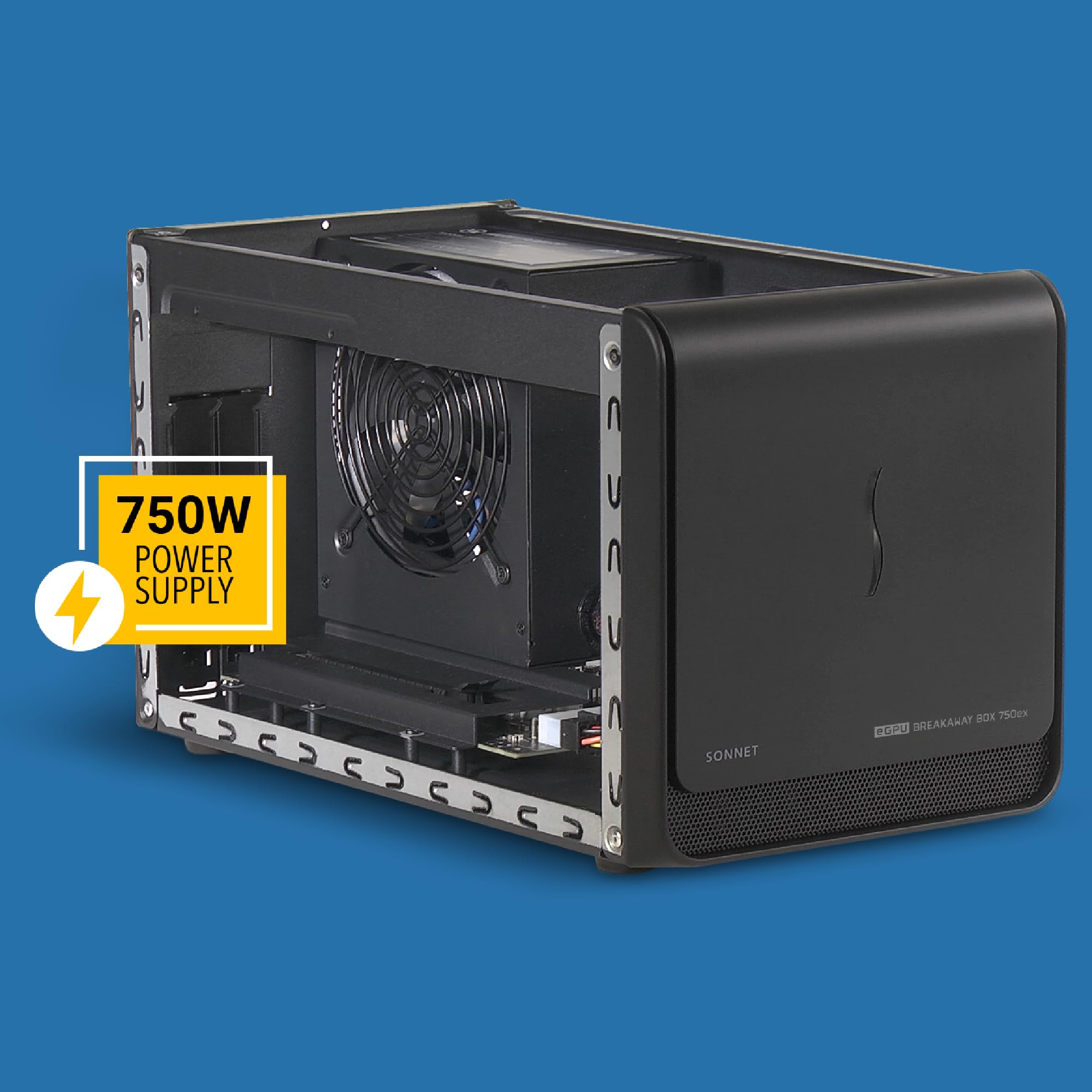
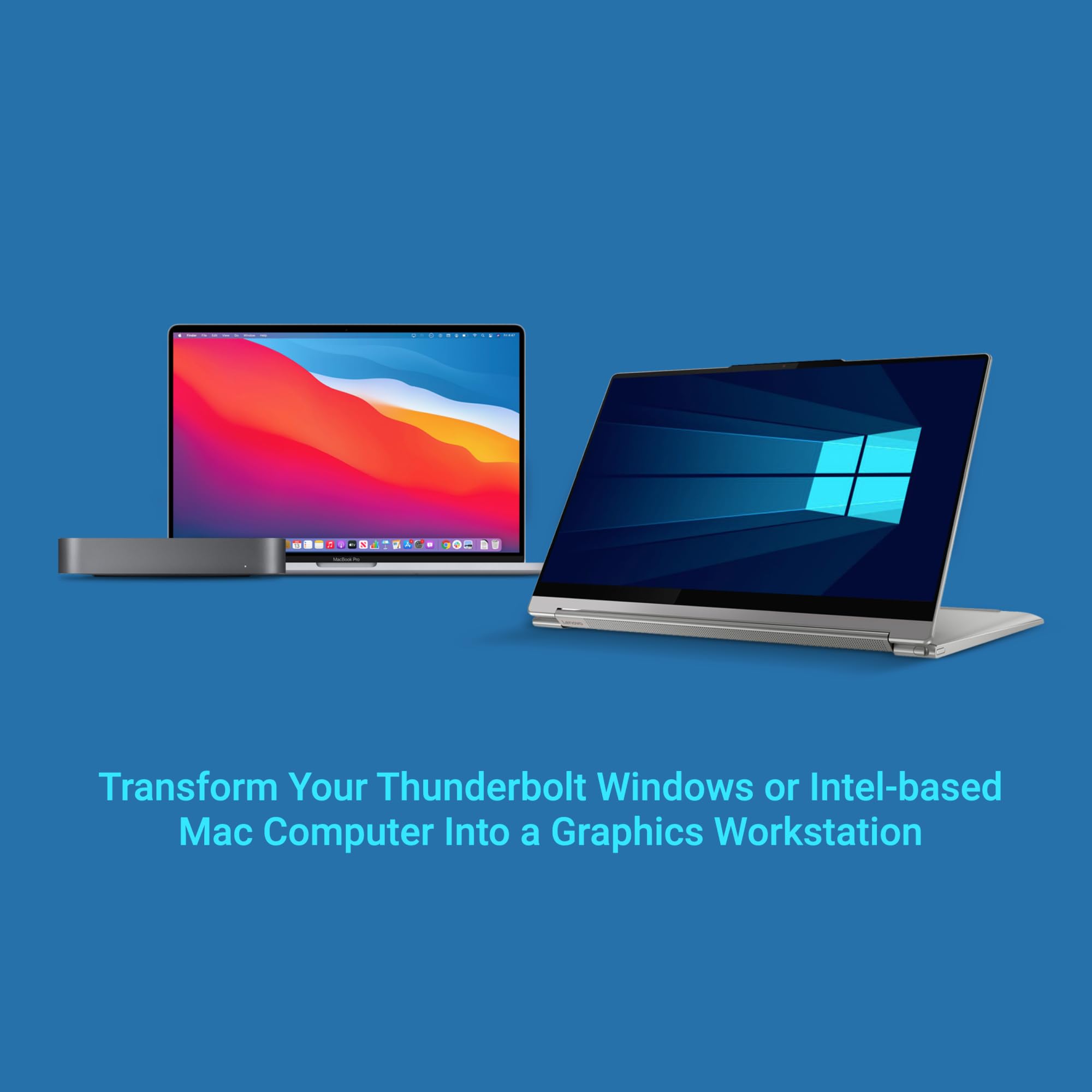
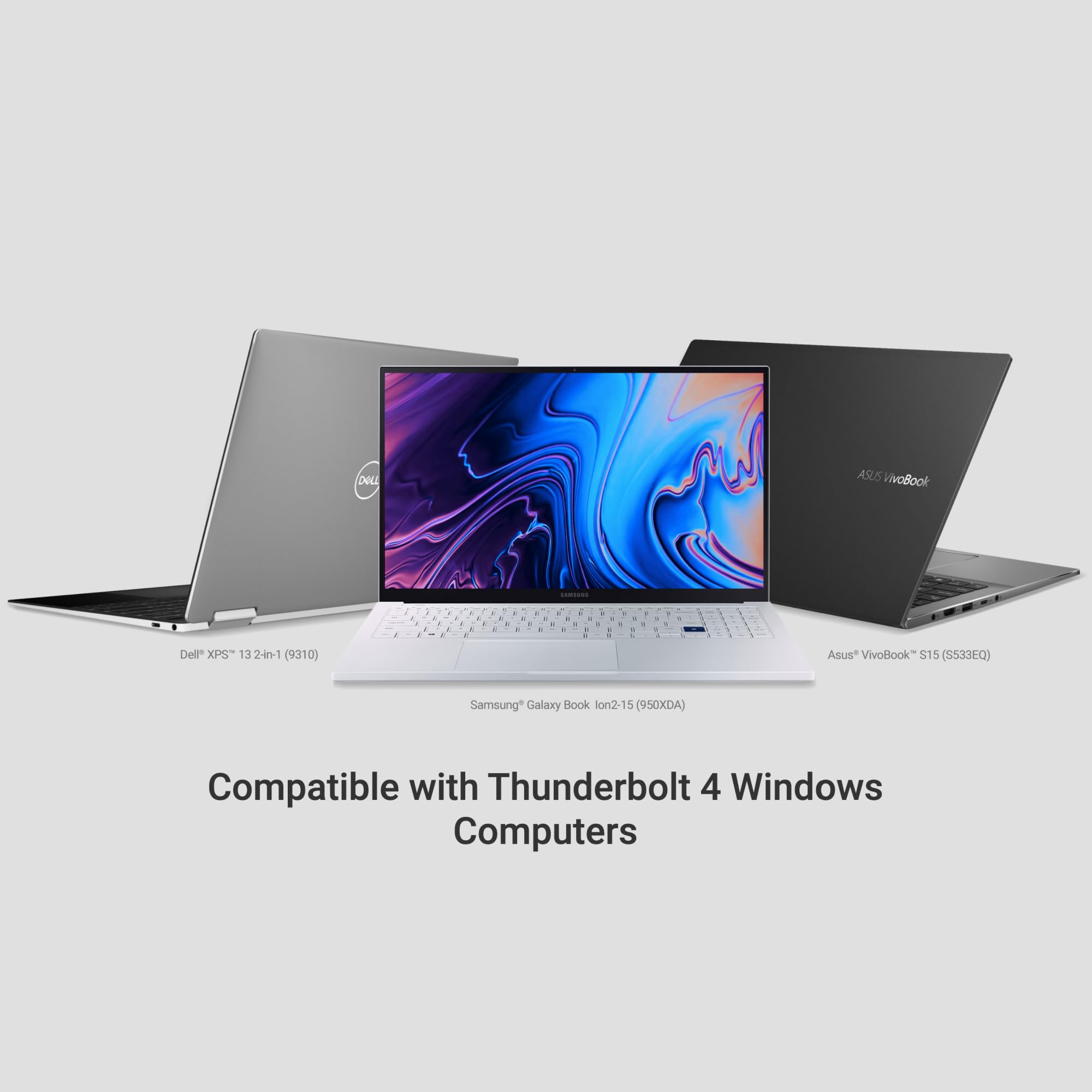
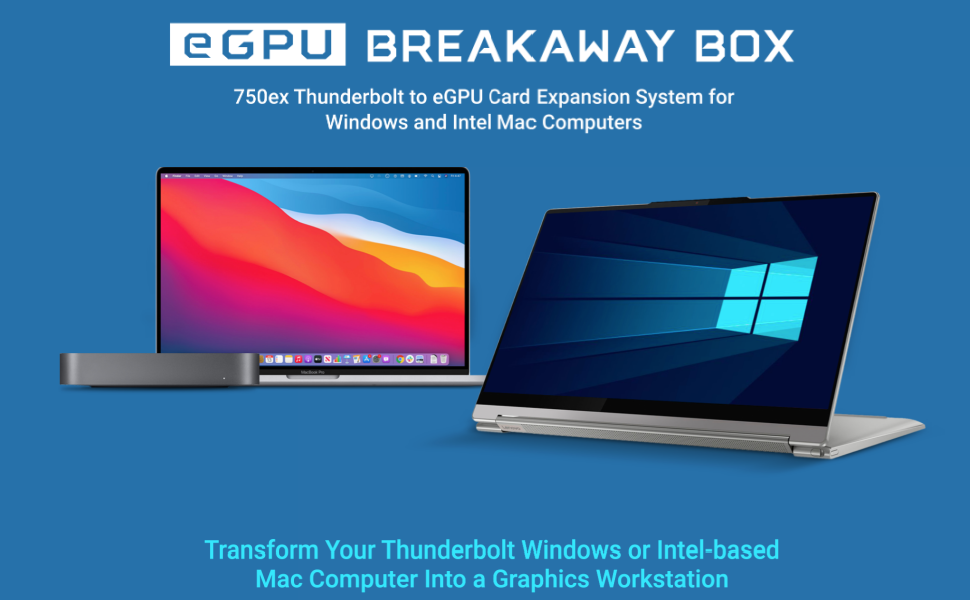
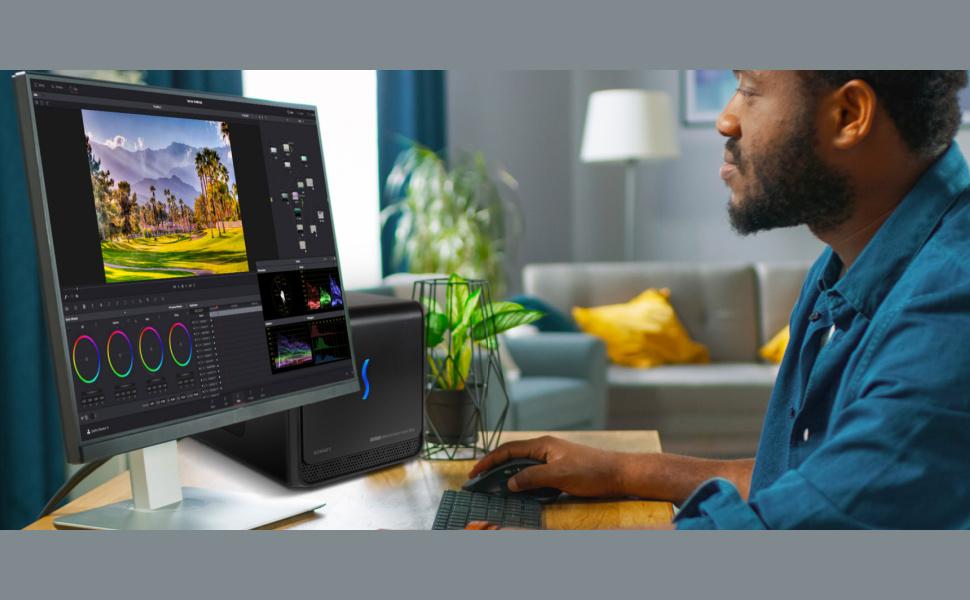
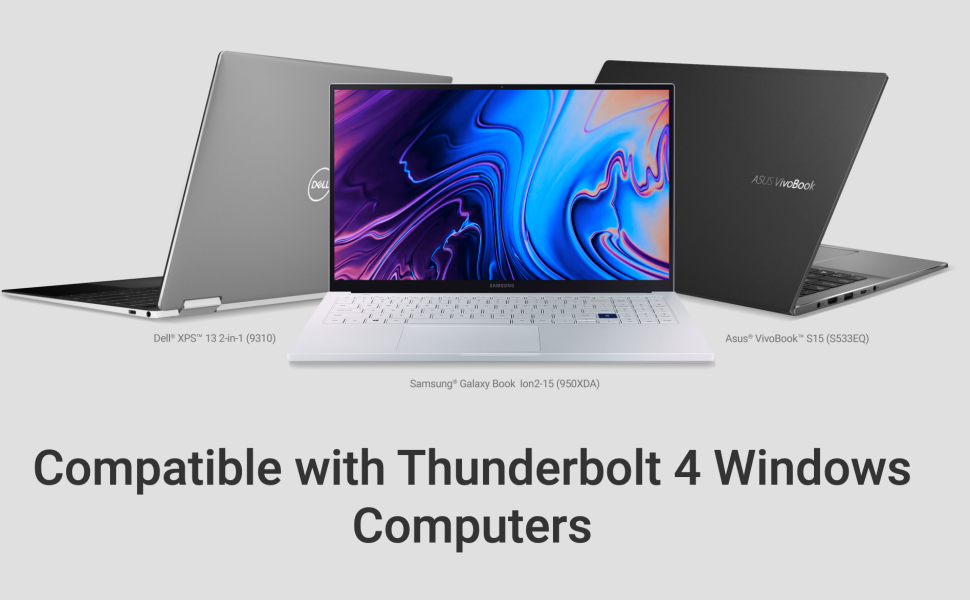
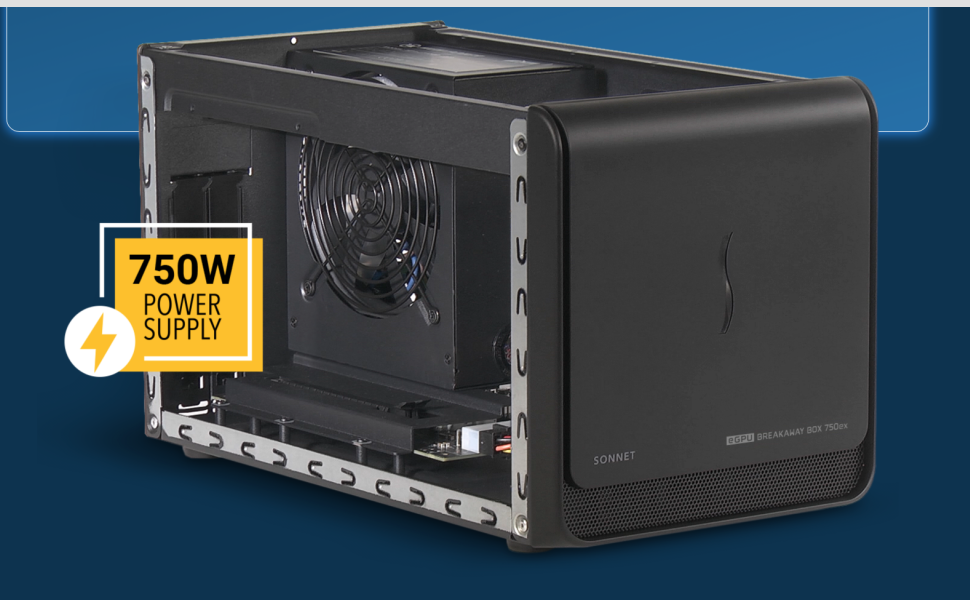
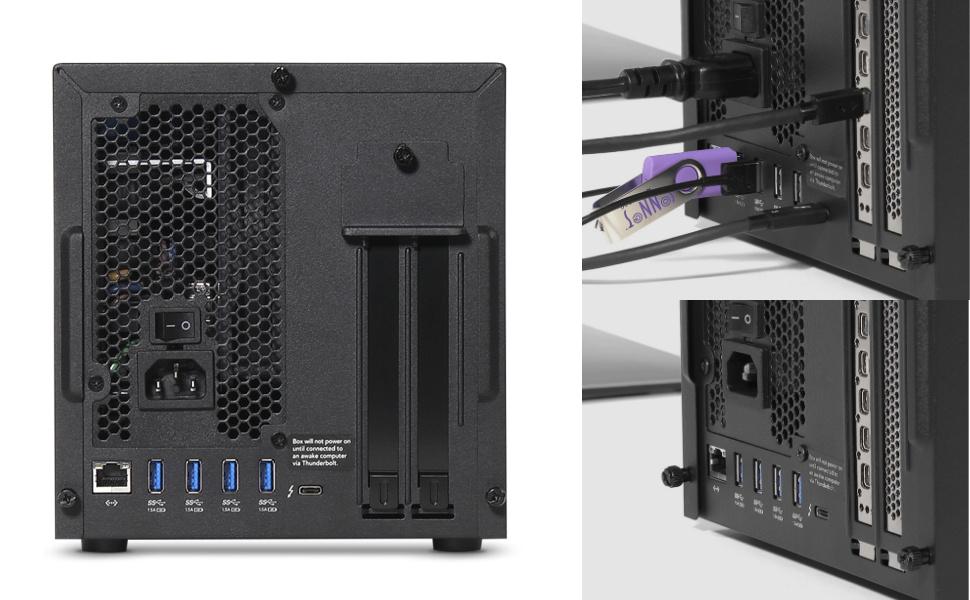
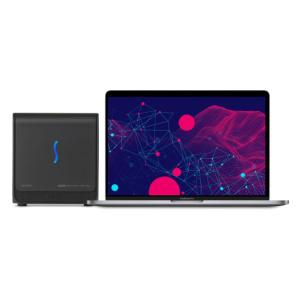
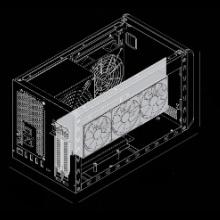
The eGPU Breakaway Box 750ex is a high-performance external GPU chassis featuring a 750W power supply and Thunderbolt 3 connectivity. Compatible with a wide range of AMD Radeon and NVIDIA GeForce RTX GPUs, it significantly boosts graphics performance and accelerates demanding creative workflows on Mac and Windows desktops (excluding M1 Macs). Additional USB 3.0 ports and Gigabit Ethernet expand connectivity, making it a future-proof solution for professionals seeking faster rendering, editing, and visual effects.


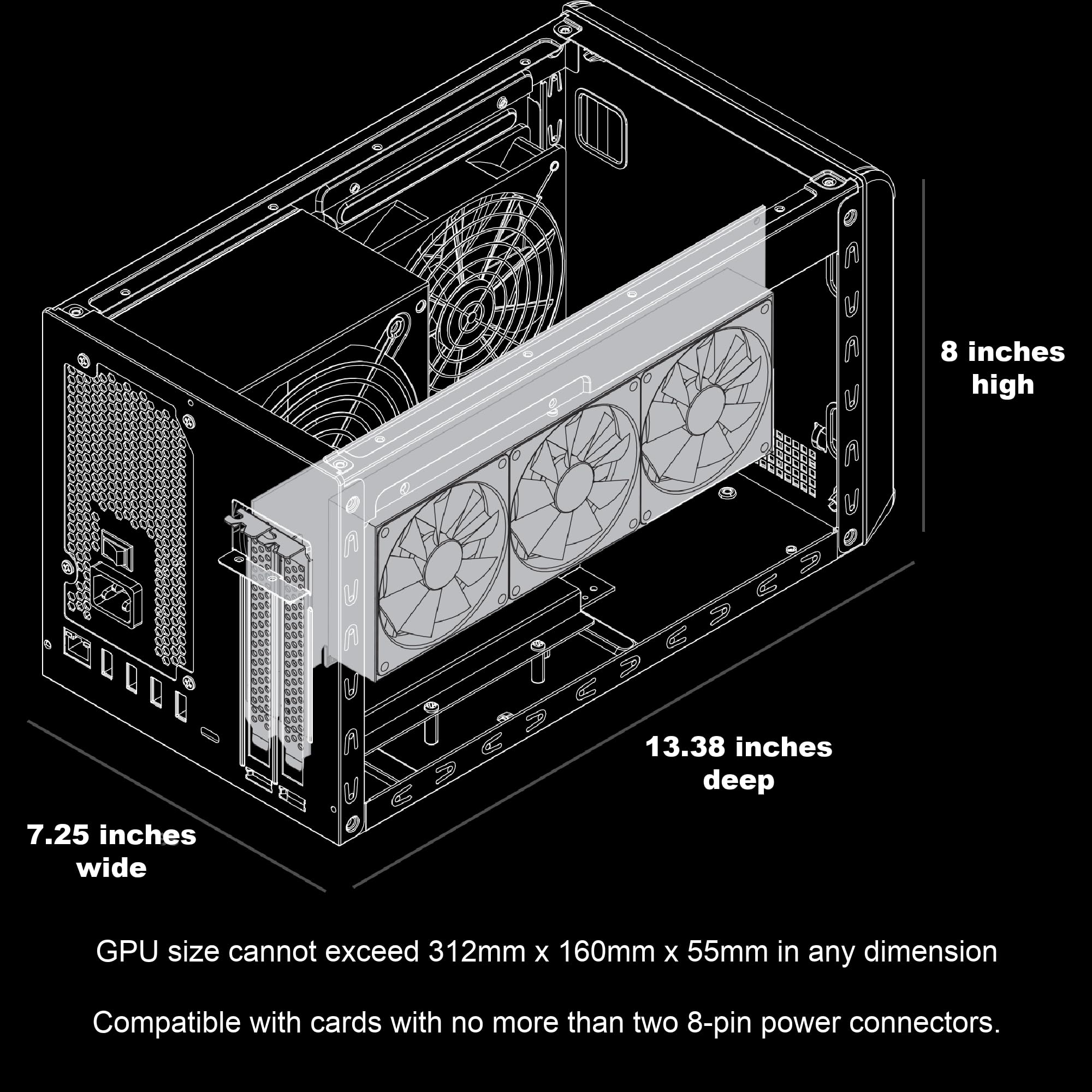
| Item Dimensions L x W | 13.38"L x 7.25"W |
| Graphics Card Ram | 48 GB |
| Compatible Devices | Desktop |
| Video Output Interface | USB |
| Number of Fans | 1 |
| Graphics Card Interface | PCI-Express x16 |
| GPU Clock Speed | 836 MHz |
| Graphics Coprocessor | AMD Radeon VII |
| Graphics Ram Type | GDDR6X |
W**Y
Great for using extra GPU with hand held gaming system such as onexplayer
Worked out perfectly to add egpu, network and USB ports to my onexplayer s1. Currently have an AMD Vega 56 installed with no problems. Love the ability to upgrade GPU as needed.
S**.
Ideal Business Setup
No issues or hassles. The directions had good pictures to follow along.I use this for business (no gaming) for zoom meetings, lots of open tabs, and six monitors while having the flexibility of a laptop.The reviews here on Amazon were a little intimidating, however I found the installation of this eGPU and video card to be straightforward plug-n-play and the product to be excellent as advertised. It was easy enough to do myself without needing the manufacturer's support desk.I added 64Gb RAM to my laptop and a Radeon R7 350 HD7750 4GB to this eGPUex. The internet port and 4 usb ports on this eGPUex model eliminated the need for a separate dock to have just one usb thunderbolt cord to my laptop.To have a clean desk, I used a simple under desk laptop mount. I also used a pc under desk mount. I combined two monitor stands for three monitors each on a single extended pole. I added a reinforcement plate for my standup desk for the mount which gives good stability. I used adhesive clips and adhesive cable ties to manage all the cables underneath my desk. I also got a pebbles sound speakers so I wouldn't need a headset and Bluetooth for mouse, keyboard to not need a docking station and reduce the number of wires.
A**L
More unreliable over time $700 on 2 units wasted.
--new review--These units have proven to be incredibly incompatible with many machine types. I have found them to be unreliable with multiple windows machines, linux machines and especially any machines running the newer USB4 / TB4 interfaces. You might get them working if you put them in a chain of 750ex > TB3 Hub > Computer.As such i cannot recommend these units at all. Look for something else.--old review--I have two 750exe connected to two utterly different computers types (one a dell XPS and one a Surface)On both setups the USB has proved to be unreliable - causing mouse freezes for both wireless and wired mouse. I should note for me this only affects mice and keyboards connected by some other USB hub (USB2 or 3) or device (like a KVM) so if you are the type to keep your mice / keyboard plugged into you monitor do not connect this to the USB ports on the breakaway but to another USB C port on your PC. When the USB hub issues it also causes latency spikes on the built-in ethernet adapter too.If you plug devices directly into the onboard hub it may be ok.I would give the 750 5/5 star, but the 750ex only 3 out of 5 due to this issue.i would say sa
E**E
Exactly what I needed except for the smell
Excellent Thunderbolt PCIe enclosure with dock/port extender. Worked perfectly for my Blackmagic Intensity 4K Pro capture card to connect to my laptop. The 4 USB ports and ethernet were just enough to use it as my dock replacement. I did have to use a USB sound device so the only things connected to my gaming laptop were the sonnet, power cable, and 2 display connectors.Big Con! The power supply included by sonnet smells horribly of cheap plastic/electronics. It filled my entire room fast and had my throat burning after trying it for a day.Big Pro! The power supply and fan are standard computer parts. I was able to swap the power supply for another modular one I had to resolve the smell issue. It also means in the future I could install a bigger than 750W for later use as an External GPU enclosure. Also can swap the fan for a better Nactua.Overall a great product and would recommended.
A**R
Install card, plug in cable, Install nvidia software and go!
Recently my laptop dock died and I needed something to drive the 2 external monitors connected to my Acer Aspire 5 (A515-57-760X) which has a Thunderbolt 4 port. Since I have a few extra Nvidia GPUs laying around, I wanted to give an eGPU a chance.Wow! It was very simple to set up. Just install the video card in the case, plug into the laptop and install the latest Nvidia drivers. Now I'm able to render videos in Davinci Resolve quicker, video playback is smoother and best of all.... all my screens sleep properly and resume as expected.When/If I decide to upgrade from my RTX 2070 Super to an RTX 30xx or RTX 40xx card for even faster Davinci renders, it will be as simple as install the new card, update drivers and go!
L**A
Not* for HP laptops.
I got the Sonnet USB-hub Thunderbolt eGPU enclosure to replace the comparable Razer USB-hub enclosure I've used for the last couple years with my... I want to say NVIDIA GTX2060 Super, but I'm not going to pull it to check.The good: The Sonnet is quick, easy, smaller, lighter, more stable, bigger power-supply, and less-bloatware-pestering than the Razer. *. (that's an explicit major asterisk)*The Bad: I could only really use the Sonnet for a few hours. Because, you see, my laptop is a HP Spectre x360 (circa winter 2019). And around about BIOS update F.26 (and unresolved at present in F.30), HP introduced, into (from the sound of multiple support threads) their entire laptop line that shares this BIOS spec, a major issue with Power Delivery over Thunderbolt (keep in mind their newer laptops only charge over Thunderbolt). Basically, a whole broad category of devices more than capable of providing the required charging wattage no longer successfully charge HP laptops. Even if the factory power brick is plugged in at the same time. The Razer enclosure can, at least 80% of the time when it's not flaking out, successfully keep my laptop charged while I work. The Sonnet worked flawlessly for the short time I used it, while costing me about 10% battery every 30 minutes. The first day I used it, I didn't start from a full charge, and my entire system went into power-critical shutdown before lunchtime.Needless to say, while I WANT to be using the Sonnet for the stability and simplicity, it's going to be a non-starter until either HP fixes their laptop BIOS or I move to a different work laptop.
Trustpilot
3 weeks ago
3 weeks ago

![Cable Matters [Intel Certified] 40Gbps Thunderbolt 4 Cable 3.3ft with 8K Video and 240W Charging - 1m, Compatible with USB4, Thunderbolt 3 Cable and USB-C](https://images-na.ssl-images-amazon.com/images/I/719imuYep9L._AC_UL116_SR116,116_.jpg)
![Cable Matters [Intel Certified] 40Gbps Active Thunderbolt 4 Cable 6.6 ft with 100W Charging and 8K Video - Fully Compatible with USB C/USB-C, USB 4 / USB4, and Thunderbolt 3](https://images-na.ssl-images-amazon.com/images/I/71OJqY+IhDL._AC_UL116_SR116,116_.jpg)