
DOWNLOAD THE APP


Customer Services
Copyright © 2025 Desertcart Holdings Limited
DOWNLOAD THE APP


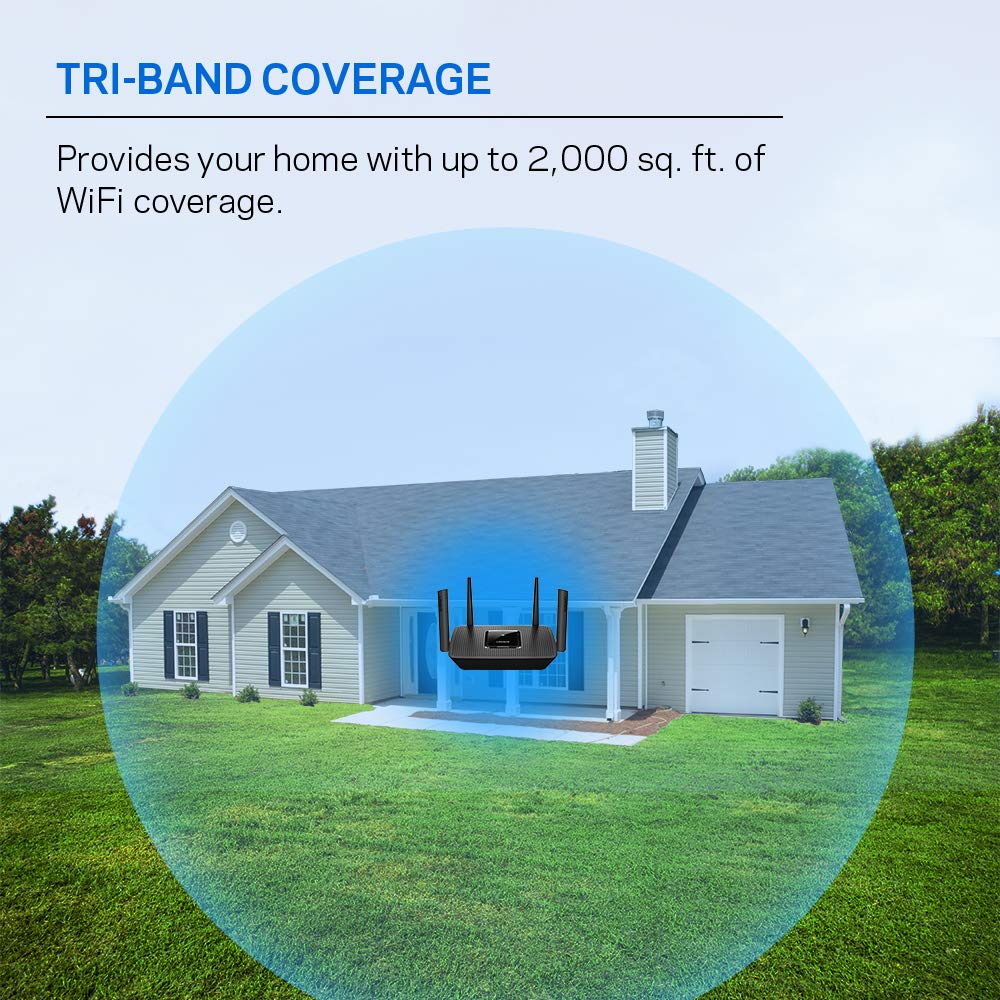

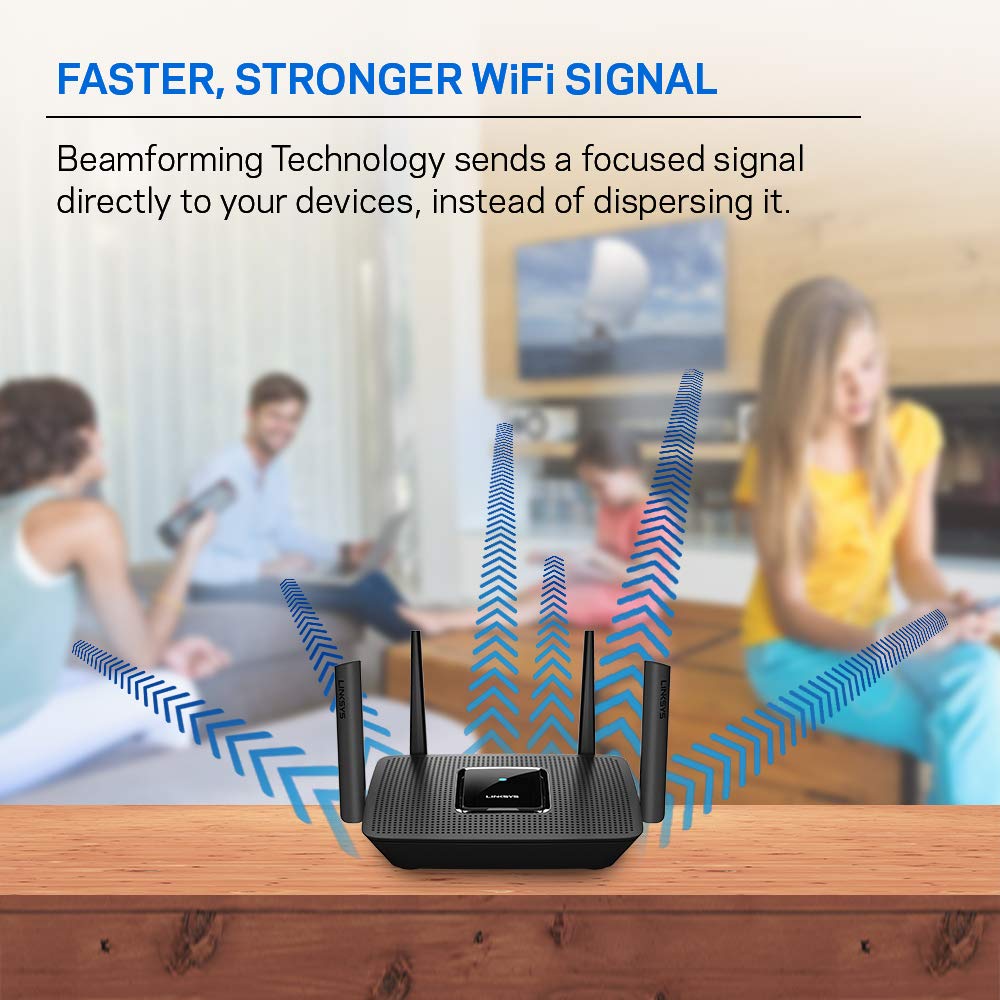


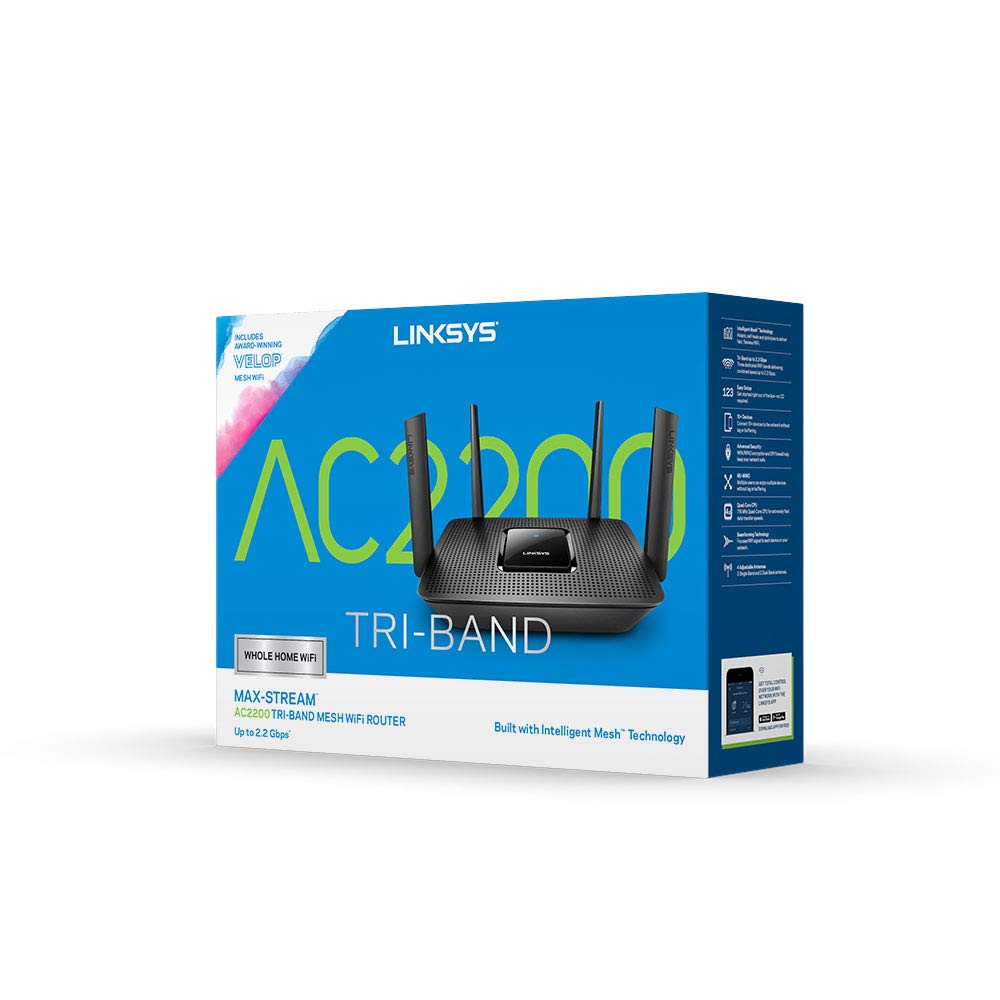
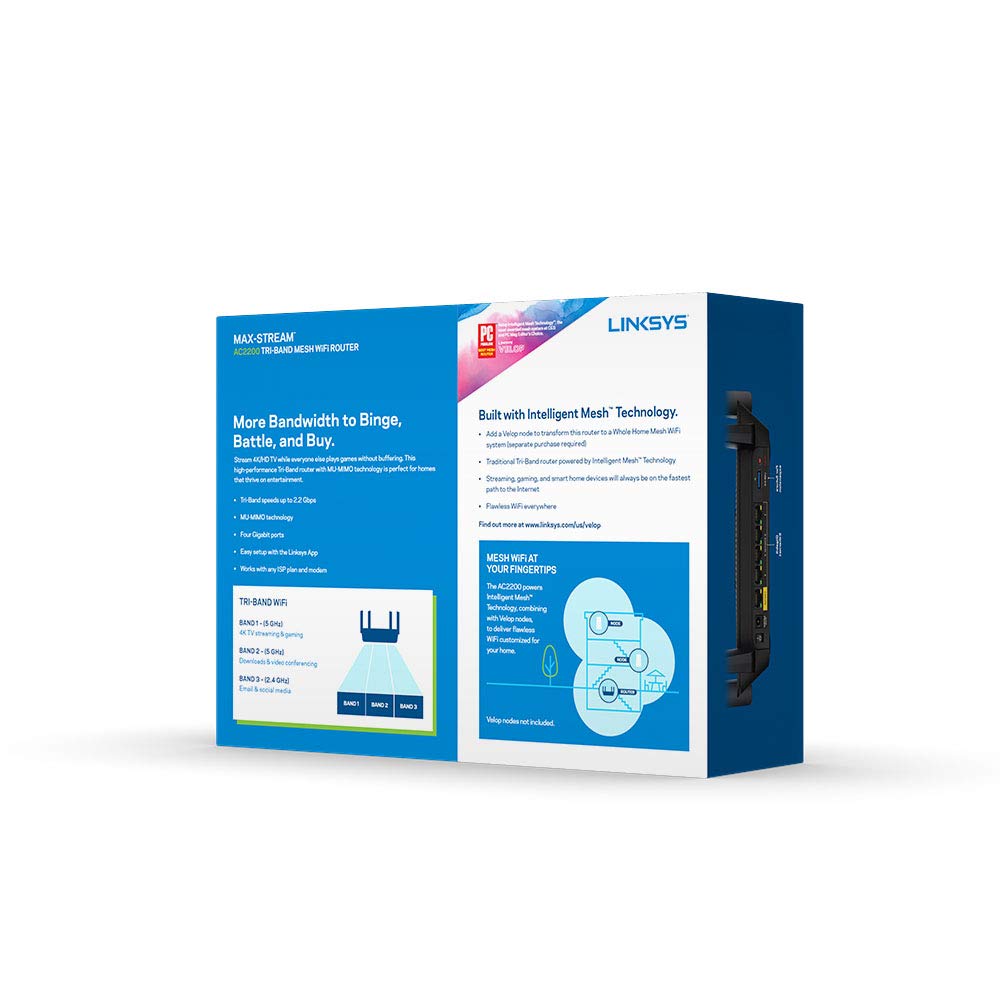
🚀 Elevate your home Wi-Fi game — speed, control, and coverage that keeps you connected!
The Linksys Mesh WiFi 5 Router MR8300 delivers tri-band AC2200 speeds up to 2.2 Gbps, covering up to 2,000 sq. ft and supporting 20+ devices. Designed for easy setup via the Linksys app, it offers guest WiFi, parental controls, and integrates smoothly with Velop Mesh systems for scalable coverage. Perfect for streaming, gaming, and smart home connectivity with an exclusive 18-month warranty.


| ASIN | B07L9282JK |
| Antenna Location | Gaming |
| Antenna Type | Retractable |
| Best Sellers Rank | #9,808 in Computers & Accessories ( See Top 100 in Computers & Accessories ) #354 in Computer Routers |
| Brand | Linksys |
| Built-In Media | MR8300 Mesh Router, quick start quide |
| Color | black |
| Compatible Devices | Personal Computer |
| Connectivity Technology | Ethernet |
| Control Method | App |
| Controller Type | Android, iOS |
| Coverage | 2000 square foot |
| Customer Reviews | 4.4 out of 5 stars 5,795 Reviews |
| Data Transfer Rate | 867 Megabits Per Second |
| Frequency | 5 GHz |
| Frequency Band Class | Tri-Band |
| Global Trade Identification Number | 00745883768837 |
| Has Internet Connectivity | Yes |
| Has Security Updates | Yes |
| Is Modem Compatible | Yes |
| Item Dimensions L x W x H | 10.1"L x 7.3"W x 6.3"H |
| Item Type Name | Linksys Tri-Band Mesh Wifi Router for Home (Max-Stream AC2200 MU-MIMO Wireless Mesh Router, Fast Wireless Router) |
| Item Weight | 1.6 Pounds |
| LAN Port Bandwidth | 1 Gbps |
| Manufacturer | Linksys |
| Maximum Upstream Data Transfer Rate | 2134 Megabits Per Second |
| Model Name | WIFI 5 |
| Model Number | MR8300 |
| Number of Antennas | 4 |
| Number of Ports | 4 |
| Operating System | ZyNOS |
| Other Special Features of the Product | Guest Mode, WPS |
| RAM Memory Installed | 512 MB |
| Router Firewall Security Level | Basic |
| Router Network Type | Tri-Band |
| Security Protocol | WPS |
| Special Feature | Guest Mode , WPS |
| UPC | 745883768837 |
| Unit Count | 1.0 Count |
| Voltage | 120240 Volts |
| Warranty Description | 18 month |
| Wireless Communication Standard | 802.11ac |
| Wireless Compability | 802.11ac |
B**J
Superior product at a great value that really performs!
This router is a superior product compared to the slew of Netgear routers I have bought exclusively every 2-3 years over the last 25 years (and I always bought the next to top of the line thinking that would help!) The last Netgear was Orbi mesh and I tossed it in the e-waste in disgust about a year ago. This Linksys is better quality and better performance for less money. Set up was a breeze and have not needed to call Tech support for anything! I have 13 devices connected total and 2 of those 13 are ethernet connections. There was no problem connecting my Canon Maxify wireless printer nor have I had any subsequent printing issues. The app used to set up and monitor the router is 10x more useful than Netgear. The signal channel optimizer in the app is very helpful to maximize bandwidth. There is even a speed check for download and upload speeds. I'm paying for 100 mB/sec internet speed from Spectrum and was getting 118 with Spectrum's no frill router but with this Linksys, I'm getting 225mB/sec download speed! Glad I am not throwing away $5 a month to rent their router and since they are practically a monopoly in my area with the fastest speed offered, the break even point for this purchase to save $5 a month on internet service is less than 2 years. I am glad I finally found a superior product for a reasonable price! I wish I had tried this brand long ago!!
D**Y
Works great, looks great, quality
I used this unit to replace an AC1900 Linksys router that was working great, but it was getting a bit over worked. I says it will handle 12 devices and that is true, in fact it was up to 32 devices when I replaced it. Why 32, I have no idea, I counted up my in home devides, firesticks on four different tv and laptops, tablets and cell phones and Solar gateway wifi, and I counted 18 devices. I connected my new AC3000 Linksys Mesh router and was surprised that is was smaller, physically, than the AC1900. The procedure for getting everything connected, wireless and other wise was super easy. The use of the APP on my cell phone was quick and easy and much, much, much easier to identify each device and having the opportunity to name each device. No, it does not give accurate ID for each device and if you let your devices get ahead of you it can be confusing trying to figur out which is which. As I lit up each device I monitored the connect on my Cell phone and named each device accordingly. So, simple. The old system had a pc image that would come up once you accessed the router software online and then going to the device info a pie circle would come up with all sorts of devices with numbers and ID that were confusing and most not recognizable. This made it nearly impossible to trouble shoot any particular device. Love the new setup feature by using the App on my cell phone with this newer model. I am back to 17 connected devices and I have them all named and Identified properly -- speedy, no connection problems.
A**S
Solid Router but not a good choice for apartments with concrete walls.
Before you read the review below, I wanted to briefly detail my small internet/network setup struggles. We moved into a new apartment which has solid concrete walls. It is a 1600 sq ft home with two levels. The modem connection is up stairs in the living room. Our two bedrooms are on the lower level. My main issue has been trying to get a strong and decent signal on the lower level. I tried multiple set ups (large router, mesh router, wifi extenders/repeater, and powerline), but I ultimately ran a wire from the upper level to lower. The main reason for running a wire was that I was only getting a fraction (at the most 200-300Mbps on the download) of my 1gb speed on the lower level. My current setup (update): 1. TP-Link Wifi 6 AX6000 (main router on upper level). 2. TP-Link Wifi 6 AX6000 (lower level router as access point. Cat7 wire from main router). My second AC4000 5G signals became very unstable. I did not have this issue with my first AC4000. I could not get a AC4000 replacement so I upgraded the lower level router to an AX6000. 3. I am still getting download speeds in the 900-950Mbps wired, 500-600Mbps 5G, 40-60 2G. The devices I tried include: 1. Linksys Tri-Band Mesh Wifi Router for Home (Max-Stream AC2200 MU-Mimo Wireless Mesh Router, Fast Wireless Router) 2. NETGEAR Orbi Ultra-Performance Whole Home Mesh WiFi System - WiFi router and single satellite extender with speeds up to 3Gbps over 5,000 sq. feet, AC 3. TP-Link AC4000 Smart WiFi Router - Tri Band Router, MU-MIMO, VPN Server, Advanced Security by Homecare, 1.8GHz CPU, Gigabit, Beamforming, Link Aggrega 4. TP-Link WiFi 6 AX6000 8-Stream Smart WiFi Router - Next-Gen 802.11ax, 2.5G WAN Port, 8 Gigabit LAN Ports, MU-MIMO, 1.8GHz Quad-Core CPU, USB 3.0 Ports 5. ASUS ROG Rapture GT-AX11000 AX11000 Tri-Band 10 Gigabit WiFi Router, Aiprotection Lifetime Security by Trend Micro, Aimesh Compatible for Mesh WIFI System, Next-Gen Wifi 6, Wireless 802.11Ax, 8 X Giga (Purchased at Best Buy) 6. TP-Link Powerline Adapter AV2000 Mbps - Gigabit Port, Ethernet Over Power, Plug&Play, Power Saving, MU-MIMO, Noise Filtering(TL-PA9020P KIT) 7. WiFi Range Extender - 1200Mbps WiFi Repeater Wireless Signal Booster, 2.4 & 5GHz Dual Band WiFi Extender with Gigabit Ethernet Port, Simple Setup Linksys Tri-Band Mesh Wifi Router for Home (in a two story apartment with solid concrete walls) Setup The setup was very quick and simple. It took no more than 15 minutes. I decided to broadcast the Wifi signals separately, so I can dictate myself what device connects to which Wifi band. However, the Linksys Smart Wifi does work very well.There were no issues accessing the router from the app or the webpage. More detail settings and configuration are achieved from the webpage access. One thing to note that with this router, you need a node to access the second 5G band. Range and Speed I have Xfinity 1gb internet connect. The router was placed on the upper level. The wired speed from the modem averaged low 900s Mbps. On the same level the Wifi range and strength was phenomenal. I got strong 2G and 5G signals anywhere on the upper level. Max download speed on my iphone XR Max and laptop was 600Mbps for 5G and 20-30Mbps on 2G. I had no issues with random disconnects or slow downs. However, on the lower, the signal strength was very poor. For the 5G band I was getting on more than 10Mbps, even when I was located under the router. The 2G signal faired a little better at 20-30Mbps. I also used this router with a powerline and it work great. I used powerline and moved this router to the lower level. Modem to powerline (upper level), then powerline (lower level) to router. Through the powerline, my speed 200Mbps (wired). After connecting the powerline to the router, my wired speed was 170-180Mbps, 5G 120-130Mbps, and 2G 20-30Mbps. However, moving the router to the lower level meant I was sacrificing the Wifi signal on the upper level. Why did I return it -Need to have a node to access the second 5G band. -Wifi could not penetrate to the lower level. However, this is more of an issue with the concrete walls. Would I recommend this router? I would definitely recommend this router based on the following: -Reasonably priced. -Simple and quick setup. -Consistent range and speed (if you have a single level home without concrete walls).
V**M
Good Router with good Features!
I recently upgraded to the Linksys WiFi Mesh 6E Tri-Band Router, replacing my 11-year-old router, and the difference has been incredible. With my old setup, I was only getting around 100mbps on wireless devices near the router. Now, with the Linksys, my internet speed has skyrocketed to over 600mbps throughout my home. Even though the router is placed in the middle of the room at a height, it delivers excellent coverage to every room, doubling the speed I previously got with my Asus router. The installation process was simple, thanks to the user-friendly app, which also allows me to monitor all devices connected to the network. The router automatically selects the best channel based on the device, such as assigning 2.4GHz to my printer. It also has solid parental controls, guest network management, and upgraded security features. While it’s great on its own, adding nodes would make it even better for gaming and other heavy-use activities. Overall, it's a fantastic upgrade for both speed and coverage!
S**5
Great in-home wifi upgrade
What's not to like about this mesh wifi router? It is very easy to set up, can function as a wireless access point in your home network, has great transfer speeds, and extends the reach of your wifi. Ease of use: Setup is simple. You can set this up as a wifi access point by "piggybacking" it via an RJ45 ethernet cable to your internet service provider's router. Setup will require installing an app on your Android or iOS device (for connecting the router, giving it a name, and a password). Increased data transfer rates: This router comes with Wifi 6 that has much improved data transfer speeds over Wifi 5 routers. If you have a laptop, desktop, or other device with a Wifi 6 card, you'll see a huge boost in data transfer speeds on the network -- our network went from 450-550 mbs on our older Arris modem (thanks Xfinity...) to a consistent 1,200mbs! Please note: this does not mean your internet speed with necessarily be faster (that's capped by your ISP), but it does mean that you won't have a huge of a drop in Wifi speed as you might have seen with your ISP's provided router. Eliminates dead zones: If you have spots in your house or apartment where your old wifi signal dropped off a cliff, this will help. In our 3,200sqft house, places like my son's upstairs bedroom, the sun porch, heck, even the garage were deadzones. We bought "wifi extenders" but those did little more than extend already poor wifi signals further into the house where they would be detectable, somewhat usable, but very unstable and weak. Now? We have a strong wifi signal in our backyard (so definitely make sure you have WPA security enabled and a strong password so you're not sharing your spiffy new wifi with your neighbors). Overall, I strongly recommend this!
J**N
Excellent Router
Overall, I give this a 5-star rating. With the exception of the app (for which they are not clear where to get it and what to do), the installation was effortless. Once I found the app for my Android phone at the Google Play app store (so annoying that they didn't walk me through that and weren't more specific) and loaded it into my phone, it was as simple as plug in, run the app and it did all the work. The provided installation instructions are VERY simple. Once it was installed, it immediately remedied my previous network problems. Now the whole house has excellent coverage and access to higher speeds than before. Furthermore, with the Mesh approach and pod system, I can further extend the signal if needed. I have around 10 devices all competing for the signal and access to the Internet. To date, I've had zero (0) problems. I like and trust Linksys and am very happy with this solution. One negative: When I called their tech support about the app, the person who was assisting me had a foreign accent and ultimately left me on hold until I finally hung up. Piss poor imo. But even though I'm a novice, I was able to work it out without him.
J**E
Good Connectivity for the Price
When my internet service provider increased the price of renting their wifi router, I wanted to buy my own. That turned out to be quite complicated due to several factors, including the compatibility of the router with the desktop PC provided by my workplace. At first I bought a wifi 6 router, but the VPN on my work computer wouldn't allow a connection, so IT suggested a wifi 5 router. This Linksys wifi 5 router was less expensive with higher megabytes per second, and it works great. The app and setup were straightforward. It was a little difficult to find the 2.4 GHZ network in order to connect my Alexa smart plug, but then I realized that the guest network I created upon setup was 2.4, and that worked out well.
S**T
Utter nonsense, 100sum dollars down the drain
I flushed my money down the drain with this one. I have had Linksys products before and have had no issues with them in the past. This one here is not it! I bought this thinking Linksys is good as I usually stand by my brands. I have had this thing continuously reboot on its own and give me issues. I go and change my wifi login password and it reboots and does not allow any wifi bands to broadcast. This is probably the 50th time I had to deal with this issue. I bought this thinking I was going to get a good product that I could rely on. I constantly get the lights flashing at the back at least once a month then I spend hours trying to reconfigure or factory reset it to get it working again. It is currently stuck in a corrupted bootload. It does this to often, it has a mind of its own. It chooses when it wants to brick itself. I called my internet provider countless times to see if they are capable of doing anything and nothing could be done. Linksys is definitely not helpful either. The same old story, "have you tried resetting," the ask... I don't want to try resetting! I just want it to work! It is purely a terrible product. They say spend your money for a good product but I just flushed the money down the drain. An utter headache that I go through at least once a month, if not biweekly. I swear this router is by far the worst one I have ever owned in my life. Maybe this is a faulty unit issue with this model. I really don't know and do not have the time or money to buy multiple units to test the theory. This is just terrible. Aside from the friendly user interface, if you could just stay in it for 10secs before it sends itself off a cliff into this boot loader death cycle. Extremely unhappy with this, if I could return it I would instantly. If I could also rate at a zero I would. Do better Linksys...
Trustpilot
4 days ago
1 day ago