
DOWNLOAD THE APP


Customer Services
Copyright © 2025 Desertcart Holdings Limited
DOWNLOAD THE APP
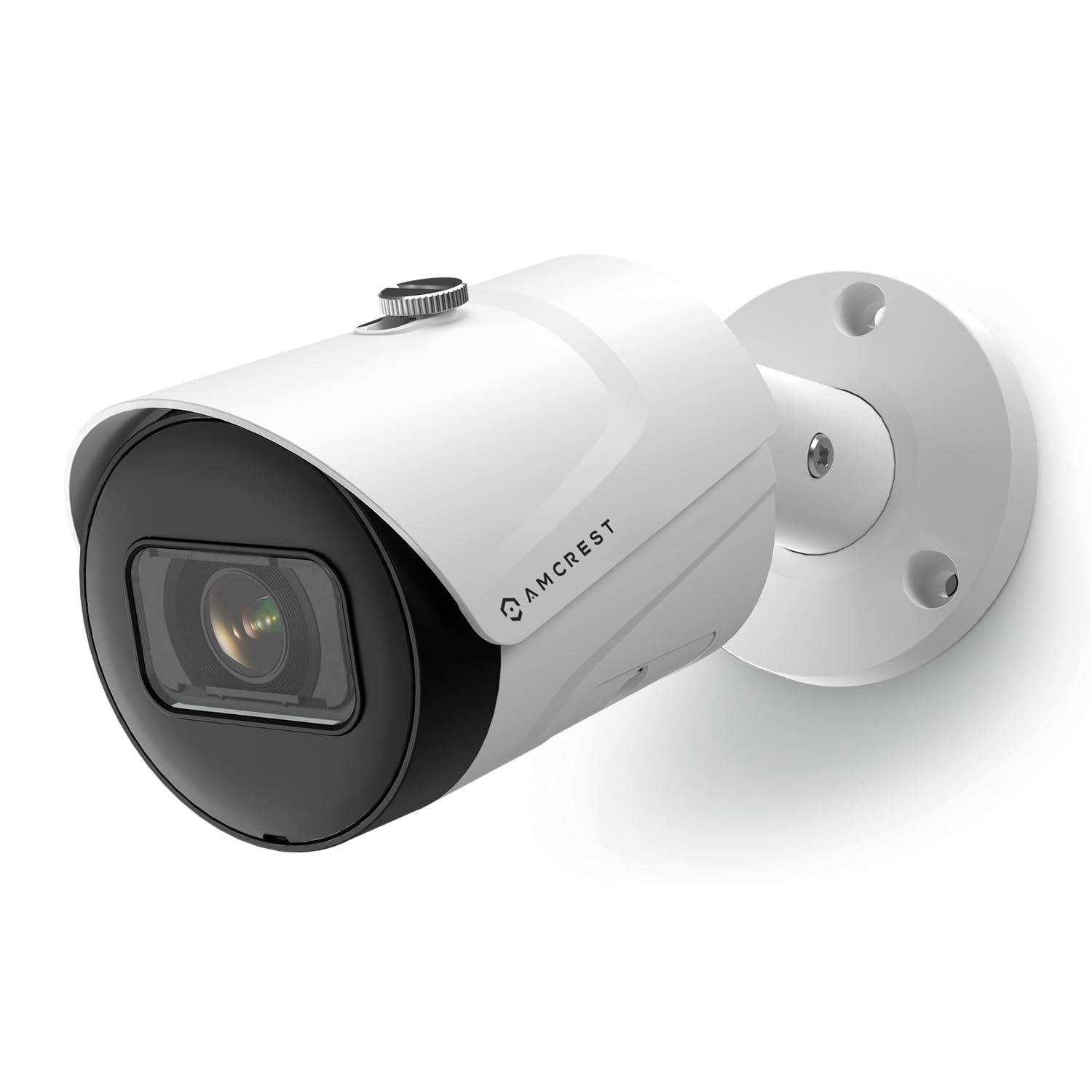



🔒 Elevate Your Security Game with AI-Powered, Ultra-HD Vigilance!
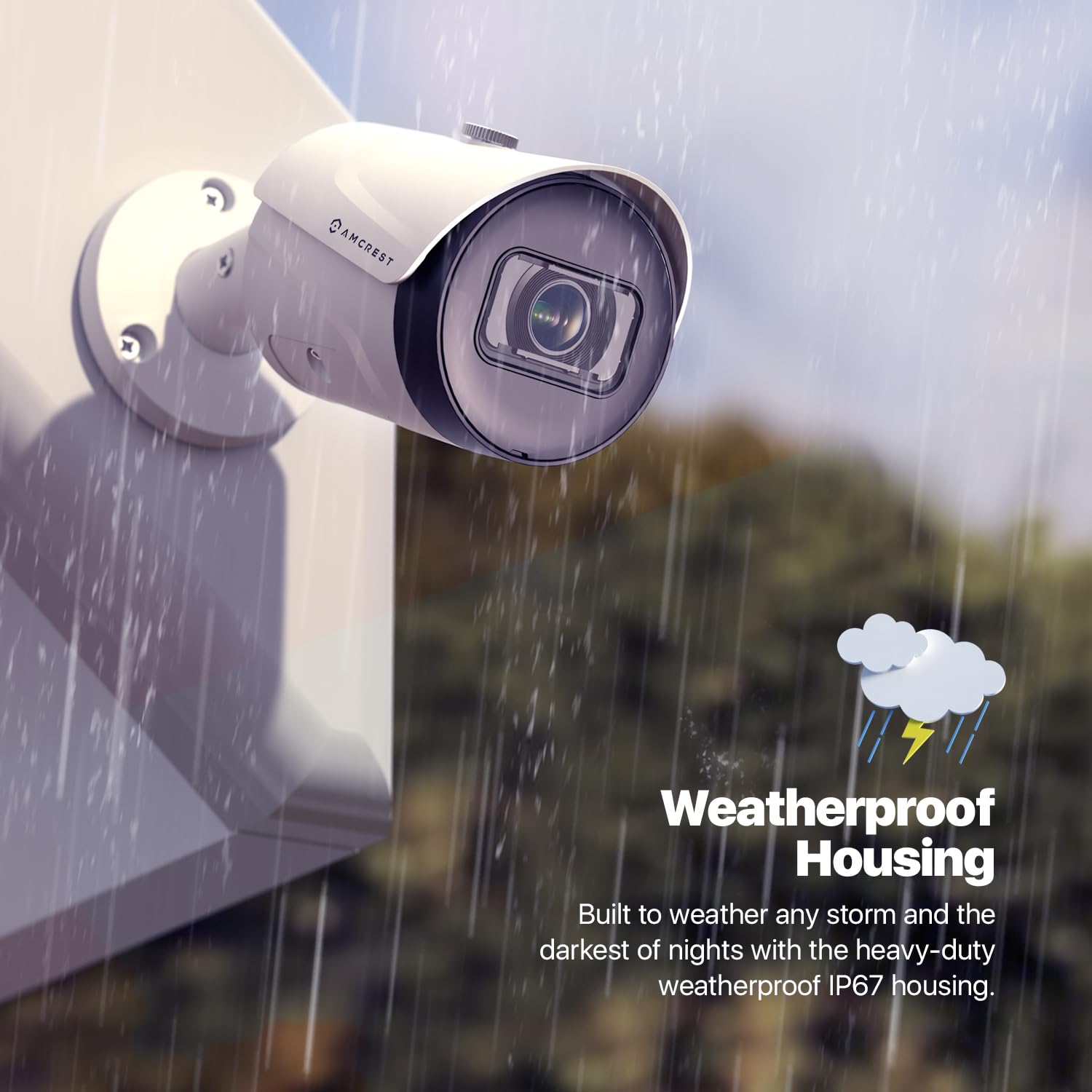
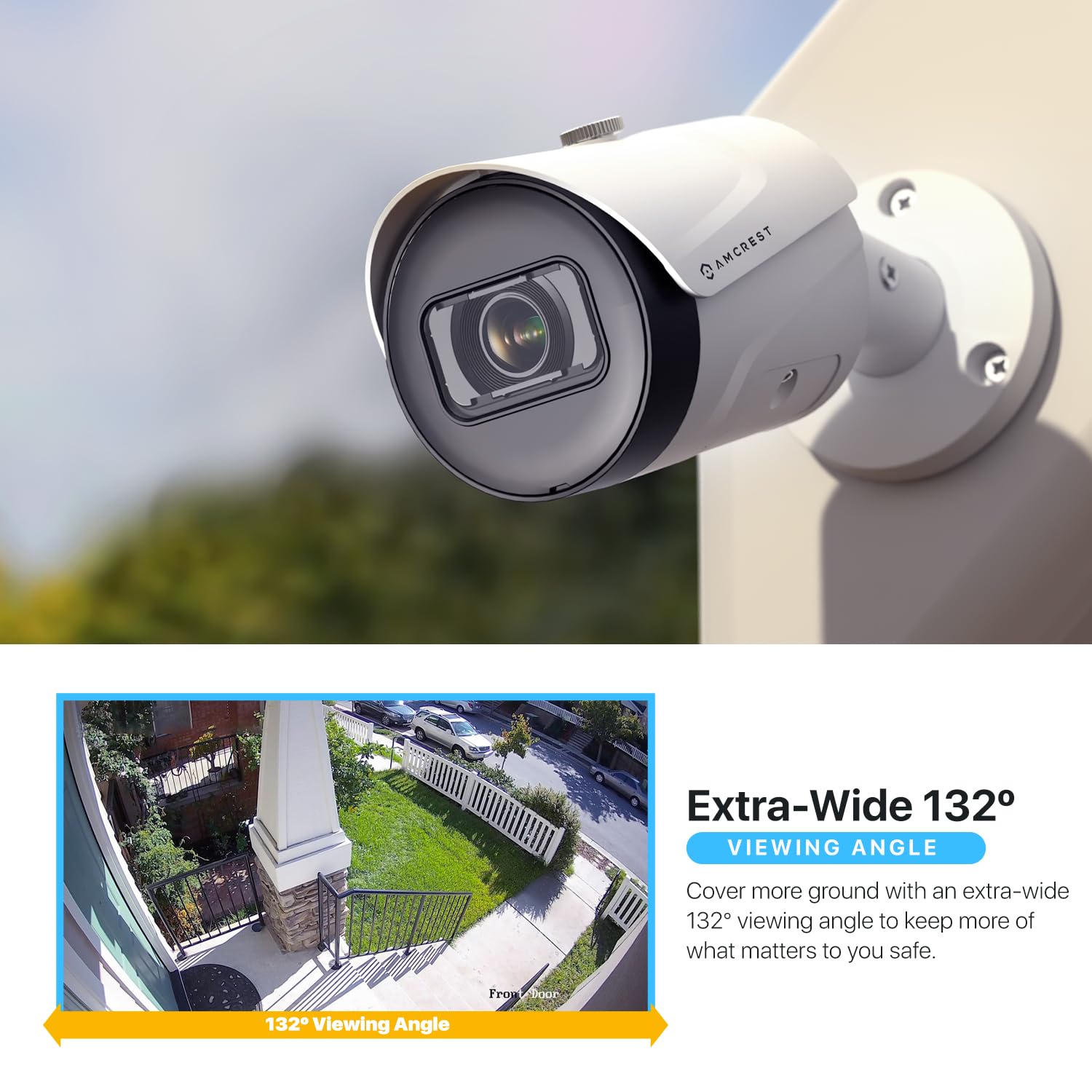
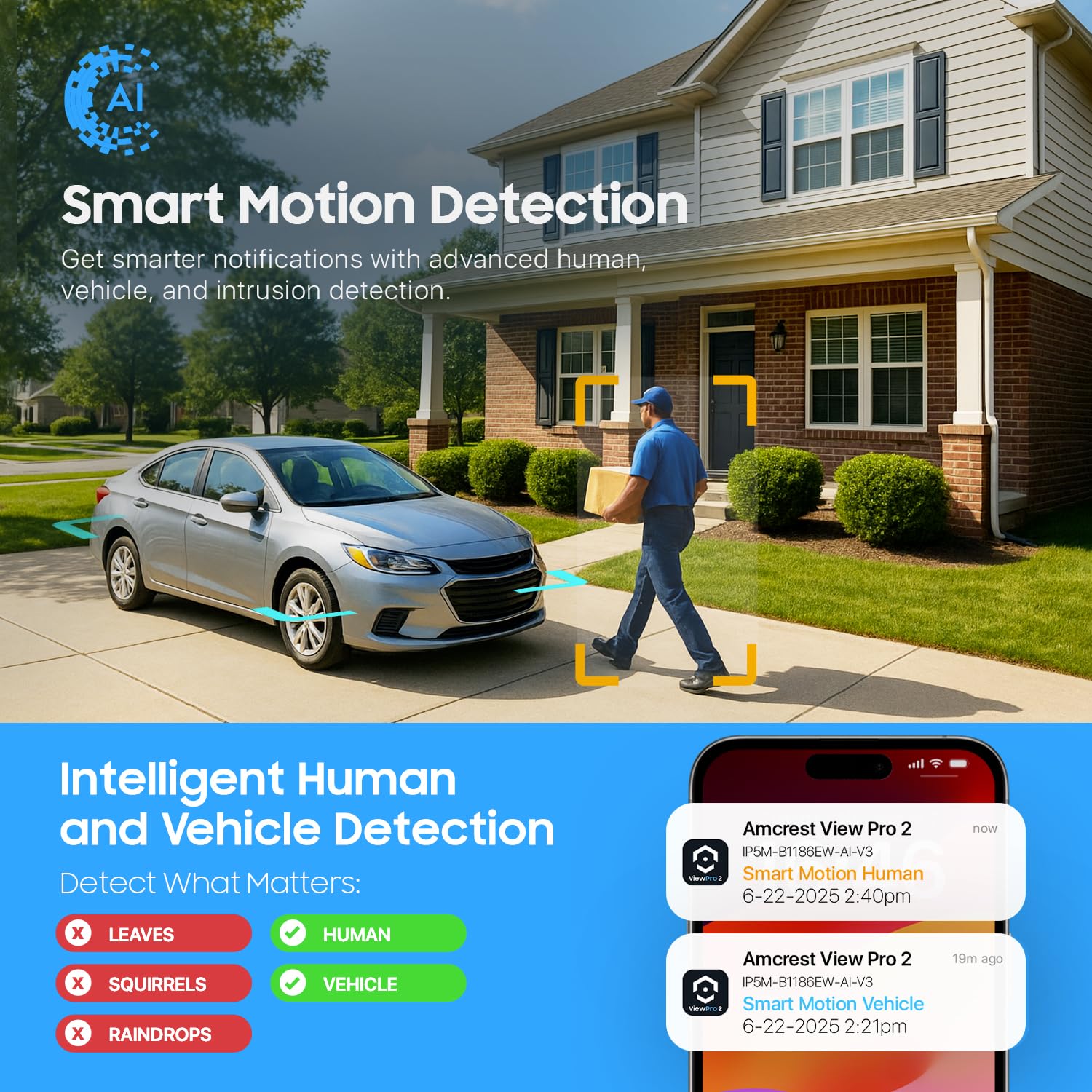
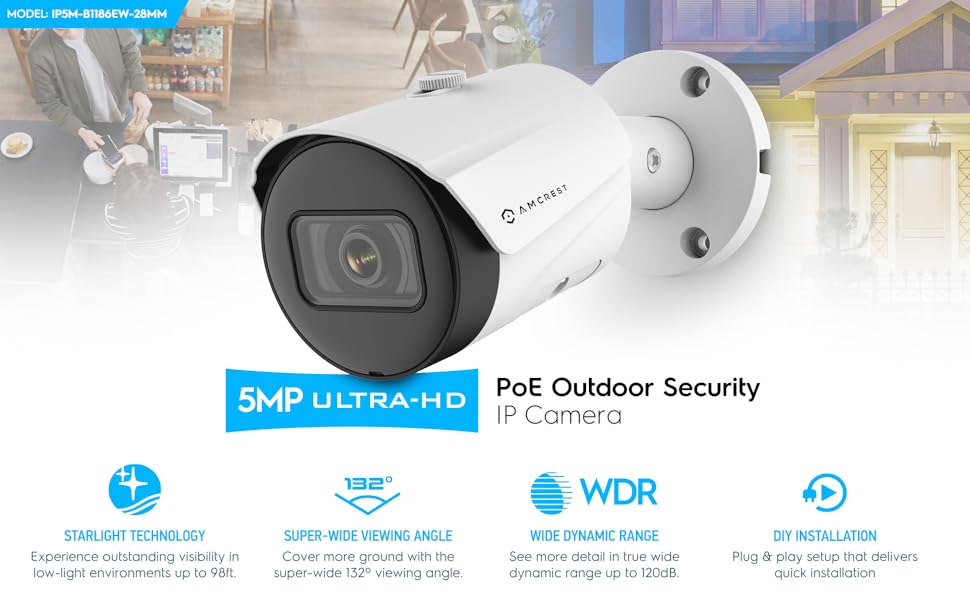
The Amcrest 5MP Outdoor POE Camera delivers professional-grade 2592 x 1944p video with a super-wide 132° field of view, enhanced by AI-driven human and vehicle detection. Built tough with an IP67 metal housing, it withstands harsh weather while providing night vision up to 98 feet. Powered via PoE for streamlined setup, it integrates seamlessly with Amcrest’s app, cloud storage, and smart home systems, making it the ultimate choice for savvy professionals demanding reliable, intelligent outdoor security.








| ASIN | B08K1M34ZQ |
| Alert Type | Tripwire, Intrusion |
| Antenna Location | Business Premises Monitoring, Outdoor Security |
| Are Batteries Required | No |
| Best Sellers Rank | #146 in Bullet Surveillance Cameras |
| Brand | Amcrest |
| Built-In Media | Quick Start Guide |
| Color | White |
| Compatible Devices | Desktop, Laptop, Smartphone, Tablet |
| Connectivity Protocol | Ethernet |
| Connectivity Technology | Wired |
| Control Method | App |
| Controller Type | Amcrest View Pro App 2 |
| Customer Reviews | 4.3 out of 5 stars 1,159 Reviews |
| Effective Still Resolution | 5 MP |
| Effective Video Resolution | 1944 Pixels |
| Enclosure Material | Metal |
| Focus Type | Manual Focus |
| Form Factor | Bullet |
| Frame Rate | 20 frames per second |
| Global Trade Identification Number | 00850011990919 |
| Indoor Outdoor Usage | Indoor, Outdoor |
| Indoor/Outdoor Usage | Indoor, Outdoor |
| Item Dimensions | 6.5 x 2.76 x 2.76 inches |
| Item Weight | 1.28 Pounds |
| Light Source | LED |
| Manufacturer | Amcrest |
| Model Number | IP5M-B1186EW-28MM |
| Mount Type | Wall Mount |
| Night Vision | Night Color |
| Night Vision Range | 98 Feet |
| Number of Channels | 1 |
| Number of IR LEDs | 1 |
| Number of Items | 1 |
| Other Special Features of the Product | Image Sensor, Motion Sensor, Night Vision, Portable |
| Photo Sensor Resolution | 5 MP |
| Photo Sensor Technology | CMOS |
| Power Source | Power Over Ethernet |
| Recommended Uses For Product | Business Premises Monitoring, Outdoor Security |
| Room Type | Outdoors |
| Shape | Bullet |
| Special Feature | Image Sensor, Motion Sensor, Night Vision, Portable |
| Specific Uses For Product | Surveillance |
| UPC | 850011990919 850007530785 |
| Unit Count | 1.0 Count |
| Upper Temperature Rating | 60 Degrees Celsius |
| Video Capture Format | MP4 |
| Video Capture Resolution | 5-Megapixel |
| Viewing Angle | 132 Degrees |
| Voltage | 12 Volts |
| Water Resistance Level | Water Resistant |
| Waterproof Rating | IP67 |
| Wattage | 6 watts |
| Wireless Technology | Wired / POE |
R**.
Great bullet IP security camera for the price
I have been learning and getting into PoE cameras and have purchased a Netgear GS308EPP PoE switch for it. Purchased this Amcrest with a lower price for testing purposes to see how IP cameras work with a PoE switch. After I installed their IP Config Software named ConfigTool, I honestly did not understand it, so I I sent a long email with the steps that I was taking and the error message I was getting "invalid username or password", no matter what I did it would not work. I read on their forum someone mentioned to removed the screws and hit reset which I did and after that I was able to login with the default user/pass. The next day I called support and spoke to Sofia ( I still have not received a reply for my long email ) and explained to her what was happening, and what I did during the night which was resetting the IP camera, and after that I was able to login, but I still had issues understanding the ConfigTool application. The rep asked if she could connect to the computer remotely and that was OK with it. Once she saw the software open, I explained the issues that I had and the rep responded and assisted me understanding their ConfigTool application. Quality: The camera has great colors during daylight and great view at night. It does not have a direct white spot in the middle from the infrared, its just perfect view at night. The quality of the camera itself seems great and its not plastic, the case is metal. No connectivity issues once I was assisted with their ConfigTool application. Once the program is running, it displays the IP address assigned to it and you make the changes like the user/password and connect to it to view it. There is a small glitch on the application and it is one of the icons ( I think its Chrome ) to connect to the camera, when the admin clicks on it, it displays the following error message: Whoops, our bad... The page you requested was not found, and we have a fine guess why. If you typed the URL directly, please make sure the spelling is correct. If you clicked on a link to get here, the link is outdated. Clicking on the E icon ( me thinking it would open Edge ) will open the default browser on your computer, so clicking E will open Chrome if you have Chrome as your default browser, and clicking on Chrome icon on the application does not open the page, it gives you the error mentioned above. Other than that, I am happy with the camera. Thanks to Sofia from customer support and her assistance with the application and Steve from tech support for following up on email.
J**B
Great PoE security camera for Frigate and Home Assistant
Using it with Frigate and Home Assistant. It works great. Multiple streams so one can be used for viewing / recording and the other for detection. Two minor gripes. First is the extra power cable just hanging there when running PoE. Second the cap for the network cable isn't large enough to fit the cable through if it even has a small boot. The view angle is slightly narrower than a blink camera. The image quality is better.
L**S
Good value but some glitches
On the plus side: 1) Very good image quality, good night vision and range of view 2) Inexpensive 3) Responsive tech support On the negative side: 1) After adding this model to two other Amcrest cameras already in use (one an identical 5 MP, the other an 8 MP), I found that the third camera kept dropping off my network every few days. Unplugging the POE cord and plugging it back in would get the camera back on line, but it would eventually drop off again. Eventually I replaced it with another manufacturer's 5 MP camera, which has worked fine. 2) Motion detection is WAY oversensitive, significantly more so than any other brand of camera I've used. This model comes with a default setting of 60 on a scale of 0-100. I figured that would be too sensitive so I reset it to 30 and got a ton of false alarms. I kept dialing it down, eventually to 1, but still got a slew of false alarms. I blotted out a lot of the field of view using the region setting tool, but there were still too many false alarms. 3) The Amcrest View Pro app has a lot of features and is relatively easy to use, but is glitchy in some respects. You can assign a name to each Amcrest camera, but with more than 2 cameras on the network the app would frequently assign the same name to two different cameras. When trying to exit the app you get a box asking you to tap OK if you really want to leave and Cancel if not - but neither allows you to exit (had to use the home button on my phone to do so). Overall it's a nice camera with limitations, deserving of 3.5 stars (which rounds to 4).
E**Y
more than enough for me, firmware outstanding
The picture quality is more than enough for me, and I even turn the resolution down a little to have more time stored on my nvr, but these cameras produce clear video at high or low settings. This camera definitely has a starlight image sensor as it continues to show perfectly clear color video until its completely dark outside. The nightmode (black and white with IR lights) is good but as this only has 2 IR lights it will probably only sufficiently illuminate 20-30 feet at night. The firmware for this is outstanding as well. It has HTML5 video playback when you access the camera directly through an internet browser (no plugin or flash is required). It has all the necessary settings that I was able to get the camera to communicate and work great with an outdated Grandstream NVR. So in other words it is very customizable and follows the onvif standards close enough to play well with other equipment. Amcrest is an American company but these cameras are made by companies in China that often are closely tied to the Chinese government. So I would advise using a firewall to prevent the cameras from accessing the internet. And use an NVR or NVR software like blue iris to view the video from cameras. Amcrest only releases a couple of firmwares per model which makes me believe that they spend a lot of time making sure their firmwares are stable and checking for any holes before distributing them. I don’t see the lack of firmware as an issue because their firmware are very stable and aren’t lacking any features. I cant speak to the long term quality which is often a problem with cheaper cameras, but in terms of hardware and features this will be the only camera I buy going forward.
E**R
One of the Best Brands
The price and quality of this camera makes it a good deal compared to more expensive brands. You are going to get a higher resolution for a better price. The setup of this camera is straight forward: Plug it in, run the app to find the camera, add in to the app, and view. You can hook this up to a NVR or just a regular switch to view Live Video. The App for mobile devices is practically the same you will see across other brands, but seems a bit better, is easy to use, and setup. Follow the instructions Amcrest provides with the camera and Setup took no more than 30 mins to have live viewing on your phone and/or Computer. I tested the Power-over-Ethernet (POE) and the Power directly to the camera if your switch doesn’t have POE, both worked great. I have the Camera hooked up to a Network Video Recorder (not Amcrest brand) and it works great, which is a big plus if you are looking at switching brands. Great to see that Amcrest is ONIVF compliant. Only Con is the IR light is not the best for a large outdoor areas at night, if you are trying to illuminate a large area in dark hours try to find a model with more than 98ft IR Distance. Amcrest has models with 131 ft. and 164 ft. IR distances Pros: Price, image quality, ease of setup, ONIVF, need to buy Ethernet cable Cons: IR isn’t the best, Amcrest watermark on video.
I**R
Initial impressions: Seems solid and I did get it to work (sort of) with an AvertX NVR.
These are my initial thoughts after getting it setup and working with my NVR (PorConnect A800+), but not installed. I got this camera to replace an AvertX camera that bit the dust after a disappointing short almost 6 years in use. The AvertX system from Costco came with 4K HD POE cameras (8MP). This system has been great, but in the last year 2 of the cameras have died and one more seems a bit on the way out. The replacement cameras from AvertX are $280. So, I hadn’t replaced those cameras immediately until I looked into my choices as I wasn’t really eager to spend $600 for three cameras. This camera feels real solid as far as weight goes, equivalent to the AvertX cameras that came with my system. The camera housing is metal. The mount is plastic. A couple things to note, that I have discovered as part of setting this up in my house for later installation outdoors: 1. This is not a 4K camera and the ratio is different. The ratio with my Avertx cameras is 16:9 (3840 x 2160) like true HD. This camera is 4:3 (2592 x 1944). 2. It is a little tricky to get the password changed. The AvertX software would not connect directly to the camera. I had to connect the camera Ethernet cable to my switch and then power the power injector dongle with a 30-year-old wall wart Radio Shack AC Adapter (Cat No 273-1662) set to 12V that had multiple connectors one of which actually fit the dongle. With that setup, I was able to use the Amcrest recommended network config tool (Amcrest_ConfigTool_Eng_V3.20.10.T.180715) to get the IP address of the camera and put that in my Chrome browser to directly connect to it. Once this was accomplished, I could actually change the default user ID and password. There are a lot of other settings in there as well, many of which are not accessible from within my AvertX user interface to the camera. 3. Since this is not an AvertX camera, it appears I do not have the ability to change many of the settings of the camera using their software. See the pictures showing what is available with the AvertX camera vs. the Amcrest camera. Also, note that the AvertX camera capture has a Connect Directly to Camera link while the Amcrest does not. 4. So far, I have not been able to figure out how to connect directly to the Amcrest camera while it is connected to my AvertX NVR. I have not tried any of the phone apps that Amcrest mentions in their documentation. So far, I have had to do the process in #2 to connect directly. For an almost $250 price savings (after taxes) over the AvertX camera, I am happy so far. It looks like I am giving up some setup conveniences for that savings and we’ll only know if it is worth it once 5 or 6 years have elapsed, to see if this one lasts as long. There are 4 AvertX cameras left and one of those has already changed as far as video quality goes. It may be on its last legs although the first two to die just quit without warning. The Phoenix desert heat has got to be brutal on these things. If this one works out over the next few months, I will probably feel more comfortable splurging for the Amcrest 4K version of this one (IP8M-2496EW-AI-V3) which seems to be regularly priced at about $100. I’ll update this review with my longer term findings after a few months.
K**R
Not bad for the price
Overall it works pretty good. I did have some problems connecting it to one of my QNAP NAS. On one I had to use FTP instead of Windows NFS to get to write the files correctly. And the UPnP for remote access worked with my old Netgear router no problem but had problems getting it to work with my newer Tp-Link router. It finally worked after a firmware update and a camera reboot. But I'm not really sure why it suddenly started working with the Tp-Link router. My biggest complaint is the file creation and naming scheme. There's no way to customize the file naming to make it more user friendly. And the camera actually creates two files, a video file and an index file. The index file just takes up more space and is not needed to view the file. I was a able to use TinyCam as a remote viewer. It's not bad for the price but the camera is older. The version of firmware dated 2019. I upgraded it to 2025. This camera will probably work better with old routers and nvrs. The interface face setup could better as well.
H**G
Great nearly 4K video camera
The camera feels well made and is easy to mount. Image quality is great. Almost as good as my Amcrest 4K cameras but at nearly half the cost. Night vision works great. Motion detection is pretty sensitive so it requires some patience tweaking it and may require you to block out zones that you don't care about motion. I usually don't try to get the motion detection settings perfect since I don't have time for that but I try to make basic tweaks to minimize the amount of false positives and it does help reduce the number of detections significantly. Unlike the dome cameras, the Amcrest bullet cameras usually don't have a mic, which is important if you want audio. That is the only feature I wish it had but I got it at a great price which was hard to pass up. Setting it up with my Amcrest NVR was simple. I usually just log into the camera's web interface first to change the basic settings and then add it to my NVR but you could simply just add it directly to the NVR first before changing all the settings. I don't use the cloud functionality since I like having my cameras on my private network which has no Internet access for security reasons and these cameras will function offline on their own network just fine. For the more technical users, it is nice that the cameras have an API which can be utilized to control the cameras with scripts and other software.
Trustpilot
2 weeks ago
1 month ago