
DOWNLOAD THE APP


Customer Services
Copyright © 2025 Desertcart Holdings Limited
DOWNLOAD THE APP
![Arduino Mega 2560 REV3 [A000067] - ATmega2560, 16MHz, 54 Digital I/O, 16 Analog Inputs, 256KB Flash, USB, Compatible with Arduino IDE for Advanced Projects](https://m.media-amazon.com/images/I/512+ypKGQZS.jpg)
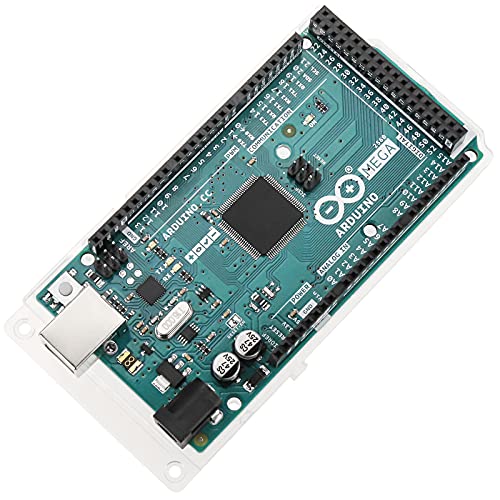
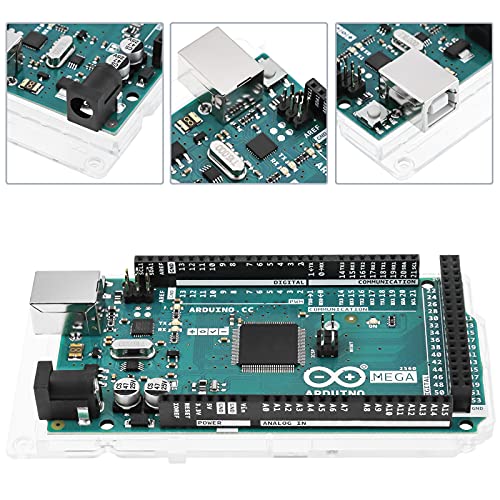


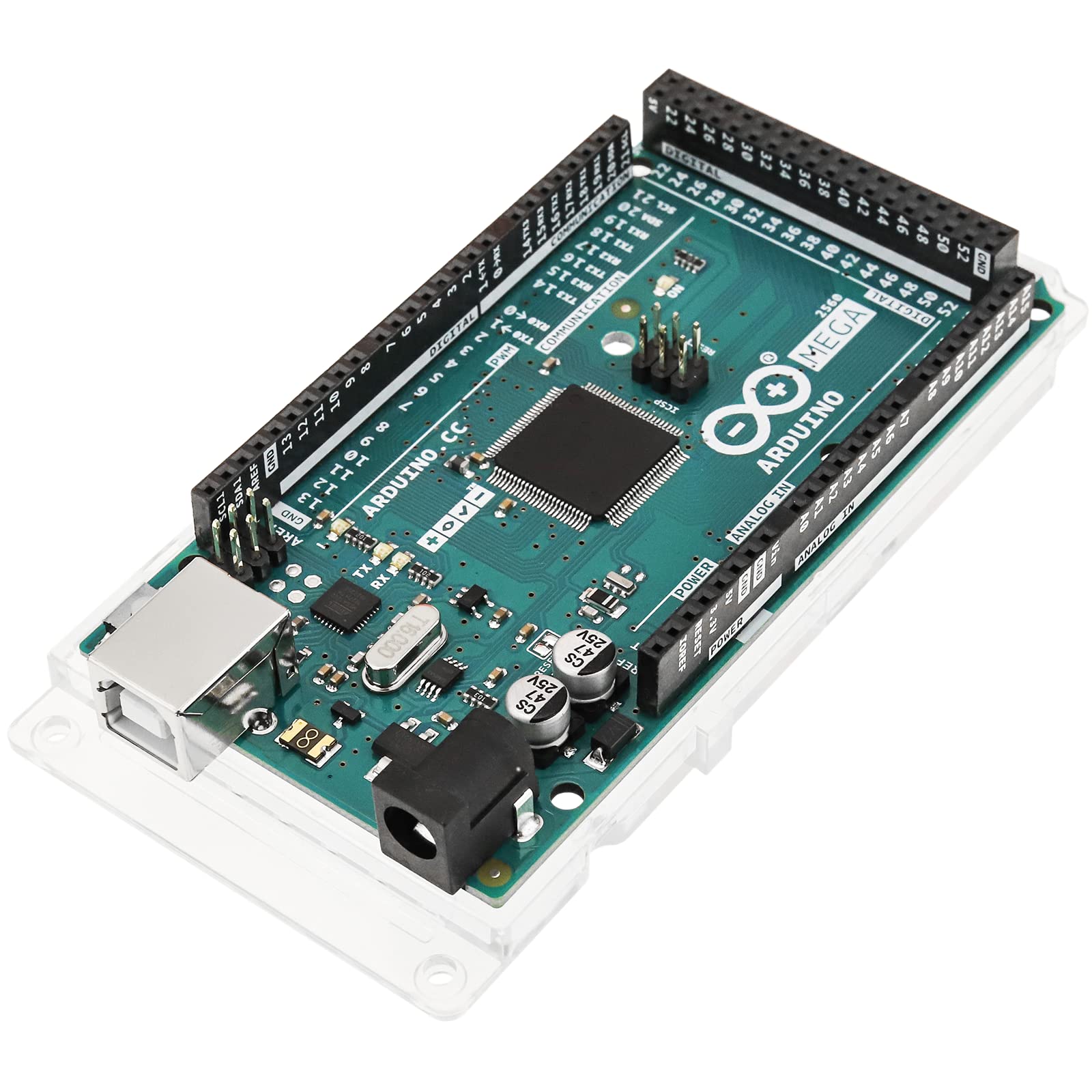
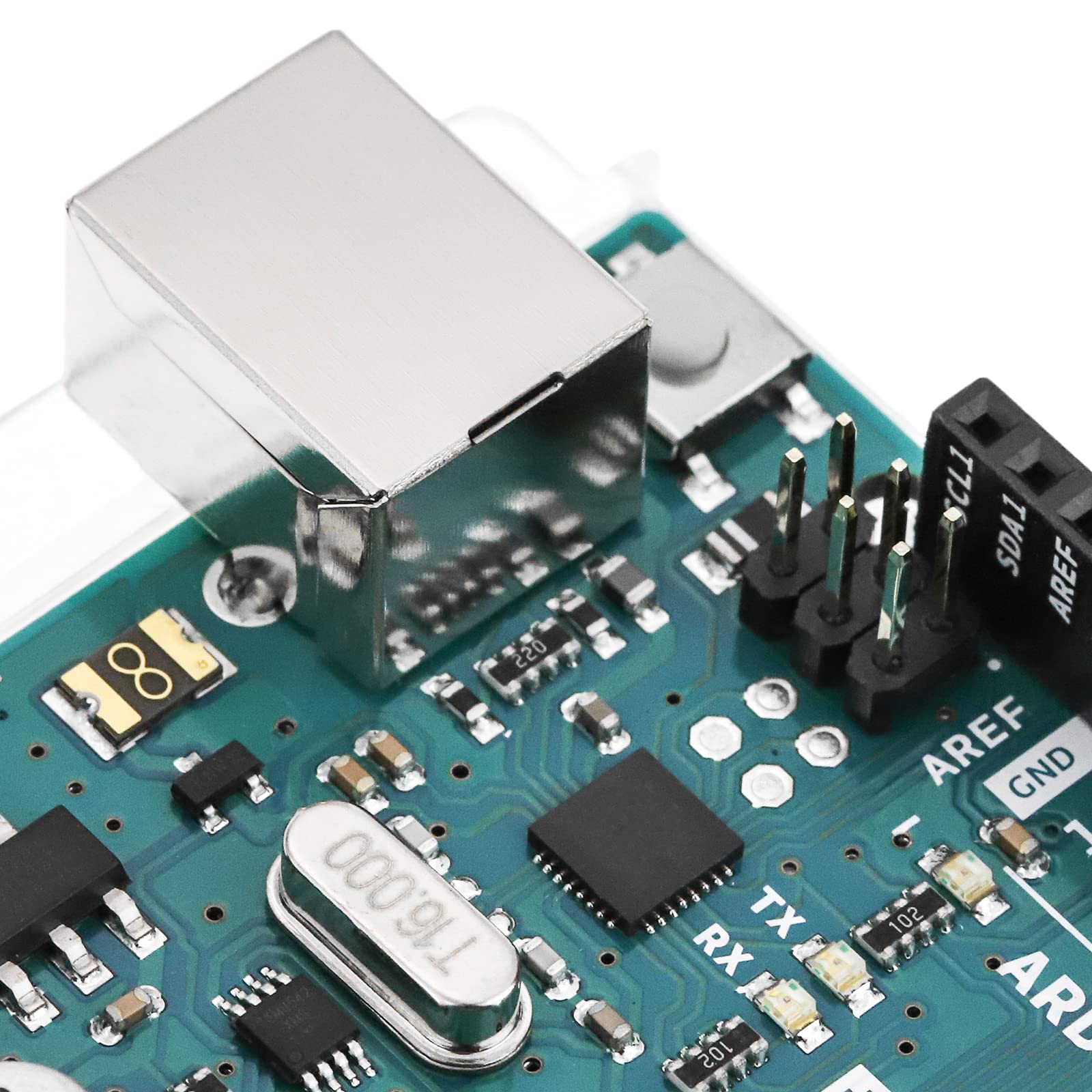
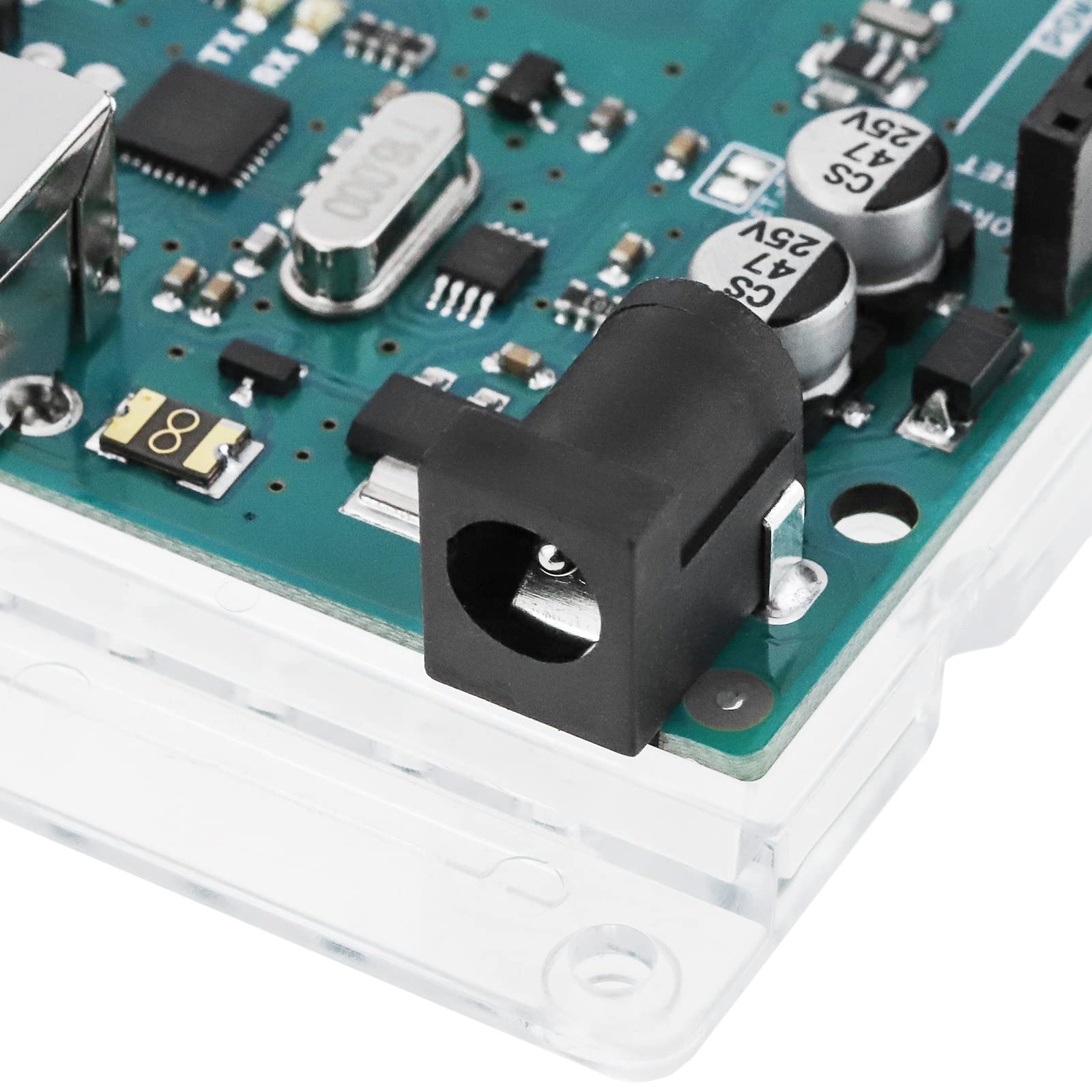
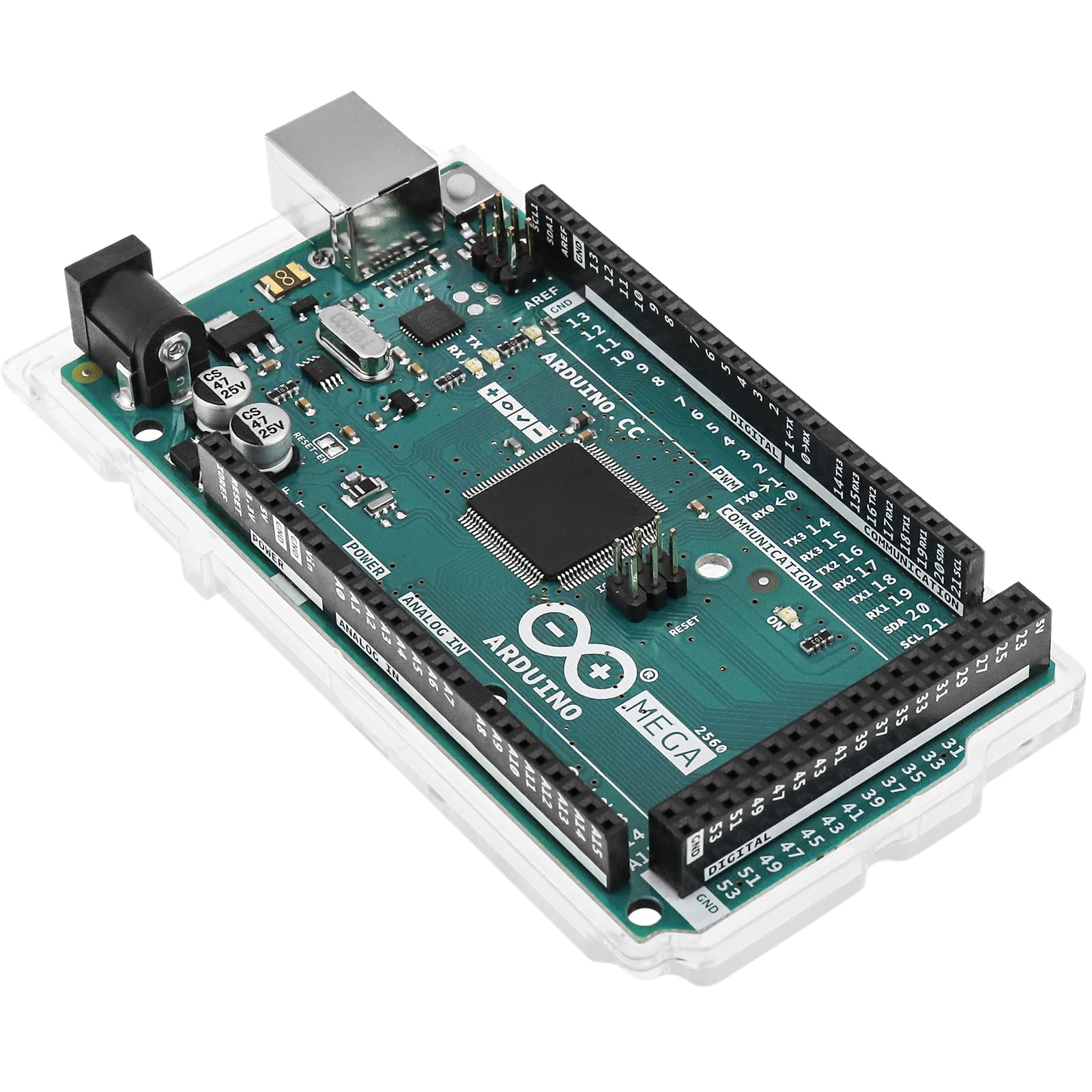
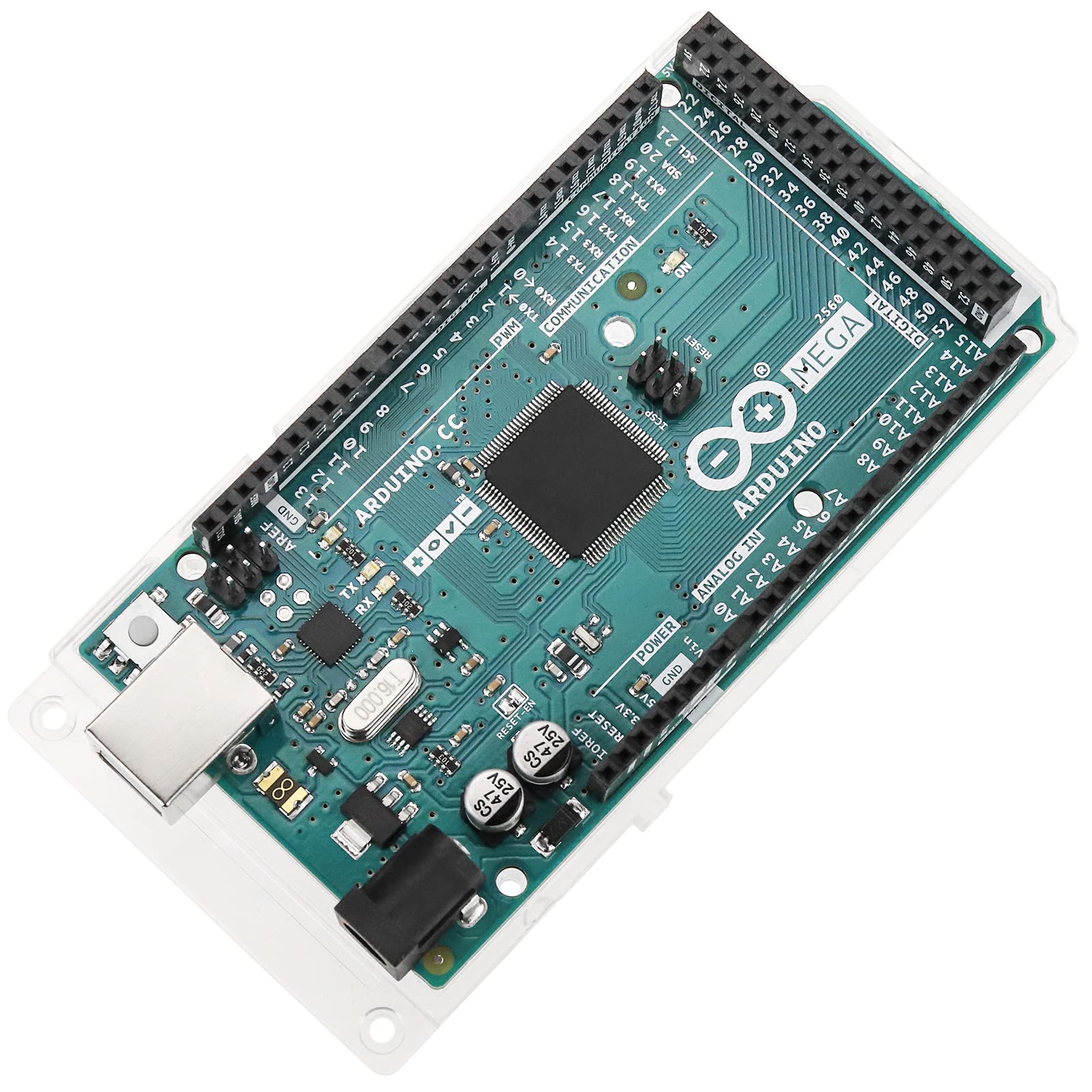
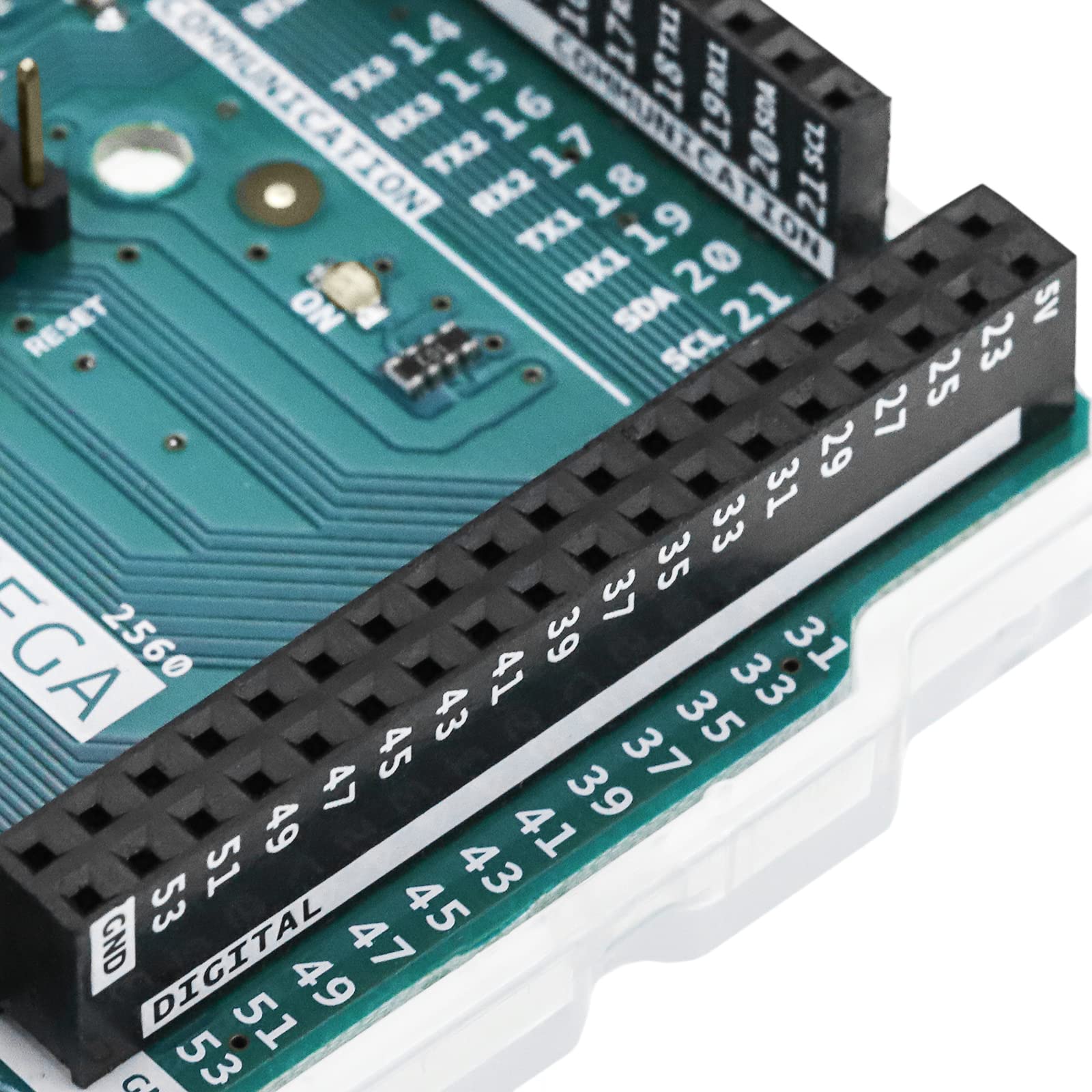
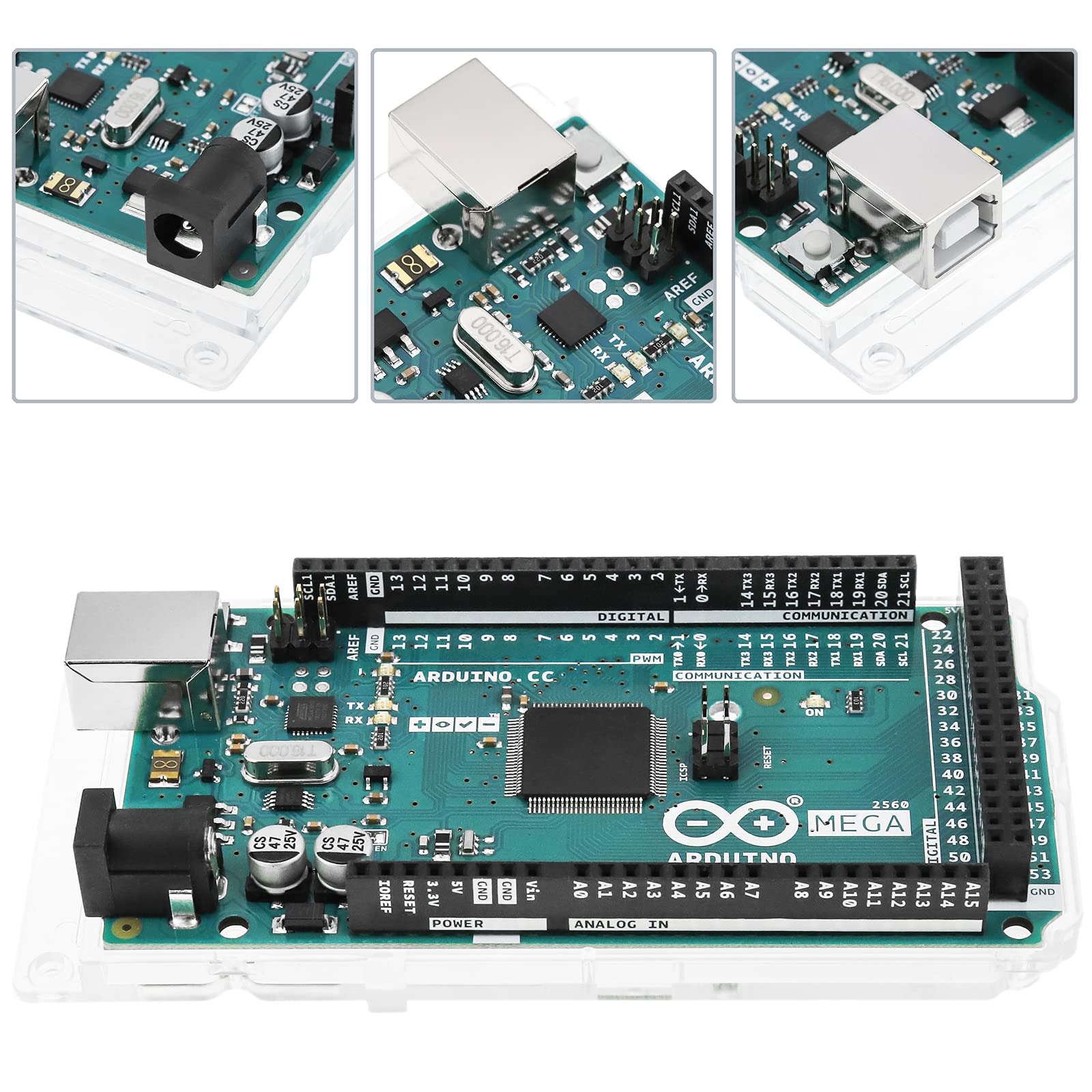
🚀 Unlock limitless innovation with the Arduino Mega 2560 REV3 — where your big ideas get real!
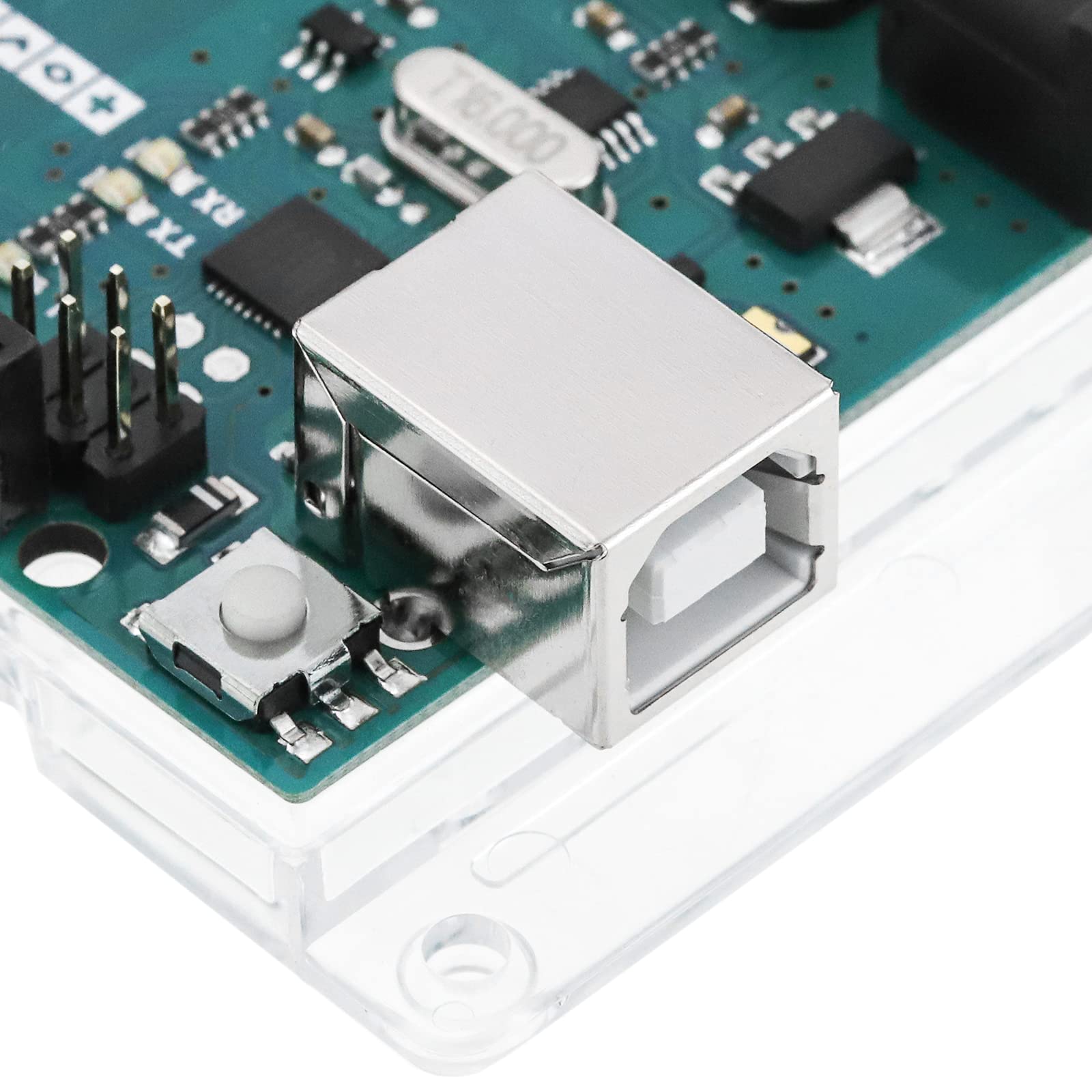
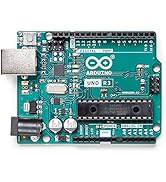
The Arduino Mega 2560 REV3 is a professional-grade microcontroller board powered by the ATmega2560 running at 16 MHz, featuring 54 digital I/O pins, 16 analog inputs, and 256KB of flash memory. Designed for advanced projects, it offers multiple serial ports and USB connectivity for easy programming via the Arduino IDE. Ideal for complex robotics, IoT, and automation applications, it supports rapid development with a vast global community and extensive library ecosystem.





| ASIN | B0046AMGW0 |
| ASIN | B0046AMGW0 |
| Best Sellers Rank | #45 in Single Board Computers (Computers & Accessories) |
| Customer Reviews | 4.7 4.7 out of 5 stars (1,821) |
| Date First Available | December 2, 2011 |
| Date First Available | December 2, 2011 |
| Is Discontinued By Manufacturer | No |
| Is Discontinued By Manufacturer | No |
| Item Weight | 1.27 ounces |
| Item model number | 2152366 |
| Item model number | 2152366 |
| Manufacturer | ARDUINO |
| Manufacturer | ARDUINO |
| Product Dimensions | 4.61 x 2.36 x 0.98 inches |
| Product Dimensions | 4.61 x 2.36 x 0.98 inches; 1.27 ounces |
M**R
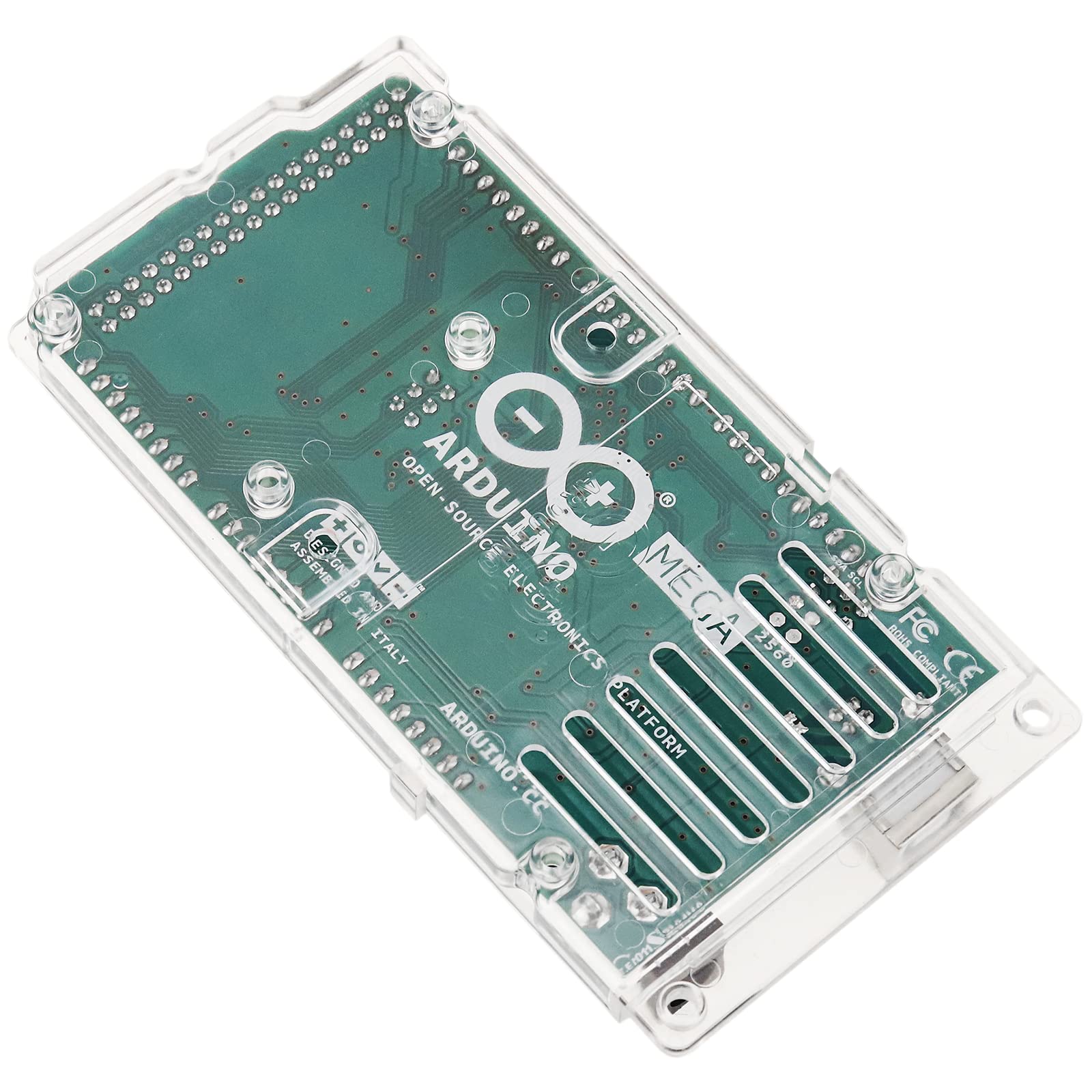
Solid, nice plastic base, genuine Arduino Mega2560
It's exactly what I expected, and it has provided a nice first foray into microcontrollers for this old hand at programming and electronics. It took only minutes to install the free IDE (integrated development environment -- the "programming" tool) and to run a test program on the board. So far I've used it to drive strips of several hundred WS2812b individually addressable programmable LEDs for combination functional/aesthetic lighting installations, and it takes input from either pushbuttons or touch sensors (using I2C bus). But essentially it was the quality I expected for the price I paid. That said... Having the included solid plastic base while prototyping and developing code is somehow a consistently underrated feature that this genuine Arduino Mega2560 board has. I can't stress the benefits of avoiding: accidentally shorting, lowering resistance to ground of, or adding capacitance accidentally to a pin because the underside of the board is touched when moved, or dust containing some metallic particles you didn't notice is on your desk. Point is, for all the functionality of this board, perhaps most impressive thing about the package was a single, undocumented, completely self-explanatory, highly useful simple accessory, simply because it isn't something most people have sitting around. Seriously, how often does an included accessory require no installation, do it's job perfectly, not need replacing, be able to be removed if unwanted, requires no explanation, and avoids both potentially board-destroying situations AND potential programming nightmares where anomalous input could be intermittently created. By including this feature, novice developers who are less likely to be actively aware of certain precautions are saved from a disturbingly short or horribly frustrating first experience working with microcontrollers. I also can't stress enough that if you use microcontrollers which make use of the Arduino IDE (which is MANY), it's a worth buying a slightly more expensive genuine Arduino product once and a while (if they fit your project) to support the company that provides the software and support for free to the world. No, I'm not affiliated in any way, just a fan of their business model.
R**D
Excellent board!
I absolutely love the Arduino development board line! I helped a buddy of mine with programming his Arduino Uno R3 + Ethernet Shield to take over the controls of an R/C car(Connected Arduino to the circuit board on the car) via internet and fell on love. For most of my projects over the years, I have been using Atmel AT Mega's microcontroller integrated circuits and its always cumbersome when having to start over from scratch to gather all the electrical components, solder all the pieces onto a perf board, and hope you didn't miss a connection/short a connection when you go to power up and program the MCU. Using the Arduino boards makes everything so much more simple! It is based on the AT Megas that I am already so familiar with and the programming is based on Java rather than C because of the bootloader, and since Java is my preferred and most professed language I am quite pleased with that! There is absolutely nothing you can't do with these development boards! With 54 digital I/O and 16 A2D(Analog to Digital) inputs, theres plenty of room for any sensor, servo, communications link, etc that you would want to use! With the massive amount of support from the [...] website as well as other developers and websites offering tons and tons of add-ons (Shields), theres no limit to what you can do and how easy it is to do it! I absolutely recommend this board to ANYONE who is thinking of getting into Robotics or Electronics as an occupation or hobby! Even inventors could benefit from using this device to rapidly build prototypes of their inventions! The one neutral point I have to make is this: When plugging the Arduino 2560 into a PC to begin using it, Windows will recognize the new device but be unable to locate drivers for it. The Arduino programming software on the Arduino home website, Arduino.cc, comes with a folder called "Drivers" and contains many .inf files for allowing Windows to properly use the device. In order to do this, go into your "Device Manager" by right clicking on "My Computer" and then clicking "Manage". Once the window pops up, go to "Device Manager". You should see an unknown device warning with a little yellow exclamation sign next to it. Simply right click on the name and click "Update Driver". It will ask you if you want to "search automatically for the driver" or if you want to "browse your computer for the driver". Click on the Browse option. After having installed the Arduino program software from the above link, browse to the install folder (Default is C:\Program Files(x86)\Arduino) and point it to the "Drivers" folder. With the "Drivers" folder selected, click "OK" and your computer will search the folder and find the .inf file it needs. It will quickly say "Installing device driver software" and a few short seconds later it will say you're device is ready and you are done! Now you can fully enjoy your Arduino product! If you need help learning the language, a good start would be the reference page on the Arduino home website. Enjoy!!
T**N
Great little microcontroller
This is about the Arduino MEGA2560 R3. I already had the same but R2. Both are great. I haven't needed the extra pins of the R3 yet, but can see where they could come in handy. As far as I have seen, the MEGA2560 gives the best bang for the buck of any of the microcontrollers out there. The 256k of flash program memory is more than enough for some really big programs. The built-in USB port is very convenient for development work and also powers the Arduino board. As a retired EE/IT guy, my use now is strictly for hobby, so keeping costs down is important. So I also appreciate the built-in female headers for easy (and inexpensive) connections with external circuitry. So on the plus side are low cost, convenience, and a very generous programming space of 256k flash. The 4k of EEPROM is large enough for my present needs for semi-permanent storage of tables and things. After using the R2 and R3 for over a year now, my only negatives are from bumping into RAM limitations as there is only 4k of RAM for your variables, the stack, and the heap. And to compound the issue, the Arduino version of C++ does not implement dynamic memory allocation. It would be nice to either bump up the size of RAM or allow the programmer more ability to manage what RAM there is (or both). The compiler's use of the heap is the major issue as I have had it grow into the stack, with resultant disaster to the program. I have come up with workarounds, but life would be much easier with more RAM and/or dynamic memory allocation. Overall though, I still give it a five-star rating as a GREAT little mC.
D**D
تم ارسال قطعة مستعملة وبها أثر خدوش
C**+
初めてのauduino。調和解析プログラムを入れるため、メモリが心配になりmegaを購入したが、余裕で利用可。何も問題なく使えています。
F**R
En principio, dada la diferencia de precio, pensé en comprarme uno de los muchos clónicos que se encantan en la misma Amazon, pero luego, leyendo distintas opiniones sobre problemas con la detección de librerías, tener que instalar driver’s, etc., vamos, que he preferido pagar lo que cuesta el original y no correr el riesgo de que cuando este liado en mitad del proyecto me encuentre con problemas que no sepa si provienen de hardware o del software, ya que al final lo que hago lo hago por diversión y no me apetece tener mas problemas de los lógicos. Este ha funcionado a la primera, sin darme el mas mínimo problema. Por otra parte el que este fabricado en Italia, ósea, en Europa, incide en no fomentar mas la dependencia de la “fabrica del mundo” que es actualmente China, de forma que pago algo mas, pero obtengo un producto con mayor garantía y apoyo la industria electrónica europea.
H**O
Llegó antes de tiempo muy bien sellado, funciona excelente. Espero pronto la nueva versión R4. ¡Gracias Arduino!!
R**Y
Conforme aux attentes
Trustpilot
5 days ago
3 weeks ago