

Desert Online General Trading LLC
Dubai, United Arab Emirates
Desert Online General Trading LLC
Dubai, United Arab Emirates
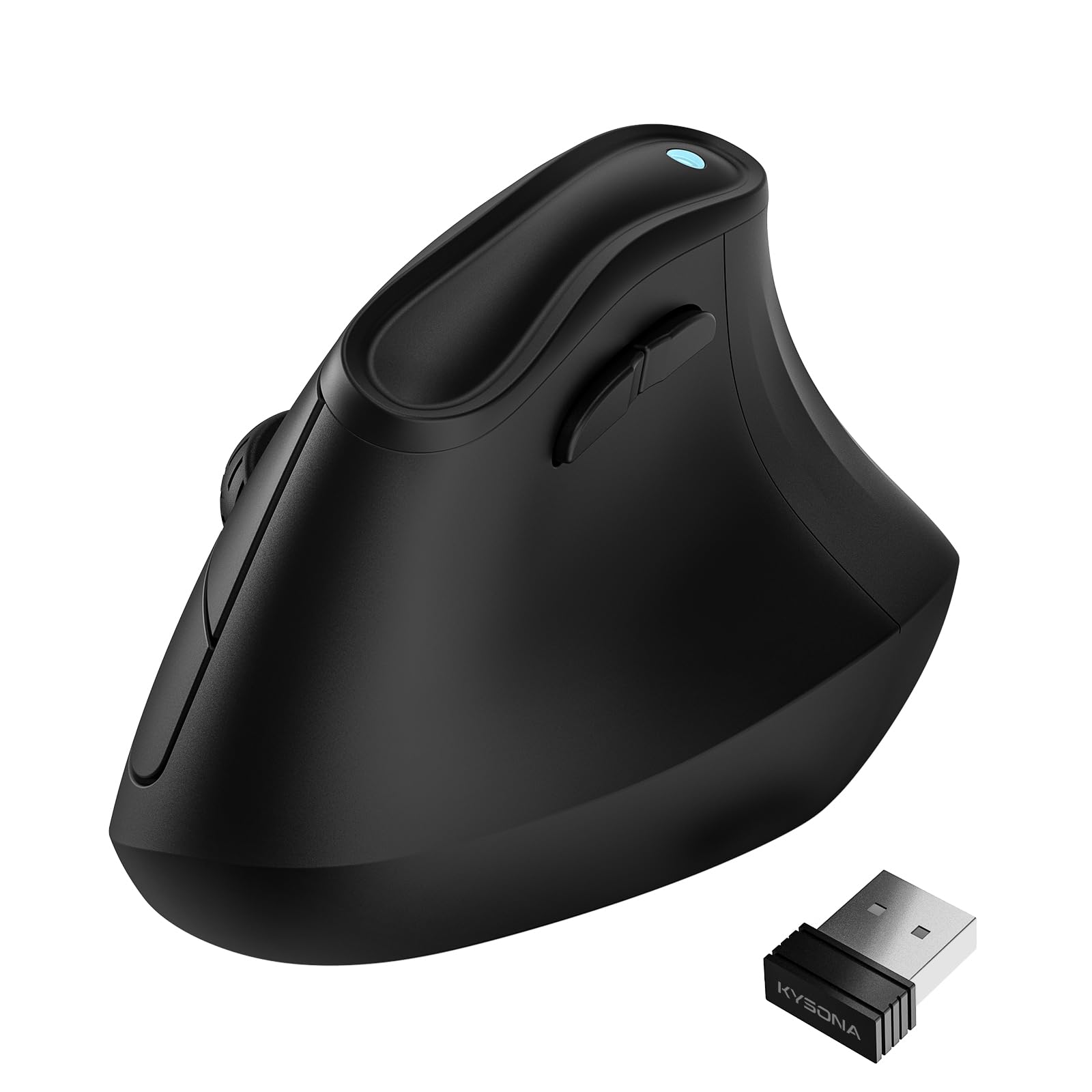


🖱️ Elevate your workflow with ergonomic precision and silent power
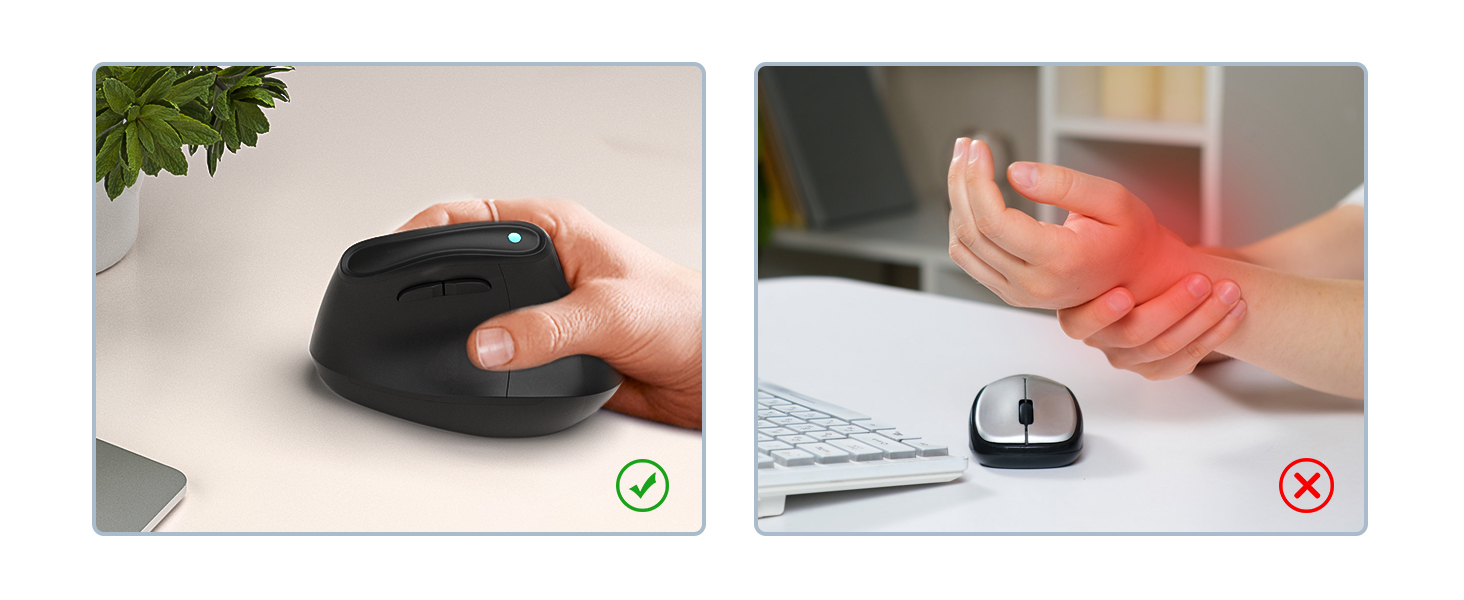
The KYSONA 57° Ergonomic Wireless Tower Mouse combines a natural vertical grip with silent switches and customizable DPI settings (800-4000) to enhance comfort and precision. Featuring dual-mode Bluetooth (3.0/5.0) and 2.4G wireless connectivity, it supports multiple devices seamlessly. Its smart auto-sleep technology extends battery life up to 12 months, making it a reliable, noise-free companion for professional environments.

| Material | Plastic |
| Item Dimensions L x W | 4.25"L x 2.91"W |
| Unit Count | 1.0 Count |
| Style | Regular |
| Color | Black |
| Battery Average Life | 12 months |
| Range | 10.0 meters |
| Number of Batteries | 2 AAA batteries required. |
| Power Source | Battery Powered |
| Mouse Maximum Sensitivity | 4000 Dots per Inch |
| Hardware Platform | PC |
| Button Quantity | 7 |
| Hand Orientation | Right |
| Compatible Devices | Windows |
| Connectivity Technology | Bluetooth, USB, 2.4G |
| Special Features | Wireless, Lightweight, Ergonomic Design, noise-canceling |
| Movement Detection | Optical |
D**Y
"Ergonomic Tech Bliss – The Perfect Mouse for My Cyber Hubby!"
I bought this sleek vertical mouse for my cyber-techno hubby, and he absolutely loves it! The ergonomic design feels natural in his hand, reducing wrist strain during those long hours of coding, gaming, or deep-diving into his tech projects. The wireless USB receiver works flawlessly—just plug and go, no fuss.The matte black finish gives it a professional, futuristic look, and the build quality feels solid without being heavy. The buttons have a smooth, responsive click, and the scroll wheel is precise—perfect for navigating endless lines of code or switching between windows quickly.Why it’s a win:Comfort: Vertical shape supports a more natural grip.Performance: Smooth tracking and fast response.Style: Minimalist and modern—looks right at home in a high-tech workspace.Verdict: A perfect gift for anyone who spends serious time at their computer—functional, comfortable, and cool-looking.⭐⭐⭐⭐⭐ – Hubby-approved and cyber-workspace ready!
M**.
Great Buy!
Works perfectly! I use this type of mouse at work and my job provided me the $79 Logitech one. I wanted one for personal use but didn't want to shell out $79. I found this on which looks like the Logitech one and took a chance. It doesn't have the rubberized comfort grip like the Logitech but it's still comfortable . It functions just the same at a fraction of the price. I like how I can transition easily from using on my laptop and then on my iPad Pro with just the push of a button. Fits comfortably in my hand. Does great at such a small price.
A**L
Good for the price
The Good, the Bad, and the Ugly:The Good:- The plastic polymer casing seems to be near-peer or identical to the casing of my wireless Razer Deathadder mouse ($55 mouse)- Takes 2 triple A batteries (I prefer battery to charging personally)- Has the standard left/right mouse buttons, scroll wheel button, button under the scroll wheel, and 2 thumb buttons. 6 buttons and a scroll wheel is nearly unheard of for normal $5 mice, much less ergonomically shaped ones.- Plug and play use, works as soon as you put batteries in, plug the wireless receiver into the computer, and switch the mouse on. No software has to download as far as I saw.The bad:- If you move very fast on your mousepad the cursor can go random directions, but this only applies with incredibly rapid movement such as "flicking" to an enemy character in a shooter video game. This will not ever apply to everyday business use.- Wish it was slightly taller and wish the base of the 4 finger side flared out a bit, your pinky finger will rub the mousepad as you moveThe ugly:- The plastic clip for the battery cover cracked the very first time I opened it and I am a very gentle electronics user. It doesn't affect the cover opening or shutting but does create a minuscule plastic point on the bottom of the mouse that could catch slightly lose threads of older mousepads.Conclusion:For $5 (bought when it was on sale) this is a phenomenal buy for any mouse, much less ergonomically shaped mice which tend to be more expensive because companies know they can price gauge this area of the market. I bought two, one to use at home and one to leave at work and I'm glad I made the purchase. Even for the full $10 price it's still a decent buy. I doubt this would compete with the $50 ergonomic mice but have never tried one so I can't say for certain.
J**E
You Need it!
From one office girly to another, YOU NEED THIS!! Game Changer!
K**F
Great product
Works great, very easy to use and ergonomic
A**R
Amazing up until 3 months then it stopped working
The mouse was absolutely amazing but then after 3 months it stopped working at all and is practically useless. It lags, it disconnects, it’s unusable basically. Such a bummer
L**.
Works well, but ultimately not for me
This looks like a smaller version of the Logitech MX Vertical mouse. I have small hands (6.5 from middle finger tip to bottom of my palm), and it was ok.Pros: Good position for the hand, left/right clickers are super quiet, there's a DPI button and back/forward buttons. Bluetooth worked great and switching between the two was fine, as long as you remember which color you paired to which device. I didn't try the USB.Cons: The way I ended up holding it the mouse kind of hurt the area between my thumb and forefinger. I hate the scroll wheel. If you try to spin it quickly there is zero free-spin, so it just stops. Even though I have small hands, the top of the mouse is a little too narrow and I found myself pinching my hand together trying to click the buttons, which ultimately hurt my hand. The buttons are a little hard to press, so I was using my thumb to put counter-pressure so I could click the button. It does feel pretty cheap (cheap plastic, kind of hollow feeling and very light). That didn't bother me but it might for a con for some people.
R**W
Will never use any other mouse
Love this! Has cut down on wrist pain significantly
Trustpilot
3 weeks ago
1 week ago