

Desert Online General Trading LLC
Dubai, United Arab Emirates
Desert Online General Trading LLC
Dubai, United Arab Emirates

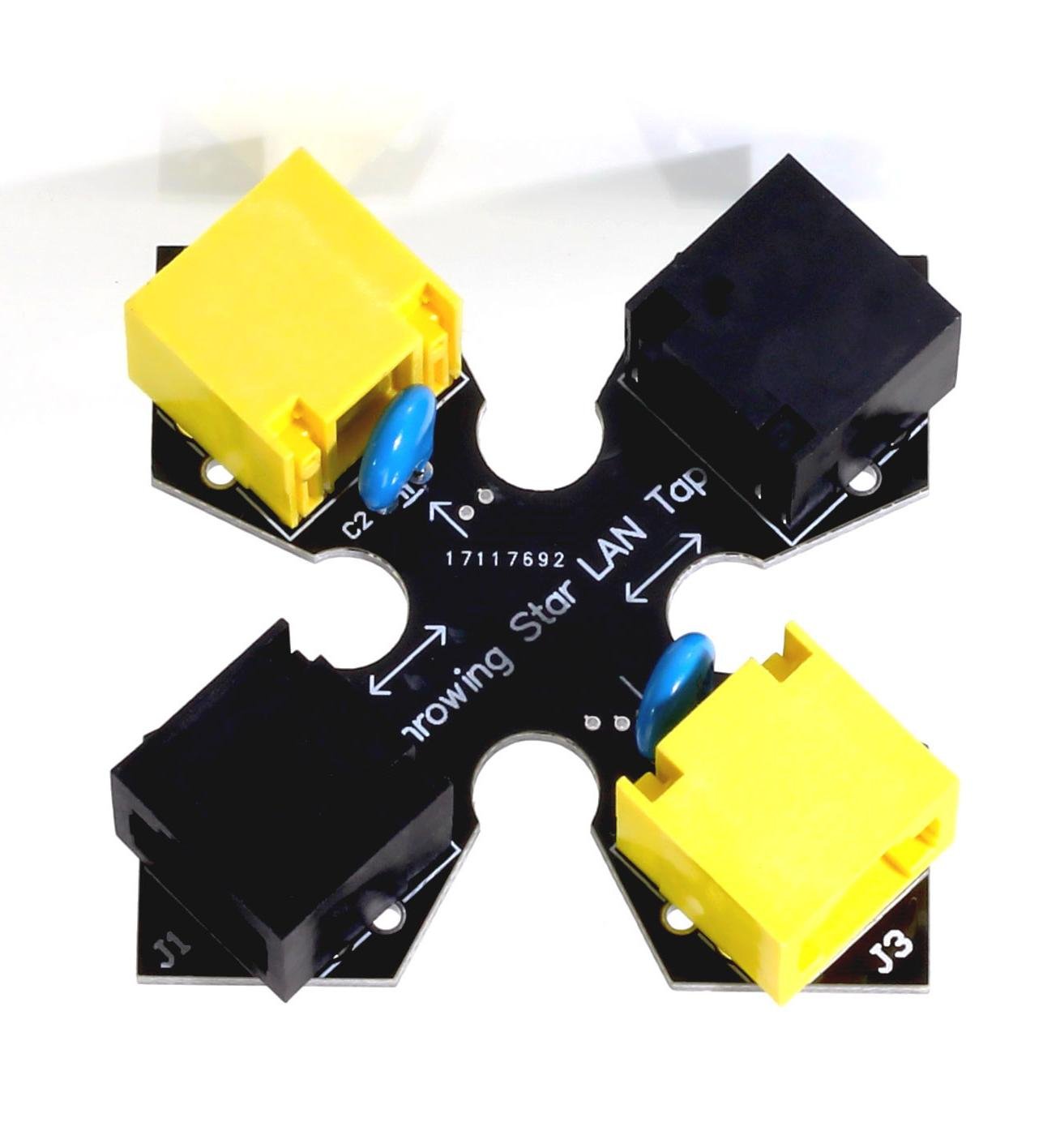
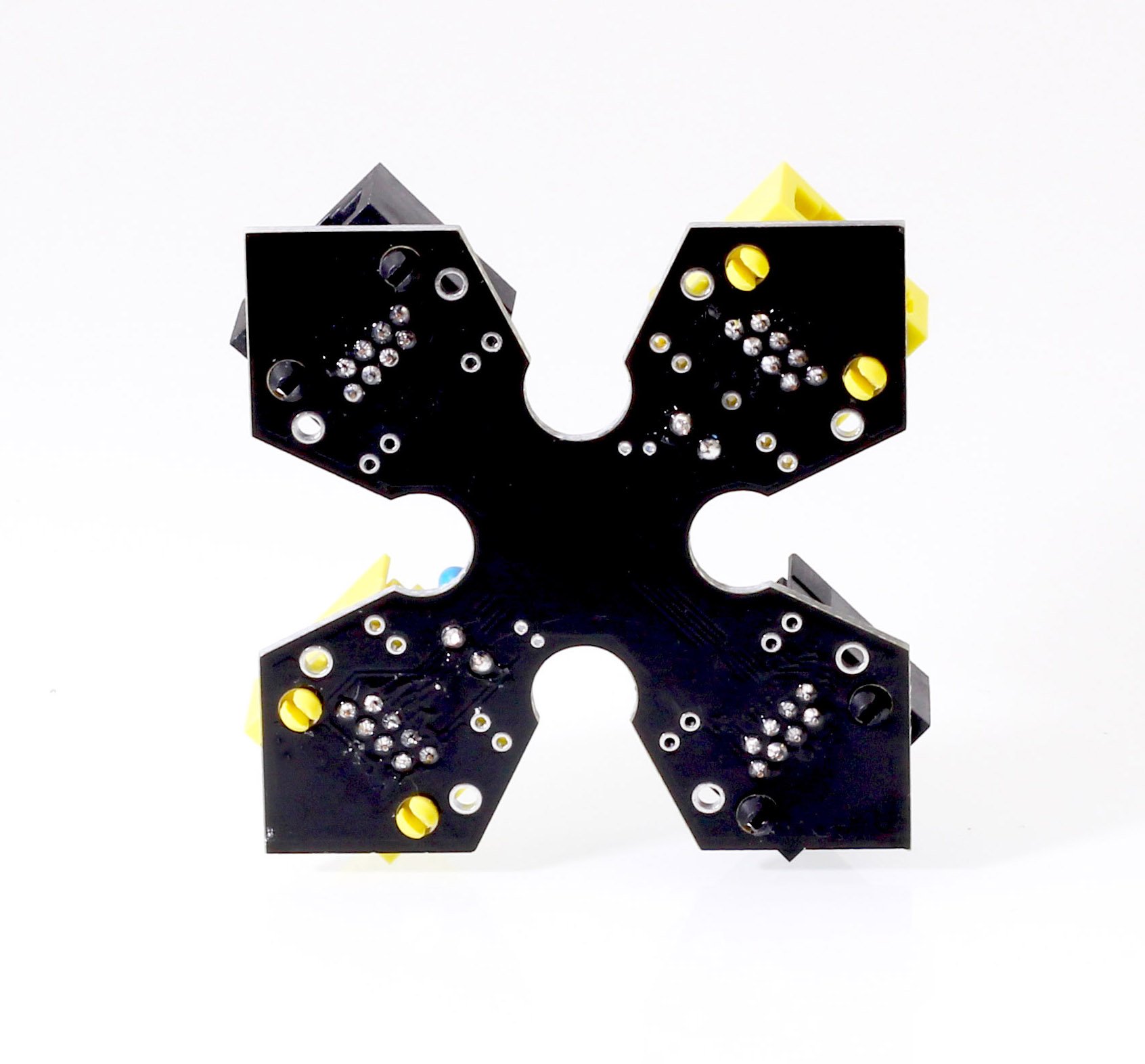


🚀 Capture the Network: Your Secret Weapon for Ethernet Insights!
The Throwing Star LAN Tap is a cutting-edge, passive Ethernet monitoring tool designed for professionals who need to capture network traffic effortlessly. With its compact design and no power requirement, it seamlessly integrates into any network setup, allowing for dual-direction monitoring using popular software like tcpdump or Wireshark. Perfect for tech-savvy managers looking to enhance their network security and performance analysis.
| Color | Black |
| Connectivity Technology | Ethernet |
| Voltage | 5 Volts |
| Controller Type | Switch |
| Antenna Location | Network Monitoring |
| Compatible Devices | Laptop, Personal Computer, Smartphone, Tablet |
| Is Electric | No |
| Additional Features | WPS |
M**N
it's a good product. 10/100M speed
it's a good product. 10/100M speed. it's very easy to use, just plug and ready to go.to capture out-bound packets only, lay out plan: => SWITCH =>lan tap(passive tx) => router with vpn =>filter JPG,GIF,PDF,TXT and string words such as xterm or any words you might think important keywordsor hex code.I like this product.
C**C
It works fine.
There are alternatives to monitoring a connection that involve a switch with port mirroring, but I used this with a raspberry pi and a cheap usb ethernet adapter by ugreen two monitor both sides. It degraded the connection but it seems to be the cheapest method to passively monitoring a line.
J**Y
Ain't pretty, ain't a perfect solution, but it DOES work.
Product came exactly as shown, will be scratchbuilding a case for it.It's a pity that this can't monitor native Gigabit network traffic, but a $10 solution beats the hell out of a $250 solution when you're pinching pennies. Device worked the first time it was hooked in-line with a VOIP device (connection shown in photo). Packets popped right up on Wireshark, neat as you please.
K**A
Works, but breaks after a week
After trying out two different ones, they both broke after a week of use.
M**Y
Espcially usefull for tracking down the stuff on your Lan.
This was exactly what I needed. My home network is a mix of different devices, access ports, and ethernet switches servicing different devices and areas of my home. I decided to track down the MAC addresses of the assorted devices and with normal taps, or port mirrors on smart switches you usually get the traffic in both directions and no way to tell which direction the traffic is coming from. The Throwing Star can be hooked up to two Ethernet ports (using a USB to 2 E port plugin) on a laptop and Wireshark can monitor both ports at once and save or display them. Makes it easy to walk down a series of switches and locate each device. Then just tape a MAC label on it for future reference. Good idea to make a file for Wireshark to load with a description of each device MAC after you've done all the work so it will be displayed in captures.Before I got this I just used a mirror port on a switch but it only logged one direction so I had to lug around two switches and capture the data going in and out of each. Messy. This is much cleaner and the performance drop didn't really interfere with anything as it was only for generating topography info.
S**S
Unusable
I purchased one. I have been unable to maintain a network connection bridging J1 and J2 with or without a monitoring device connected to J3 or J4. A high majority of the the packets drop between J1 and J2. I tried different Ethernet cables to troubleshoot but the results remained the same.
J**N
Works Great If You Know How To Use It
This works great if you know how to use it. I connected this to two USB NICs so Wireshark could capture in full duplex. It helped us find an issue between two switches.
J**S
Should Have Bought It 10 Years Ago
Its great, wish I bought this a long time ago.
Trustpilot
5 days ago
1 month ago
1 day ago
1 week ago