


🔥 Transform your wardrobe with pro-level custom tees—no design limits, just pure style!
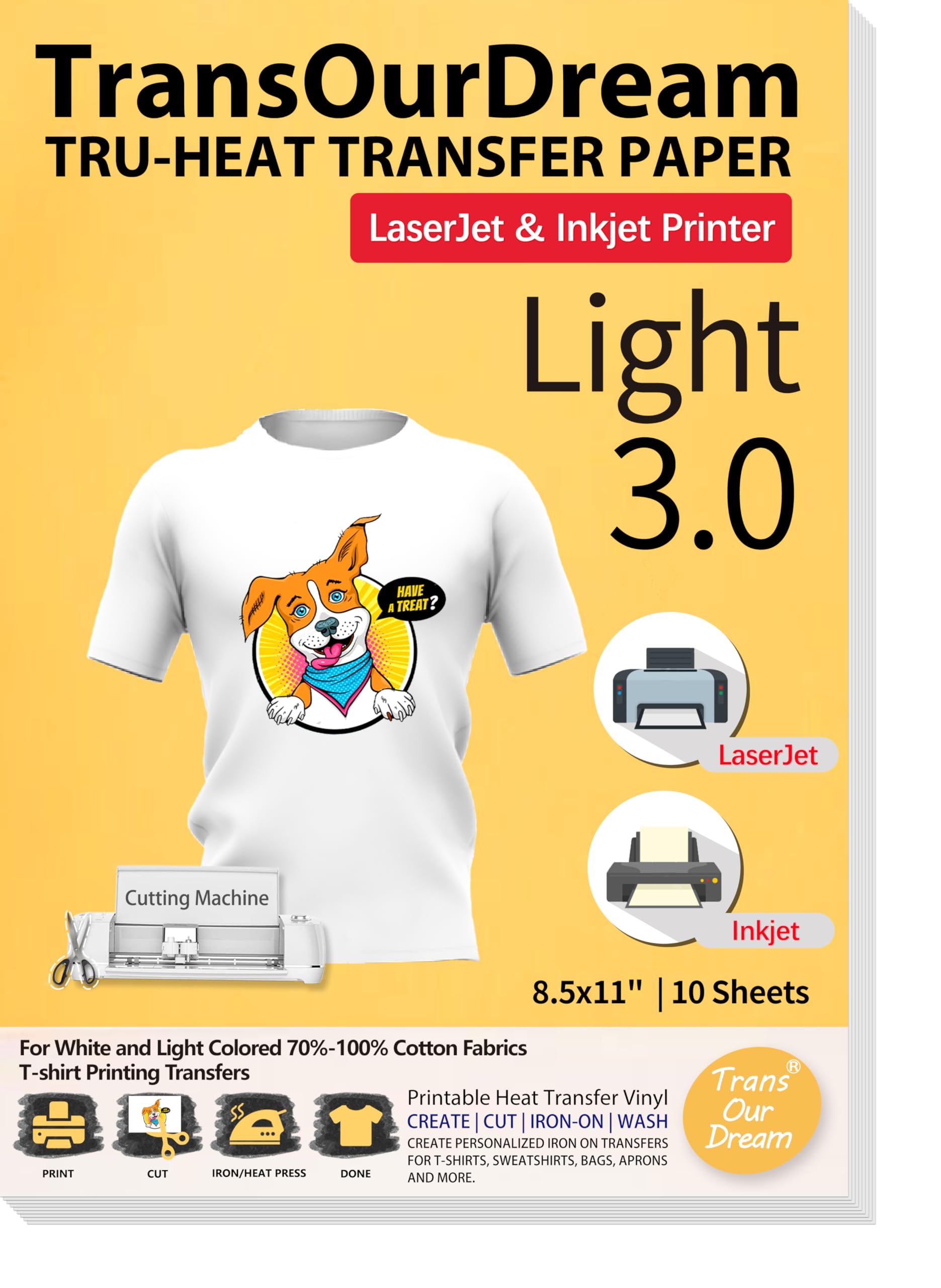
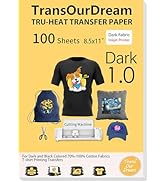
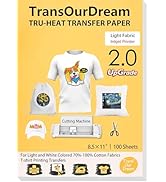
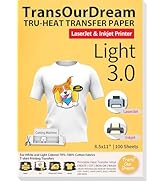
TransOurDream Heat Transfer Paper offers 10 sheets of premium Light 3.0 printable HTV compatible with both inkjet and laser printers. Designed for light fabrics, it delivers vibrant, durable transfers that are easy to apply with an iron or heat press. The included Teflon sheet ensures perfect heat distribution, making it ideal for DIY custom t-shirts and gifts that impress and last.






| Best Sellers Rank | #1,738 in Arts, Crafts & Sewing ( See Top 100 in Arts, Crafts & Sewing ) #6 in Sewing Heat Transfer Paper |
| Brand | TransOurDream |
| Color | Light |
| Customer Reviews | 4.3 out of 5 stars 758 Reviews |
| Material | Vinyl |
| Number of Pieces | 10 |
| Product Dimensions | 11"L x 8.5"W |
| Size | 10 Sheets |
S**E
Great Transfer paper!
The TransOurDream Heat Transfer Paper worked really well for our team's themed shirts. Our shirts turned out great, and the instructions were very easy and straightforward. The transfer paper allows good color vibrancy and design versatility. Our team also received compliments on our shirts. The tip I followed was peeling the Teflon paper after letting it cool for about 5 minutes.
F**S
Great transfer paper for making customized sweat shirts
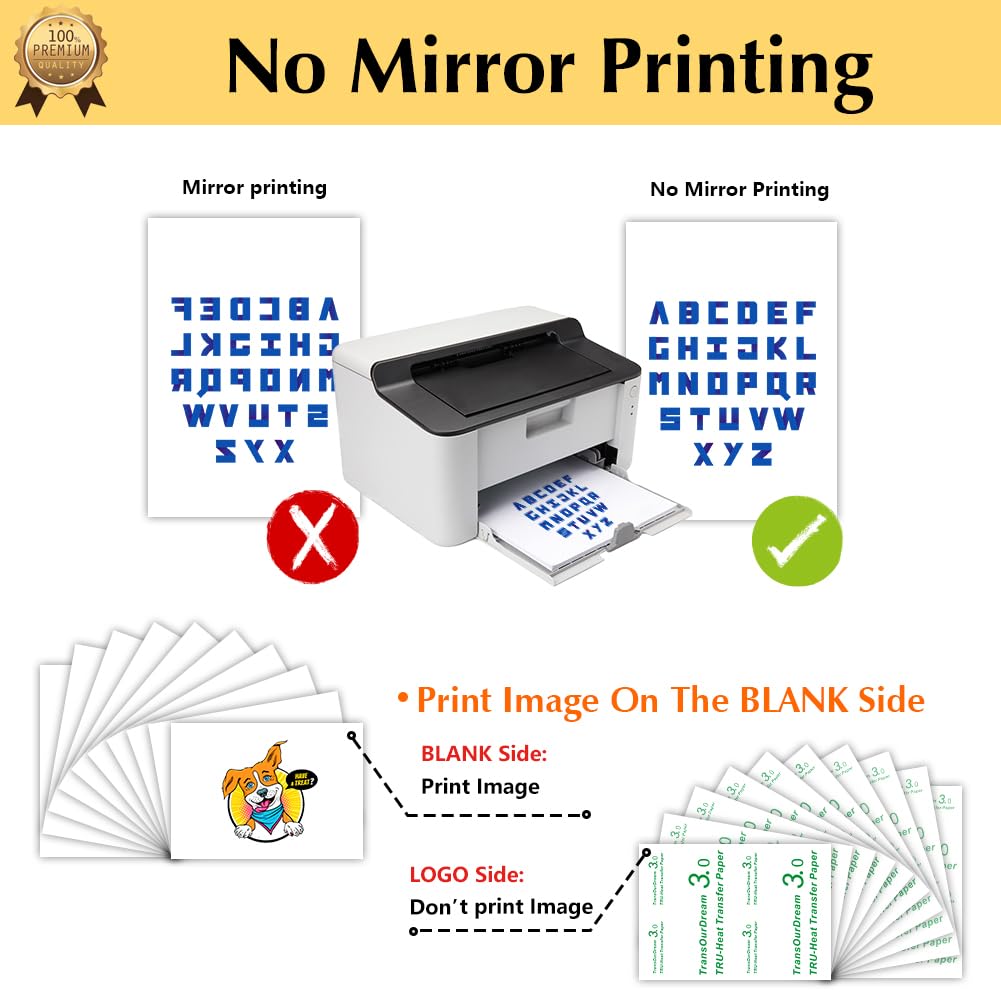
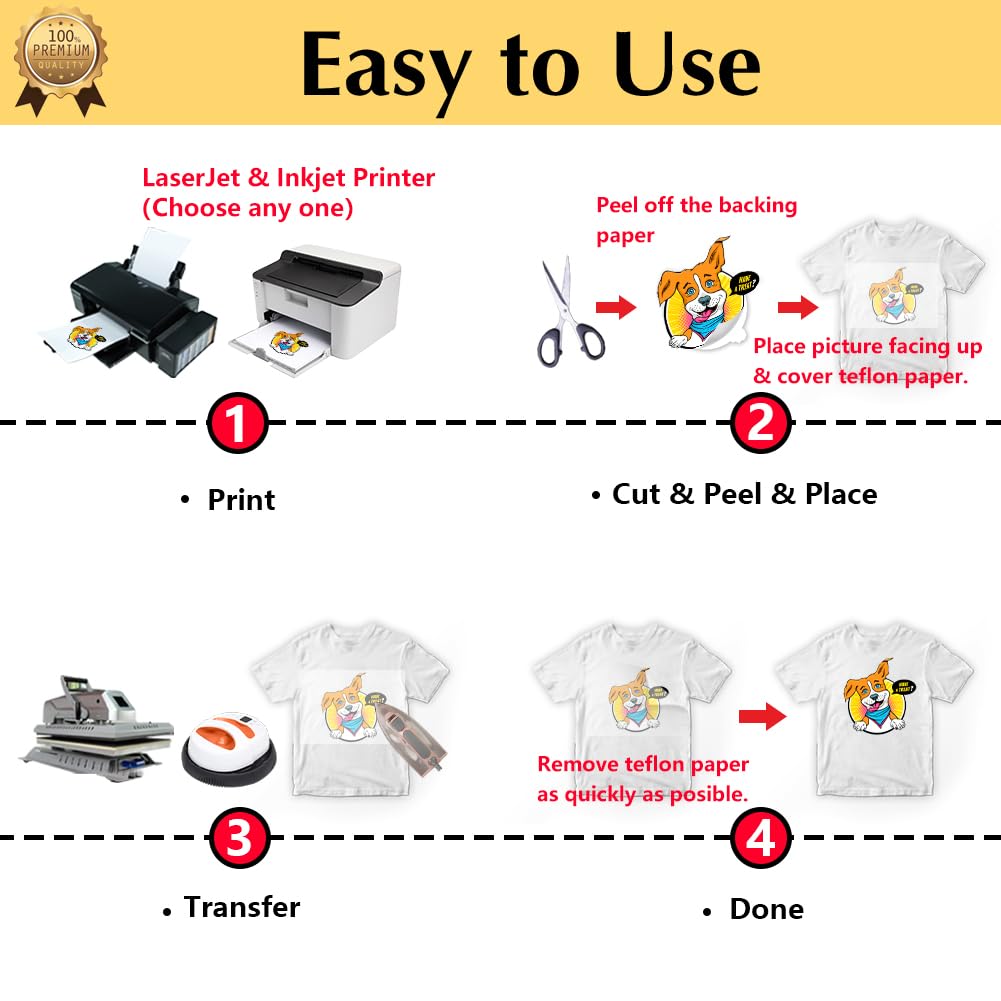
I was a little hesitant with this product but so far its really great. I took an iPhone pix and printed it on this transfer paper. The quality of the transfer paper is very good but it will only be as good as the material one transfers to. In my case, I wanted to produce customized sweat shirts. I have used other transfer papers where it was important to print in mirrored mode (this is required if one includes letters or numbers. And that in itself can sometimes be difficult to change depending on the options of your printer). But not with this transfer film. Just print it on the stock and then position it on the object. Peel off the backing to the paper and reposition it on the shirt. This is not permanent - you can easily reposition. Once it's placed, place the included slip sheet on top of transfer paper and iron with a hot clothes iron. The iron should be held in each position for about 5-7 sections before moving to next section. Easy peesy! ! For best quality the shirt should be washed according to the instructions within 48 hours or it could start to separate from the fabric. As for the quality: I did not have any printing issues and my printer transfer paper prints just fine and the quality will be dependant on the quality of computer to printer. Once transferred, I notice the quality of the final product will depend on the material of the shirt or sweat shirt. I really like this transfer paper. Already I am thinking of new projects. I hope to revisit my review and add how the quality held up over the life of my sweat shirt and numerous washings. I would repurchase this product.
K**S
It works!
I was hesitant to try this, but it worked great. It was easy to use and apply the logo to a shirt. The transfer quality was very good and it made for an affordable way to create a custom look. I'll be interested to see how well it holds up, but so far, so good!
T**P
Superb image quality and easy to use... No so great adhesion-Works with most laser printers
Great printed image on this stuff and easy to use. You don't have to reverse the image like with Avery labels. The only t-shirt labels i have found to work with laser printers without messing up the printer. That statement may not be true with every laser printer, however. I take the image on a flash drive to Office Depot and have them print it on their printers and you'll get professional quality transfers. That's if you have a good quality image of course. Costs less than a dollar to get those done per sheet. You may have to show them the package to confirm it's compatible with Laser printers or they won't print it so bring the package with you. Well worth the extra cost for the quality image you get. Easy to cut and peel with precision with an x-acto knife or good scissors. I have, unfortunately, found it to not be as durable as other brands. Even with proper heating, it tends to peel off the fabric on the edges. I has one of the best printed images however. Take your pick on a good quality image with not so great adhesion. This is still my go to due to the great image quality. There are tricks like if it peels on the edges, use a bit of fabric glue like fabri-tac ... let it dry then iron again. That solves the problem most of the time. Still recommend this product but does not have the adhesion of Avery Labels but a much better image. Again, pick your poison.
C**Y
First time doing iron-on transfers in about 20 or 30 years- awesome product!
I used this product with a Brother laser printer. I have seen other reviews of people having issues with Brother laser printers and this product- I did not have any unexpected issues. Color matching can be really, really challenging. I used iron-on transfer papers (consumer and some commercial stuff) with inkjet printing technology around 20-30 years ago, things were much different, but I did use some of the very first dark fabric transfers that came out around that time. I printed 4 shirts for kids, I used Gildan cotton T-shirts that I picked up at the local craft store. One of the hardest parts is getting the image centered onto the T-shirt before you iron. I only tried rounded corners with the designs that I have printed- no pointy edges, I wanted to make sure the designs did not peel off. If you are cutting the designs by hand with scissors like I was, keep the edges nice and neat. At some point, I will try some designs with non-rounded edges and see how that holds up, but for these first 4 that I was printing, I needed to get them done quickly and without fail. Overall, I am happy with the price and the results- I will definitely experiment more with these papers. I do not have a cricut machine so I have no experience with how well that works- I just printed my designs on a Brother laser printer, cut out with scissors, peeled and ironed-on using the teflon paper. I will probably try parchment paper and see if that works so I don't have to keep re-using the teflon paper. I did get a few marks on a couple of the shirts which I couldn't quite tell was it some residue on my iron or on the paper or something- it wasn't a big deal. Before doing this on a fabric you care about, I highly highly recommend you practice, I took an old T-shirt with a hole in it that I didn't care about and ironed on about 3 versions onto the back before I was confident in my technique and also happy with the color matching that I was getting. I am having an issue with a black toner cartridge in my laser printer, so I had difficulty getting good grey printing. In general, your mileage may vary when it comes to getting the colors/brightness/etc (from any image editing app) that you want from the print. You just have to play around with adjusting the image before printing, proofing on regular paper, and not caring that you waste a few sheets of this stuff to make the final adjustments (just accept that it isn't going to come out right the first couple of times- keep adjusting the images until it prints out how you want).
M**D
Extremely Disappointing – Does NOT Work with Laser Printers as Advertised
This material is a complete disappointment! Despite being clearly advertised as compatible with laser printers, it absolutely is not. I have a good-quality Brother laser printer, and the color simply does not adhere to this transfer material. Anything that isn’t black ink smears, flakes, or rubs right off. When peeling the design from the backing to apply it to fabric, the color behaves like chalk—crumbling and coming off entirely. I tested this on five different shirts made from blends that the manufacturer lists as “best” for this product. Not one turned out right. The transfers don’t adhere well to the fabric, and during my last attempt, the entire design—except the black outline—stuck to the included protective paper instead of the shirt. So, I ended up with a ruined T-shirt and no design at all. Between the wasted paper, ruined shirts, and lost time, I could have easily just ordered a custom-printed shirt for less money and far less frustration. I had planned to make a special T-shirt for my dad’s birthday featuring his favorite retired MotoGP rider, and now I’m left with no gift and a big mess. If I could, I’d request a full refund and reimbursement for the damaged shirt. This product simply does not perform as advertised. Save yourself the time, money, and frustration—skip this and find a better-quality transfer material or just order your design from a professional printer.
J**L
works well for putting prints on a darker shirt
These work well for printing a design on a darker/colored shirt. The light transfer sheets are translucent and have no background color, and will only work on a white shirt. These have a white background which makes the design stand out against a dark fabric. So far I have made five shirts which look great and the colors stand out well. They have undergone a few washes with no peeling. However, it is early. I will report back if they do not hold up after several more washes.
G**V
Great for one time wear
I was so excited to use these for the Wild Kratts birthday shirts I made for my kids! I ended up creating four shirts—front and back—for each of my boys, myself, and my husband. They turned out so good! I wish I had a better photo because the colors were vibrant, and they ironed on super easily, adhering beautifully. I did deduct two stars because after just one wash, the decals started to crack and crinkle. It wasn’t a huge deal since the shirts were only meant for that one day, but it would’ve been nice to get a few more wears out of them. If I had planned for longer-term use, I’d have been more disappointed. Still, for the price and print quality, I was happy overall.
Trustpilot
1 month ago
1 month ago



