

Desert Online General Trading LLC
Dubai, United Arab Emirates
Desert Online General Trading LLC
Dubai, United Arab Emirates


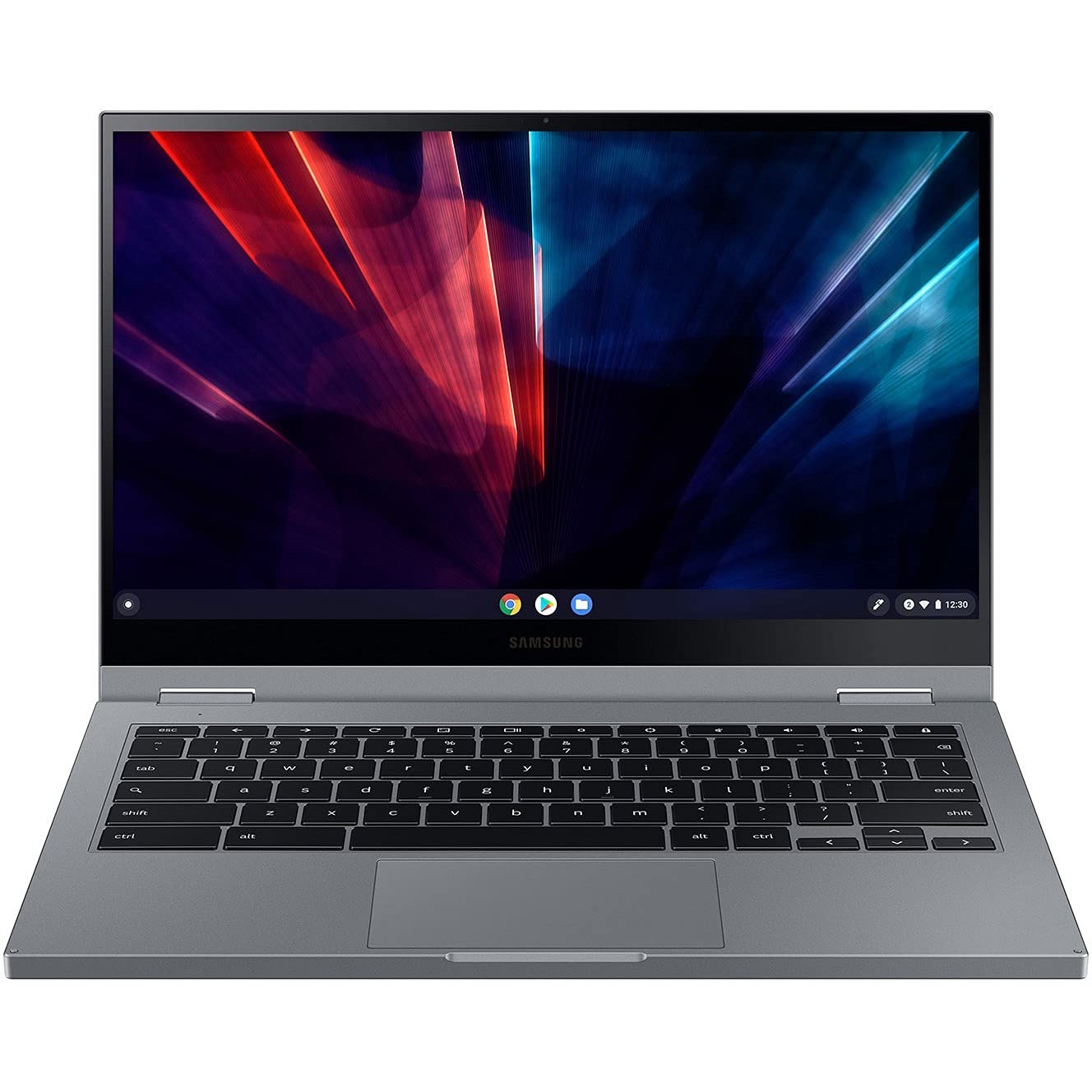
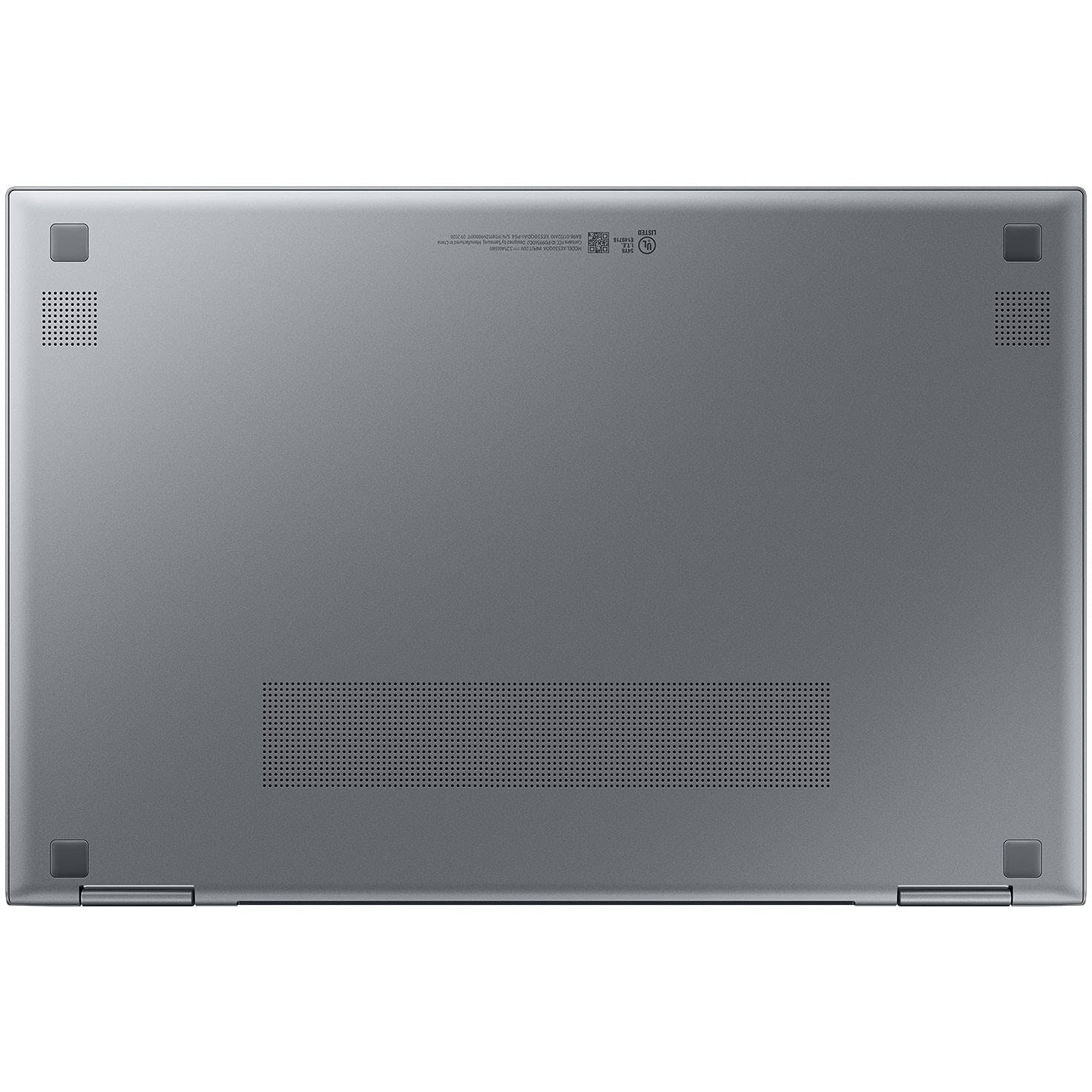

🚀 Elevate your hustle with the Galaxy Chromebook 2 — where speed meets style.
The Samsung Galaxy Chromebook 2 (2021) combines a vibrant 13.3-inch QLED FHD display with a powerful 10th Gen Intel Core i3 processor and 8GB RAM, delivering smooth multitasking and vivid visuals. Its ultra-thin Mercury Grey design complements a long-lasting 13-hour battery and Wi-Fi 6 connectivity, making it the perfect all-day companion for professionals balancing work, study, and creativity.


| Standing screen display size | 13.3 |
| Screen Resolution | 1920 x 1080 pixels |
| Max Screen Resolution | 1920x1080 Pixels |
| Processor | 2.1 GHz core_i3 |
| RAM | 8 GB LPDDR3 |
| Memory Speed | 2400 MHz |
| Hard Drive | HDD |
| Graphics Coprocessor | Intel UHD Graphics |
| Chipset Brand | Intel |
| Card Description | Integrated |
| Wireless Type | 802.11ax |
| Number of USB 3.0 Ports | 2 |
| Average Battery Life (in hours) | 13 Hours |
| Brand | Samsung |
| Series | XE530QDA-KB1US |
| Item model number | XE530QDA-KB1US |
| Operating System | Chrome OS |
| Item Weight | 3.7 pounds |
| Product Dimensions | 12 x 8 x 0.6 inches |
| Item Dimensions LxWxH | 12 x 8 x 0.6 inches |
| Color | Mercury Grey |
| Processor Brand | Intel |
| Number of Processors | 1 |
| Computer Memory Type | DDR3 SDRAM |
| Flash Memory Size | 4 |
| Hard Drive Interface | USB-C |
| Optical Drive Type | DVD |
| Power Source | Battery Powered |
| Voltage | 4 Volts |
| Batteries | 4 Lithium Ion batteries required. (included) |
R**K
beautiful Chromebook.
Very deasy and efficient Chromebook to operate. Nice features.
C**.
Great!
Samsung is the best!!
J**E
Perfect for work or school
I use this laptop for work all the time and it perfectly suits the cause! Just be careful which Google account you sign in under on the get go because it apparently won't ever let you change the main Google account lol. I've researched like crazy and still can't change the primary account so there's that.
A**R
Horrible computer!
I have a small online business so I need to be able to navigate easily. This is the most confounding confusing computer I have ever used. For example, I couldn't get my printer to work with the computer. I looked everywhere for the printer settings and finally had to do a Google search to find out that you have to click on the "time" on the bottom bar. How would I possibly know to look there?!?! There are a lot of unrecoverable quirks on this computer so often my work is lost. When opening a second tab, it opens it in a small box in the upper left hand corner. By the time I figured that out, I had 6 tabs open. Why????This is a very UNintuitive computer, especially for someone like me who is not a "genius" computer person. I just found out it is too late for me to return. It has really made working online in my shop much more of a hassle and I don't look forward to it anymore.Unless you are a computer wizard, and don't mind frustration, STAY AWAY FROM THIS COMPUTER!!!!!
A**L
chromebook sucks
i will never buy a chromebook again. Bought this a year ago and already having issues, had to send it out for repair and hoping to get in back within the next few days i hope.
A**O
Stopped working after 18 months
Stopped working after 18 months. Won't charge, won't turn on. Samsung warranty is only a year and they wouldn't do anything. Garbage.
Trustpilot
5 days ago
1 week ago