
DOWNLOAD THE APP


Customer Services
Copyright © 2025 Desertcart Holdings Limited
DOWNLOAD THE APP

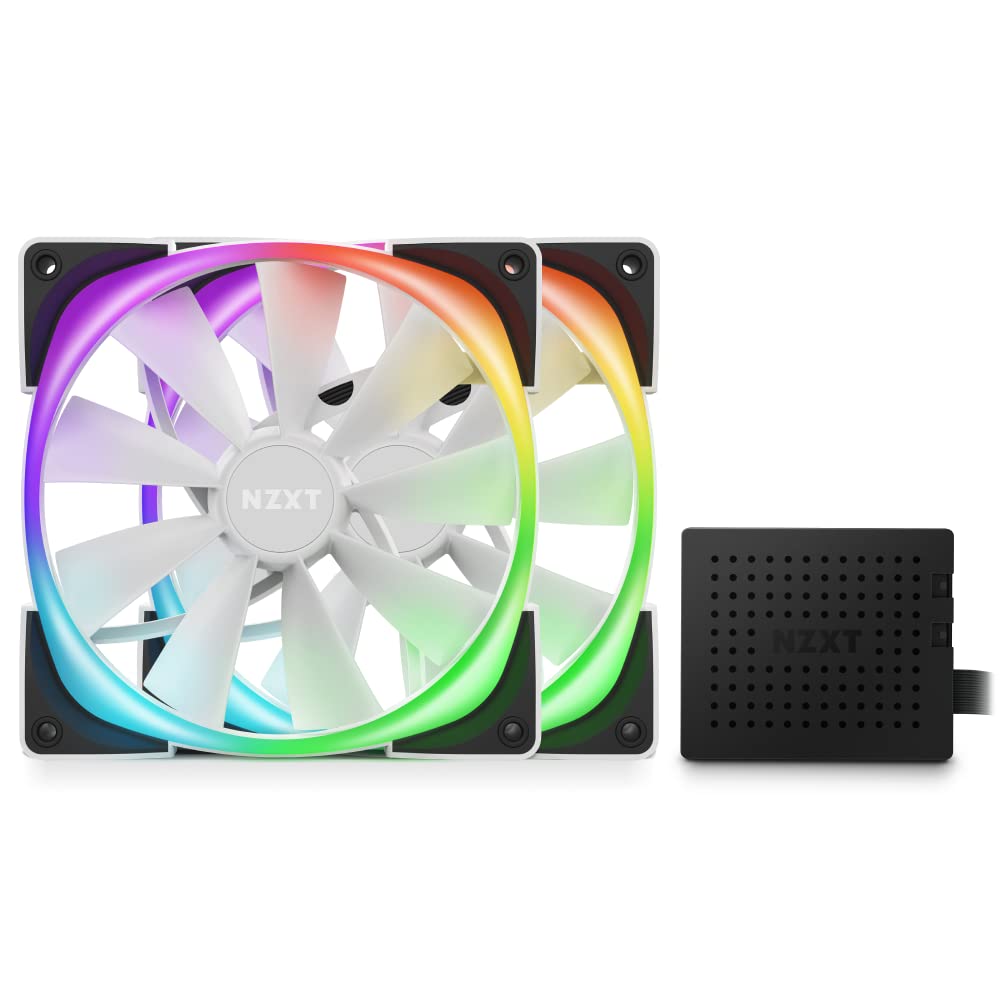
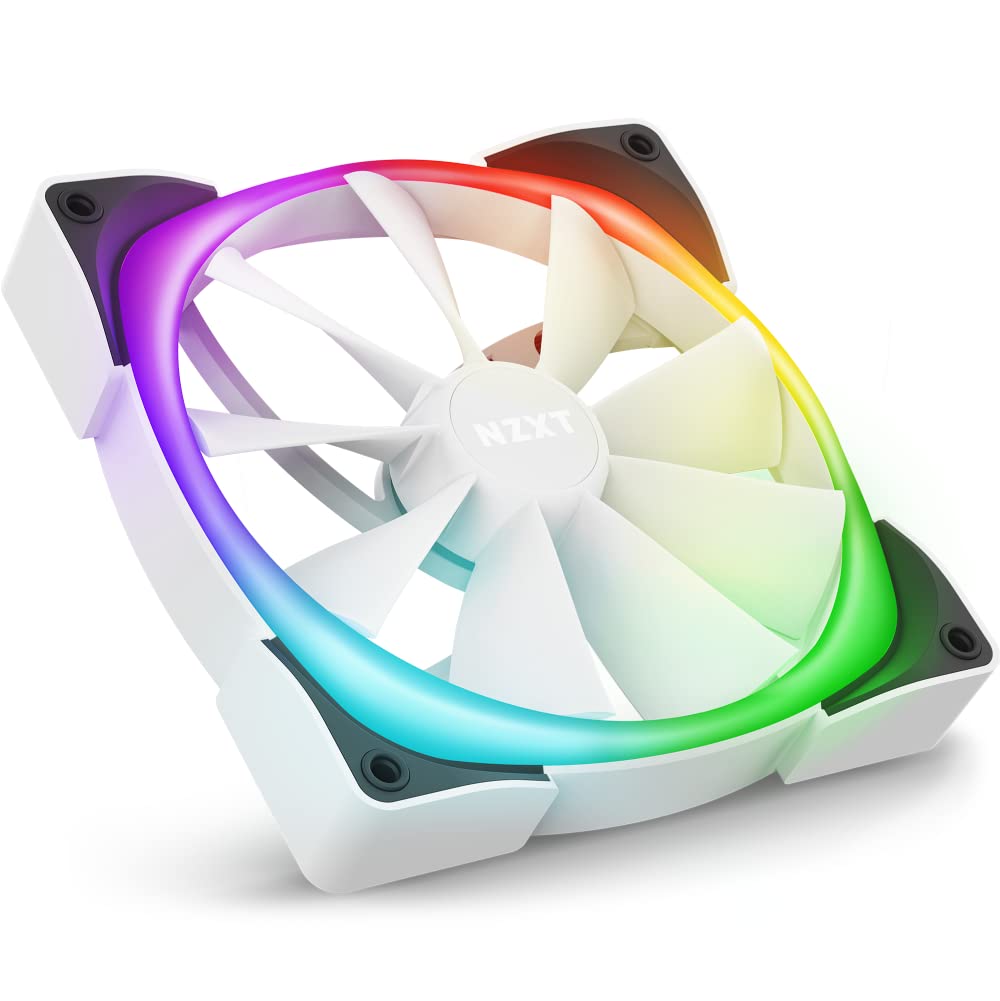
✨ Light Up Your Game with Style!
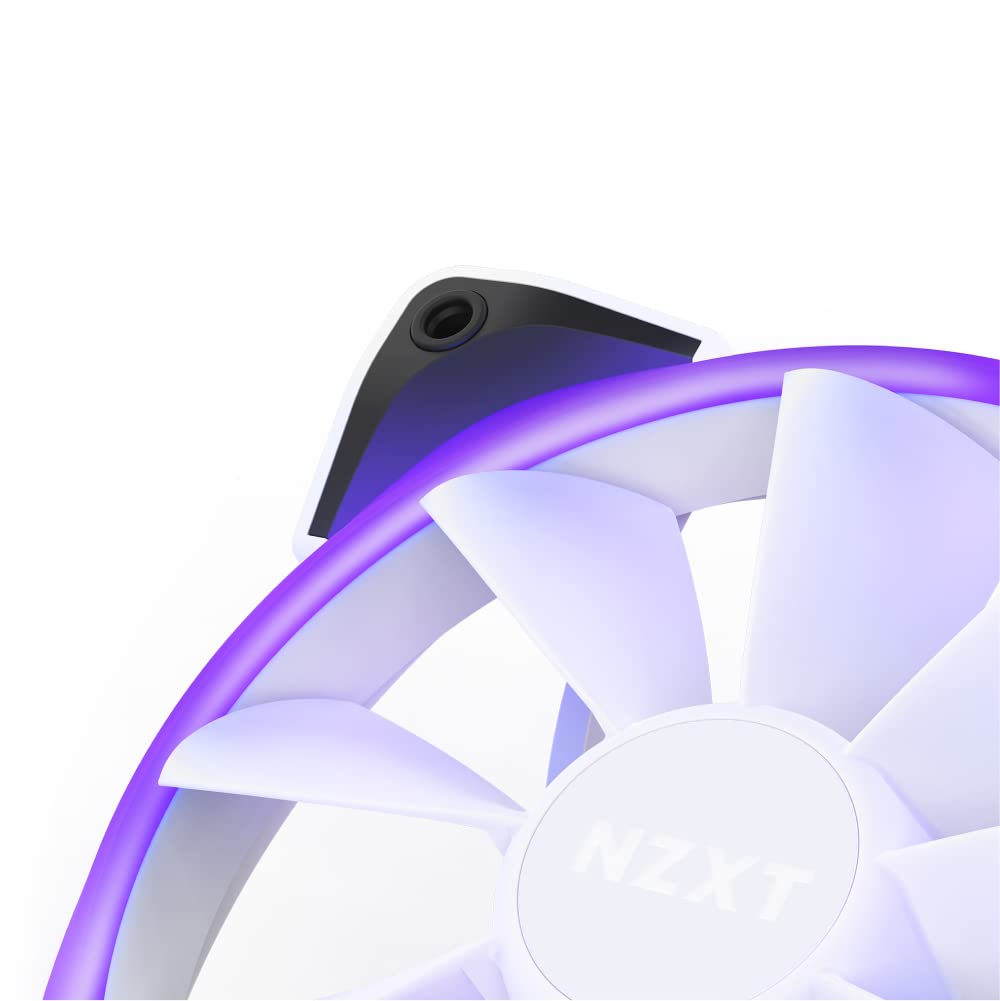
The NZXTAER RGB 2-140mm - HF-2814C-DW is a high-performance PWM fan set designed for gamers and PC enthusiasts. Featuring advanced lighting customizations, winglet tips for enhanced airflow, and fluid dynamic bearings for reduced noise, this twin fan system not only boosts your system's cooling efficiency but also adds a stunning visual flair to your setup. Compatible with RGB lighting controllers and Windows 10, it's the perfect upgrade for any modern gaming rig.


| Brand | NZXT |
| Product Dimensions | 14.6 x 19.6 x 3.4 cm; 390 g |
| Item model number | HF-2814C-DW |
| Manufacturer | NZXT |
| Colour | White |
| Voltage | 5 Volts |
| Wattage | 2.16 watts |
| Are Batteries Included | No |
| Item Weight | 390 g |
| Guaranteed software updates until | unknown |
H**Y
Excellent Fan
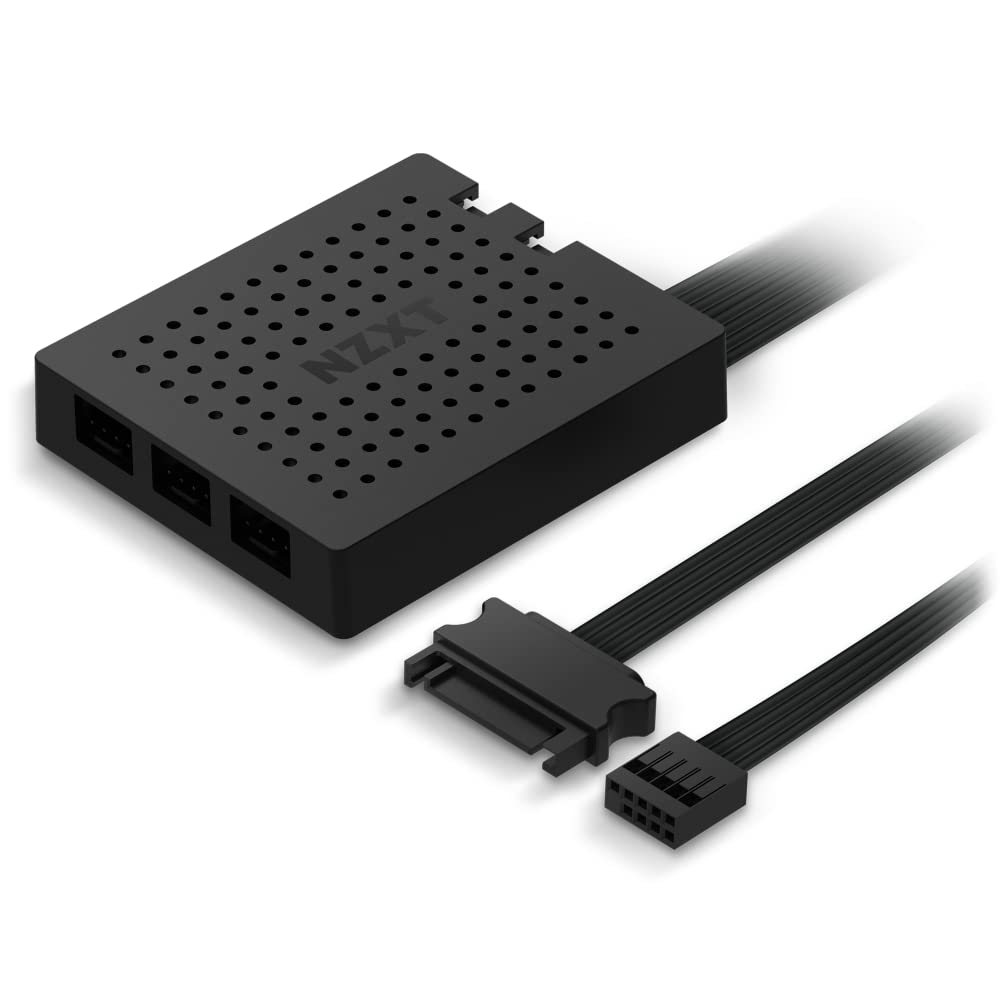
I purchased this fan as a rear exhaust to go in my H710 case. The box comes with the fan, screws, a long IN & OUT cable and another cable that you can connect directly to the controller. The fan itself was easy to install. The tricky part is the daisy chain cable. If you already have nzxt RGB fans installed then you need to connect the OUT side of the cable into one of the existing fans and then the IN part into the new fan. I say its tricky only because they can come out easily when you are routing the cable. Not a major issue but just make sure you turn on your pc and test before you start putting the side panels back on. The cable is actually a longer cable which worked well for me as I needed to connect it to my existing fans which were on top of the case. I had more than enough length on the cable to reach the top fan. The other option is to connect the fan directly to your nzxt controller. Then this fan would act at the primary fan and starting point. You would then daisy chain other fans off of this one. I do like the fact that the instructions provided are clear and tell you exactly how to connect the daisy chain cables. I also have the z73 aio with RGB fans and the instructions weren't clear on how to get the RGB lkgbts working and I had to search the internet. Once powered on you can use the NZXT CAM software to change the lights on the fan. The lights are bright and you can change the colour is each led which is great as it really allows you to customise your setup. I've had no issues with the CAM software, it's easy and intuitive. Overall great product, easy to use and install.
P**N
Big fan.
Installed this fan into my hamster cage. Was all going well until it decapitated Gizmo. Although a tragedy, it's good to know the fan has a solid construction. I later installed it into my computer only to find it's surprisingly good at cooling computer components as well as hamsters. Very quiet, very premium fan. The LED halo makes it look very sci-fi which on occasion freaks me out as I mistake my rig for an alien spacecraft and anyone who knows me would know that I have a fear of alien spacecraft. I don't like the film independene day. But yet I'm partial to an episode of Martin martian. I think it comes down to the fact that he's from Mars and therefore the same solar system so he seems less alien. But anything that comes from outside of our solar system (or god forbid, galaxy) would really freak me out. Really nice packaging, I like that the fan blades themselves are not LED I personally think that looks cheap. Excellent job to the guys at NZXT. Bravo.
T**Z
Awesome PC Fan with Low Noise Level
I purchased the NZXT AIO cooler for my CPU and needed another fan for the rear of my PC. I found this single NZXT fan on Amazon and although a little expensive, I would highly recommend it. The noise level is close to silent and connects to the same fan system as to AIO installed. You can also customise the colours using the NZXT Cam software. See attached image, my PC looks awesome and super quiet. Highly recommended.
H**Y
Quiet and good looking
Fairly easy to install and quiet, but the rgb is slightly darker around the edge. but overall a solid fan.
R**S
Great fans, beginner friendly (ish)
So I have a basic knowledge on how to build pc's but I've always struggled when it came to installing fans. My old fans were corsair (in an NZXT case) and i had to buy a fan hub to make it light up which is not sold in the UK to my knowledge then when I finally got one I had to buy another cable which was supposed to come in the box but didnt. I gave up and got these instead seeing as I already had a fan hub in the nzxt h510i, I was pretty confused connecting them together at first but i managed to get it working and they work great. Really nice rgb and good fans in general
R**E
A little bit louder than 120mm but Great Airflow
Used in a NZXT H510i case instead of stock 120mm. Overall performance is great, but due to the slightly larger blades, there is a slight increase in noise.
J**S
Nice fan, seems quiet so far
I love this fan. I have 120 and 140mm fans in my case and they look great with the RGB. I prefer the RGB ring around the edge rather than the fan blades being illuminated, it's a bit more subtle. No complaints so far, easy to install and I havent really noticed any noise from them.
C**N
Lovely appearance and function
Great LED replacement fans with nice customisability
Trustpilot
1 month ago
3 weeks ago