
DOWNLOAD THE APP


Customer Services
Copyright © 2025 Desertcart Holdings Limited
DOWNLOAD THE APP


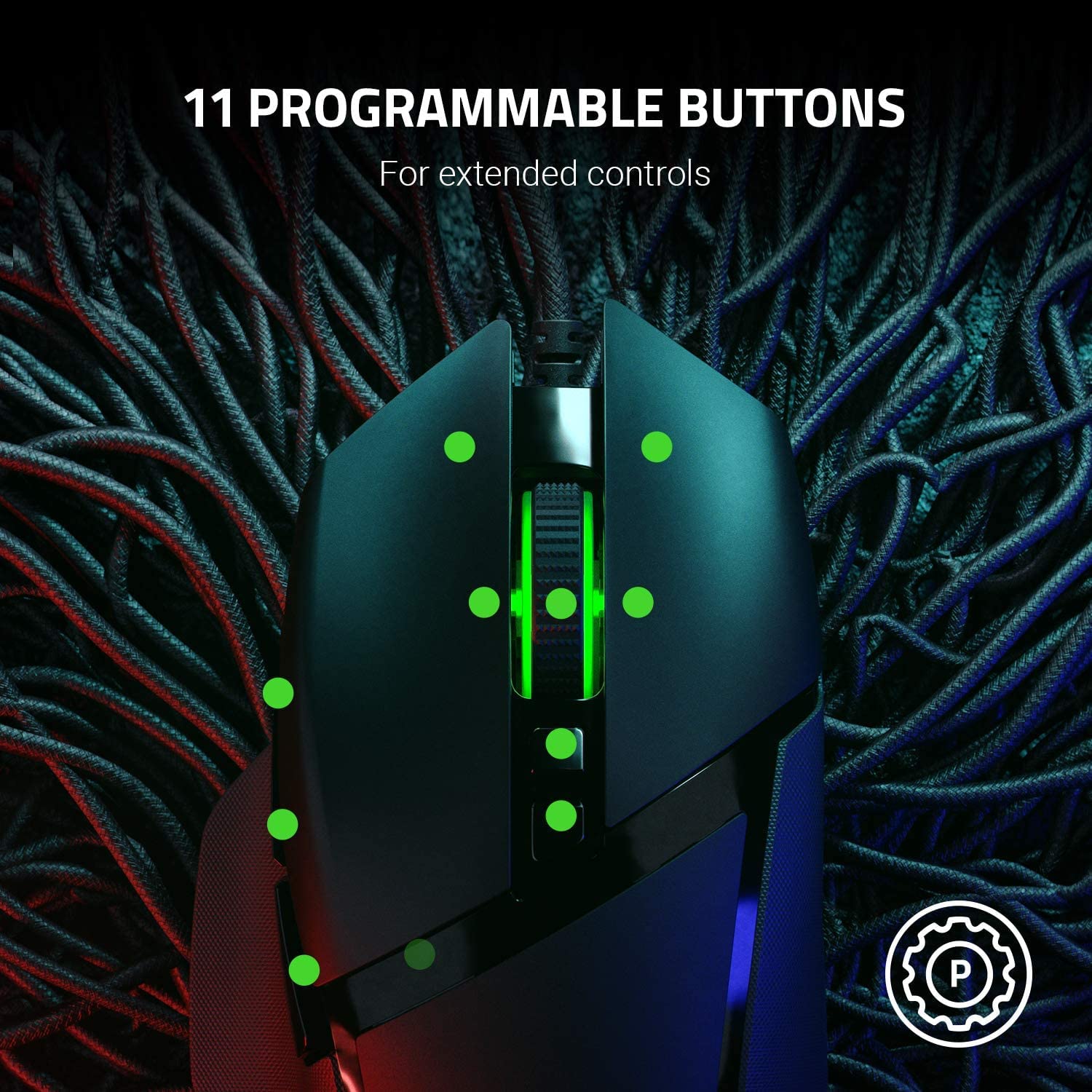
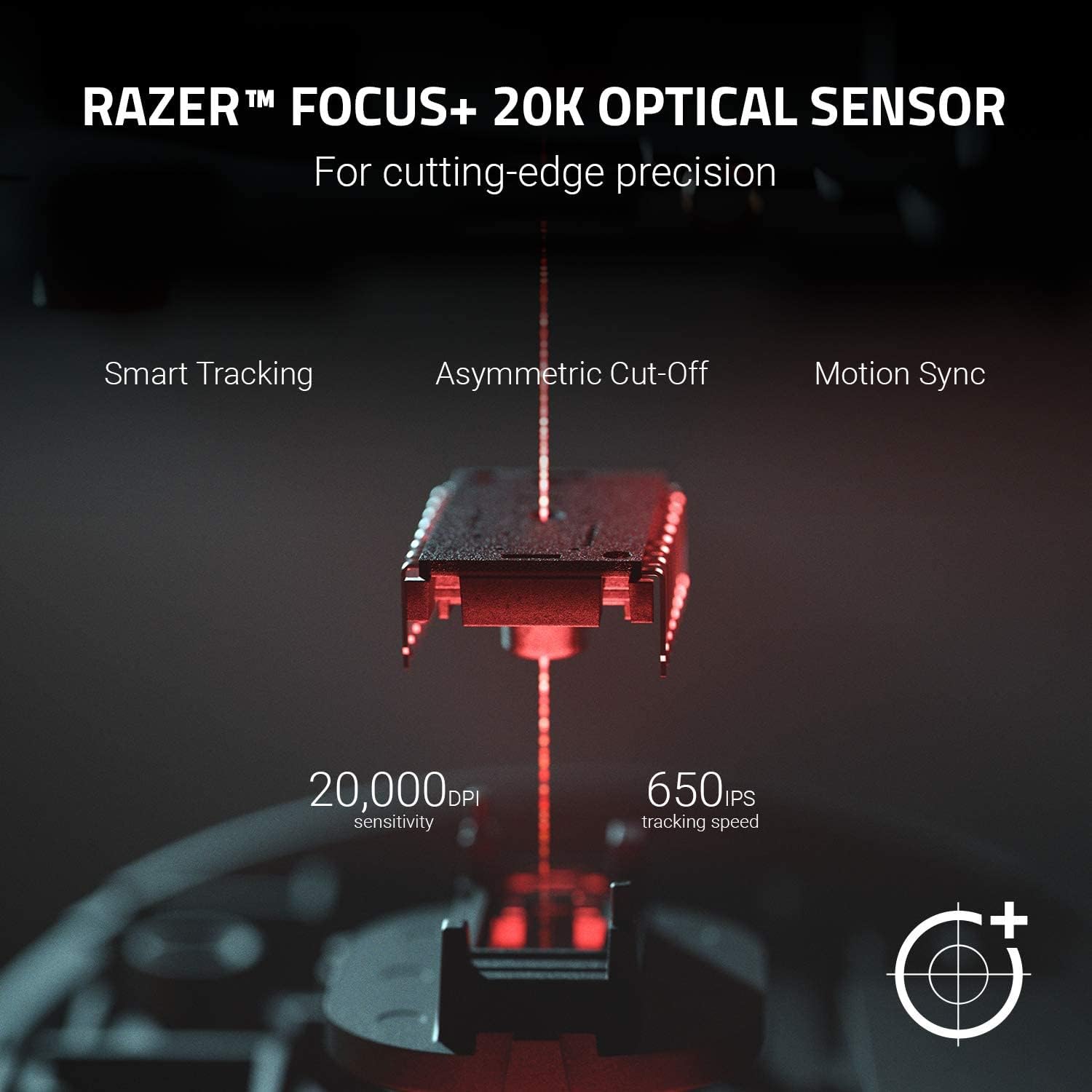
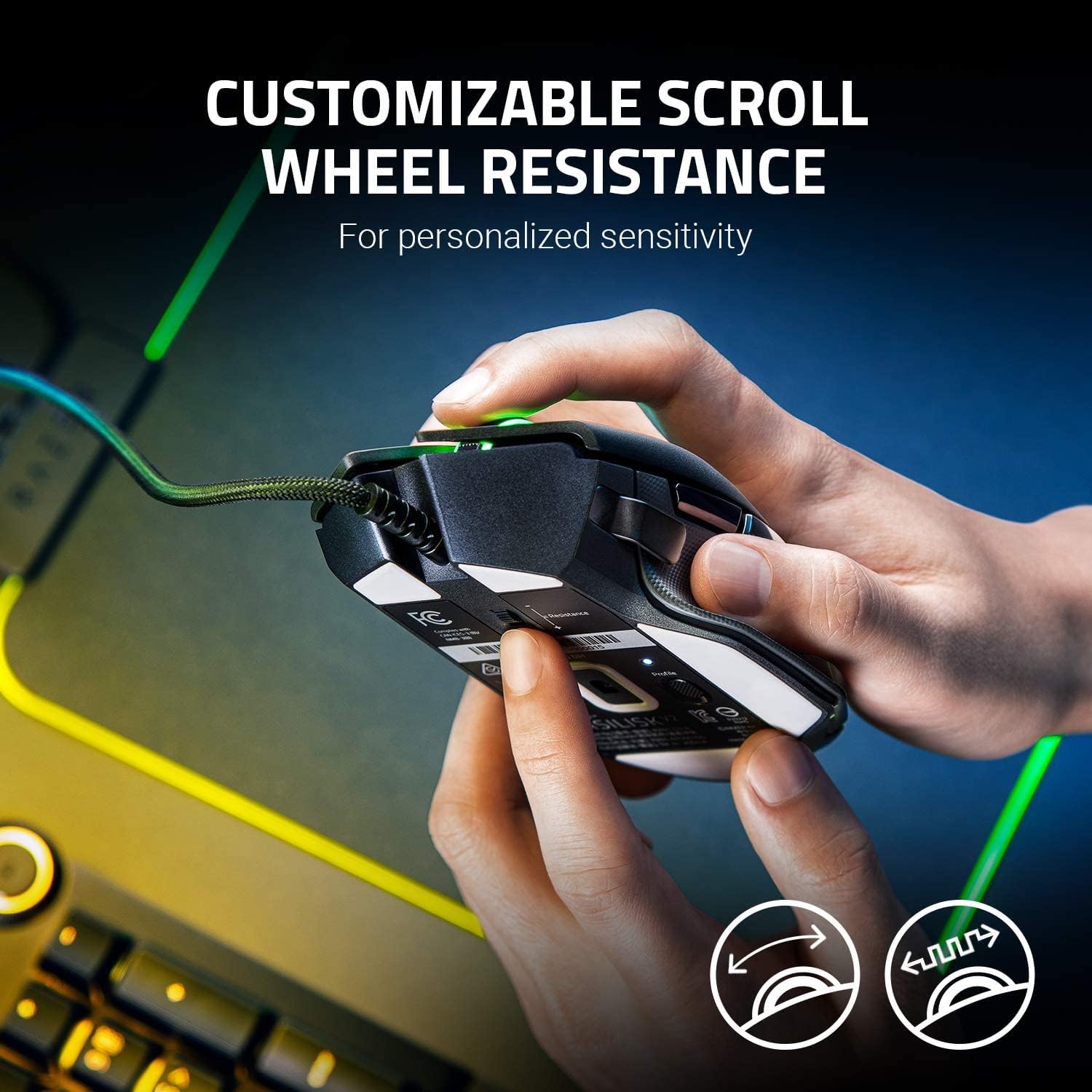

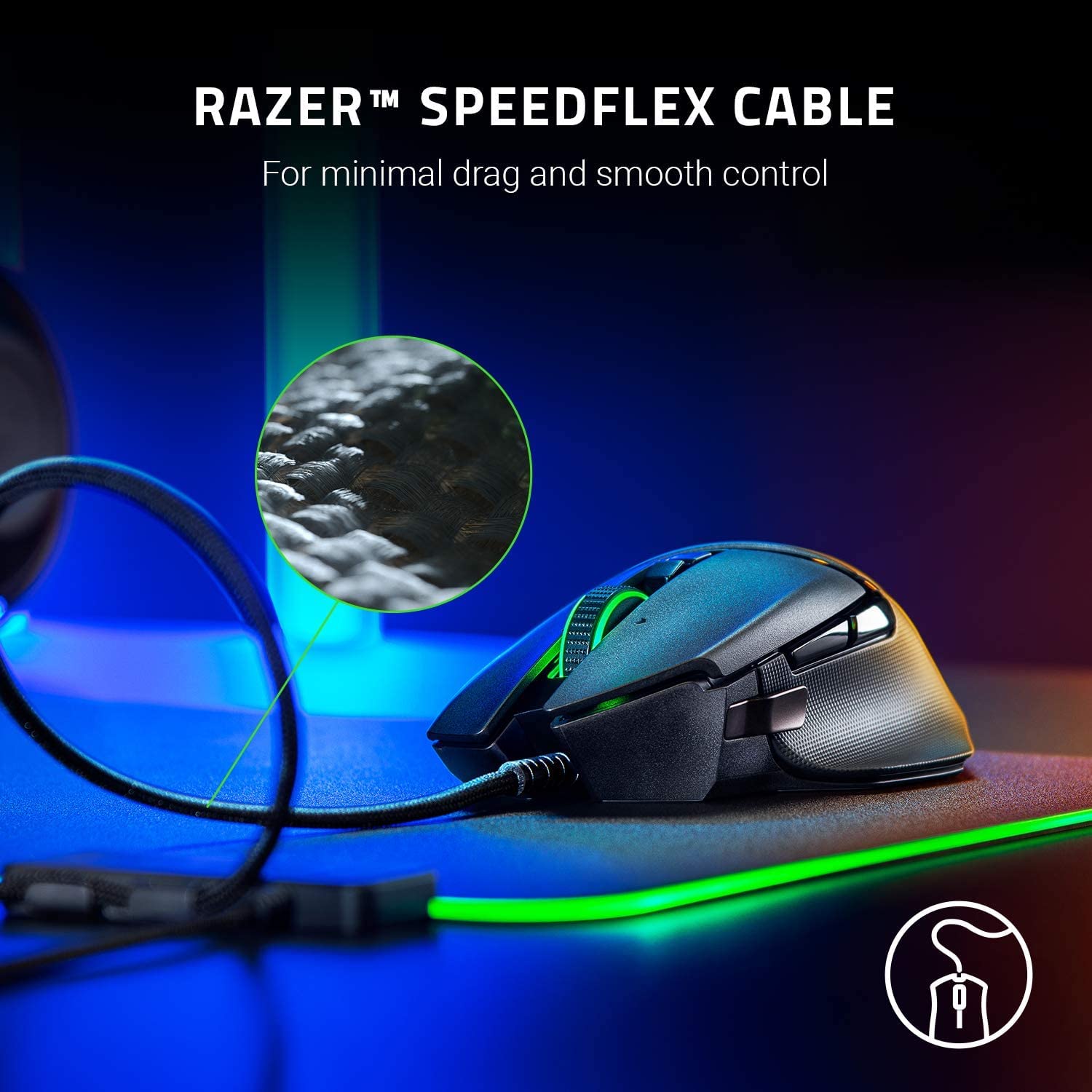
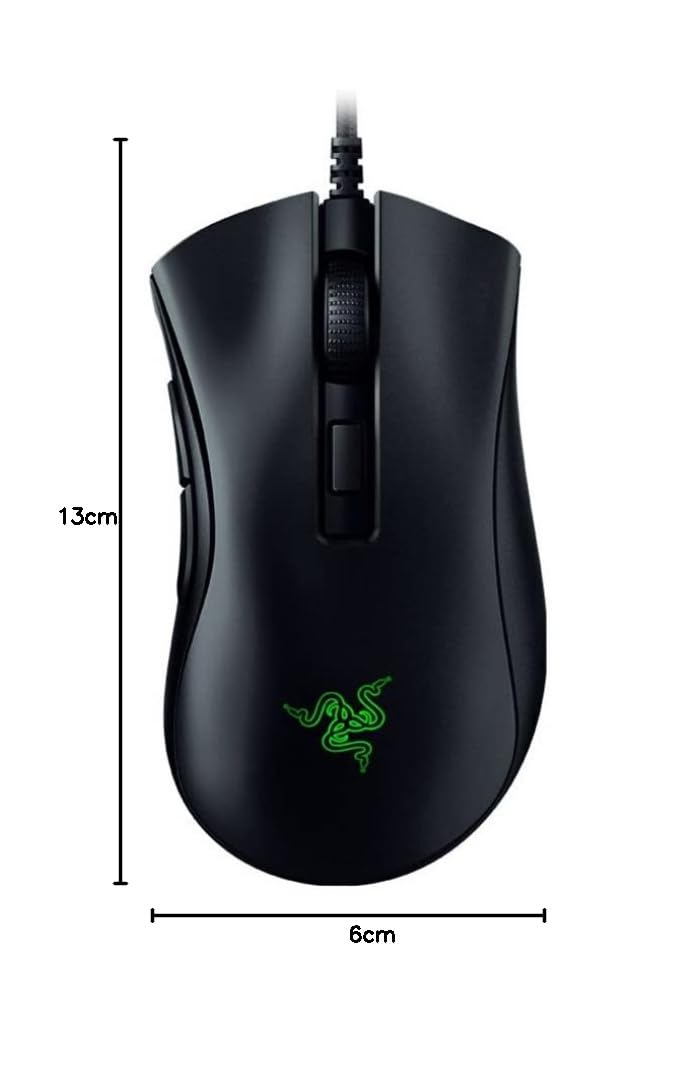
🔥 Elevate Your Game with Precision and Power 🎮
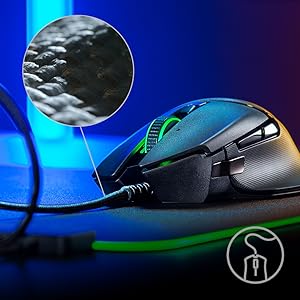
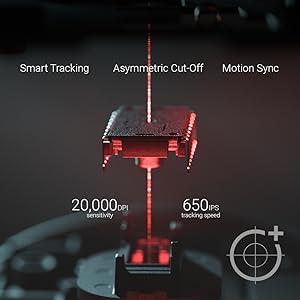
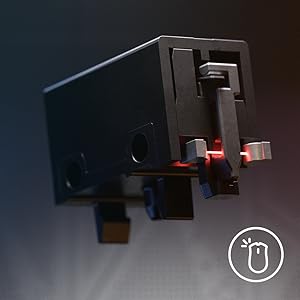
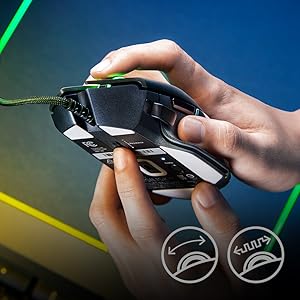
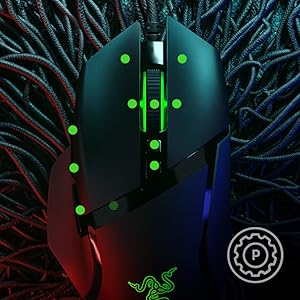
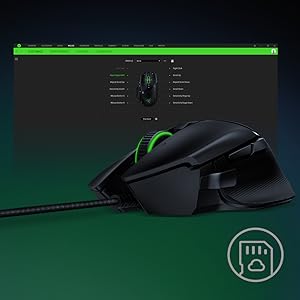
The Razer Basilisk V2 is a high-performance FPS gaming mouse featuring a cutting-edge 20,000 DPI Focus+ optical sensor, 12 programmable buttons including a multi-function paddle, and customizable scroll wheel resistance. Equipped with ultra-fast Razer optical switches and a flexible Speedflex cable, it delivers unmatched precision, speed, and comfort for serious gamers seeking an edge.




| ASIN | B081QXJLDN |
| Antenna Location | Gaming |
| Are Batteries Included? | No |
| Are Batteries Required | No |
| Best Sellers Rank | 24,871 in PC & Video Games ( See Top 100 in PC & Video Games ) 568 in PC Gaming Mice |
| Box Contents | Gaming Mouse |
| Brand | Razer |
| Brand Name | Razer |
| Button Quantity | 11 |
| Colour | Black |
| Compatible Devices | Gaming Console, Personal Computer, Tablet |
| Connectivity technology | USB |
| Customer Reviews | 4.6 out of 5 stars 6,082 Reviews |
| Enclosure Material | Plastic |
| Global Trade Identification Number | 08886419332732 |
| Hand Orientation | Right |
| Hardware Platform | PC |
| Item Dimensions L x W | 13L x 6W centimetres |
| Item Weight | 3.25 Ounces |
| Manufacturer | Razer |
| Model Name | Basilisk V2 |
| Model Number | RZ01-03160100-R3M1 |
| Mouse Maximum Sensitivity | 20 Dots per Inch |
| Movement Detection | Optical |
| Movement detection technology | Optical |
| Network Connectivity Technology | USB |
| Number of buttons | 11 |
| Operating System | Linux, Windows 7, Windows XP |
| Power Source | USB |
| Product Features | Ergonomic Design |
| Product Warranty | 2 Years |
| Range | 5.0 meters |
| Special feature | Ergonomic Design |
| Style Name | Basilisk V2 |
| Theme | Gaming |
| UPC | 811659036360 |
| Unit Count | 1.00 count |
M**S
Solid all-round mouse
Really good design all round after using for over a year now. I thought the ergonomic design would be annoying but it's actually an amazing feature that makes holding a mouse feel more natural and comfortable. Size is also great considering I was worried it'd be too small for my hands but it fits really well. The wire also feels really good which is something I didn't expect to notice but it has a nice feel too it and doesn't feel cheap. Comes with a range of extra DPI options which are great if you need to change depending on the games you play as well as multiple extra buttons (although the side buttons feel like the most used ones as binding controls to moving the scroll wheel left and right does feel really awkward especially if you were playing a high intensity game like an FPS. The ones beneath the scroll wheel are already bound to DPI settings but you can change that if need be). RGB lighting is also nice & smooth and I've had no issues with it except when playing 1 game in particular (which I believe is the games fault anyway and not the mouses). Solid all-round mouse and would definitely recommend if you wanted to spend the money to get a decent mouse without spending too much, it's well worth the price.
R**S
Precise mouse that works great
I bought this mouse as a replacement for a cheaper one as I am beginning to get into gaming. And I am so glad that I did! From the moment I got it out of the box, I realised that this was no ordinary mouse. The build quality is great. It is not too heavy but it is well balanced and feels like it will last some time rather than other mice that feel flimsy. The cable on the mouse is different to any others I have had. It has like a cloth cover that helps to stop it grabbing and it slides across the desk surface well. It has adjustable resistance wheel that allows you to customise it to your own preference. The response from the buttons is really quick as it uses an optical sensor rather than mechanical. And you can change the speed of the mouse (DPI) via buttons on the mouse on the fly rather than having to go into Windows settings each time. You can download Razers accompanying software which lets you customise the mouse including RGB settings further. I have not looked into this too much yet but it seems there is a lot you can do. It also has 11 customisable buttons as well. It can seem a little expensive when not on offer but be assured that it is a great piece of kit and worth spending that little extra in my opinion.
C**R
Basilisk V2 (original version)
I think this is brilliant. The ability to customise resistance on the mouse wheel, the mouse sensitivity, changing profiles etc make this a truly excellent ergonomic mouse. Not "one size fits all", at all. It is comfortable in the hand (even for my massive meat clubs), lightweight but not cheap feeling and looks great. So far I have played COD with this and while I don't think it has made me an apex predator in game, it's certainl making the experience more enjoyable through comfort, ease of use and sensitivity to even small moves when you're sat down a long passageway camping noobs with a sniper. 9/10 purely because there's a whole bunch of software to download which I feel could have been compacted into one program (but it's not often I fiddle with the settings) and the mouse wheel isn't as smooth as I'd like, it makes a fairly loud clicking sound (even for a gaming mouse)
G**2
RGB disco of your choice - or switch off completely.
Finally moving on from an MX518 and not had a good experience with Logitech in recent years. One thing I *really* disliked was on plugging the mouse in for the first time, it triggered the install for the Razer Software, going to a web page. This is a MOUSE, not a bootable USB live disk. This 'functionality' has been recently determined as an exploit vector to give elevated privileges to a computer an actor has physical access to. There is just ZERO need for this behaviour. Now that's out of the way, the mouse itself is ergonomic, with well angled left & right buttons as well as thumb rest for your side buttons. Side scrolling mouse wheel buttons oddly dosn't side scroll by default - they are set as a weird really slow auto up/down scroll. You'll need to use the Razer software to program the side mouse wheel actions to left/right (especially useful for media eg YouTube). In the physical sense, it's a very nice unit and I'm going to score it highly as a result. It's only real faults are software based will knocks a star off for annoyance. Those two above points that are quite avoidable & the usual gripe with how obnoxiously slow, large and clunky the software suite is to drive these functions. It's no better/worse than Logitech's though and is endemic to the 'gamer' scene for many years now. It'd be nice if these companies eased up on the journeyman gamer marketing, pushing for 0.000000001ms improved response time (PS: it won't help you, you still suck like the rest of us ;)) and invested in optimising their software. As an aside, Amazon just asked me to rate the Battery life on a wired mouse.
P**R
Fantastic bit of kit
I purchased this mouse (Basilisk V2) after a very short lived experience with a Logitech G502 which failed within a few months. So far, so good. The mouse is slick and responsive, the buttons feel good, the software to control the lighting and effects works well and hasn't caused me any grief yet, and it is nice having both a razer mouse and keyboard as the lighting effects can sort of pass from one to the other. As far as mice go, this is the nicest one I have ever used and is by far the easiest to control, I noticed immediately that I was easily making quick movements and clicks that perhaps normally I would have missed slightly. However, the RRP of the mouse is also about 50% more than any other mouse I've ever used so it's perhaps not a fair comparison. So far it still works fully after two months, if it can make it one more it will have outlasted my old Logitech! I recommend this mouse.
D**T
Great with Xbox series x
I have a Corsair mouse for my pc. I wanted to try a razor for use on my Xbox series x. I think I like it more than the Corsair, it’s a little lighter but still feels solid enough. Works really nice on the Xbox series x for cod war zone/Cold War and Fortnite. Except you still need to press a on the controller at the game launch screen for cod. which is all I use the controller for on that games. Nice mouse. Good weight. Feels comfortable flick aiming is a breeze. Smooth on the razor mouse mat really enjoying it. I stalled the software in pc but haven’t used it. Too busy using Xbox in place of gaming pc. Hint. If you have the x you can get the Xbox wireless headset for sound so you don’t need to plug headphones into controller.
T**O
[Geometry Dash player] The best mouse I've ever owned
You may be confused at how I mentioned the fact I'm a Geometry Dash player, but hear me out. I click my mouse very hard when playing Geometry Dash for reasons I'd rather not go into detail explaining, so when using a mouse, the mouse has to be durable, be comfortable to hold and have a great response time. After using the Logitech G502 Proteus Spectrum over the past 4 years (I went through almost 5 different G502s and 1 G903), I can safely say the Razer Basilisk V2 is the best mouse I've ever owned. It's basically a G502 that never suffers from the dreaded "double click" phase, has better RGB and has higher DPI. It may be more expensive, but the investment is worth it if you're looking for a serious upgrade. I've had the mouse for 4 months now and it's showing no sign of degradation, and with the way things are looking, my Basilisk V2 is going to last for a looooong time.
K**L
great, but slightly annoying for OCD person
Unfortunately, it is not possible (using Razer software) to program additional commands to buttons. You will be restricted by mouse-wheel up, down, mouse click (3), mouse buttons 1, 2, 4 and 5. There are more buttons on the mouse, such as dpi sensor increase/decrease, but you cannot make the mouse recognize them as additional buttons you could program, such as mouse 6 or 7 that you could use in gaming (although you can bind some commands to these, like opening programs or bind keyboard keys/macro to them etc). Sure, I could bind these buttons to keys I do not use normally in gaming, like "#" or "]" and bind these buttons to new commands in-game, and it would work exactly as if they were separate "mouse 6" or "mouse 7" buttons. This is just my OCD talking. That being said, sensor is very accurate, build is great, fits amazingly in the hand and feels great to use. I just assumed that some more flexibility in programming was available, but I can work around it.
Trustpilot
2 days ago
3 weeks ago