Some deliveries may take a little longer than usual due to regional shipping conditions.

DOWNLOAD THE APP


Customer Services
Copyright © 2025 Desertcart Holdings Limited
DOWNLOAD THE APP
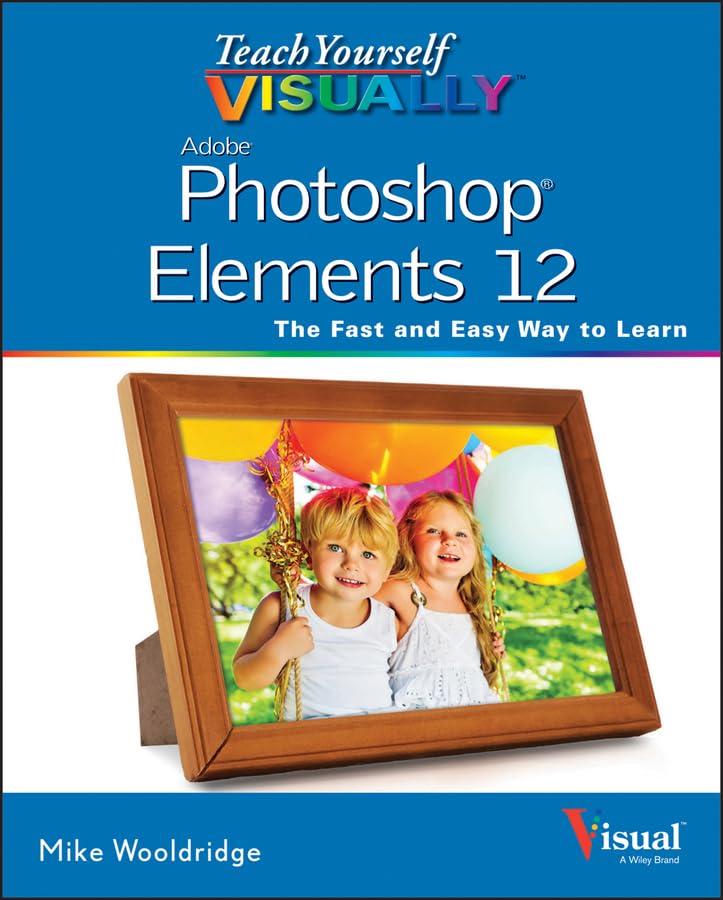
Teach Yourself Visually Photoshop Elements 12 [Wooldridge, Mike, Stuart, Brianna] on desertcart.com. *FREE* shipping on qualifying offers. Teach Yourself Visually Photoshop Elements 12 Review: Logically Presented - Although I have used Adobe's Lightroom and Photoshop CS programs for many years, I needed help understanding the unique way Photoshop Elements does things. I purchased PE for my wife who was beginning to have problems keeping track of her growing photo archive. Up till now, she had files scattered al over her hard drive with no organization or way to edit them. I thought that Photoshop Elements was the program for her and I was right. It is a great product for managing one's media library and is a great value over the full-blown Photoshop. Unfortunately, I was not very familiar with Elements so once I loaded it onto my wife's PC I was a bit lost. While PE borrows a lot of features from Photoshop CS, there are several differences, enough to warrant an instruction manual of some kind. The pamphlet that comes from Adobe with PE is pathetic. This book is excellent. It is easy to comprehend and uses photo, graphics and clear language to help explain how to do all the things the program is capable of. It is presented in a logical order and explains the terminology and processes in a concise manner. Chapters are presented in a logical sequence and the table of contents breaks things down so you don't have to go blind trying to get where you need to go. This book is one of the best computer aid guides I have seen and I have seen more than my share. It is written and presented so that someone with minimal photo managing and editing experience can follow along easily. I highly recommend it. Review: Visually Photoshop Elements 12 - Excellent Book.A fast and easy way to learn all about Adobe Photoshop Elements 12. Colorful color grahics and photos to guide you with step by step instructions in the following areas: Getting Started, Importing and Opening Digital Images, Organizing Photos, Using Advanched Organizing Tools, Applying Basic Image Edits, Masking Selection, Manipulating Selections, Using Layers, Enhancing and Retouching Photos, Enhanching Lighting and Color, Apply Guided edits, Painting and Drawing on Photos, Applying Filters, Adding Text Elements, Applying Styles and Efeects, and finally Saving and Sharing Your Work. This book is great for beginners and those with intermediate knowledge. The step by step instructions with guded photos pf Elements 12 images, gives you an on hand visual guidance no other book out there can provide. Very easy to follow, learn from, and become knowledgeable in the usage of Elements 12. Highly, highly recommend.Great price too!
| Best Sellers Rank | #11,132,970 in Books ( See Top 100 in Books ) #739 in Adobe Photoshop #1,189 in Desktop Publishing #5,740 in Digital Photography (Books) |
| Customer Reviews | 4.5 4.5 out of 5 stars (153) |
| Dimensions | 7 x 1 x 10 inches |
| Edition | 1st |
| ISBN-10 | 1118729218 |
| ISBN-13 | 978-1118729212 |
| Item Weight | 1.3 pounds |
| Language | English |
| Print length | 371 pages |
| Publication date | October 21, 2013 |
| Publisher | Visual |
N**9
Logically Presented
Although I have used Adobe's Lightroom and Photoshop CS programs for many years, I needed help understanding the unique way Photoshop Elements does things. I purchased PE for my wife who was beginning to have problems keeping track of her growing photo archive. Up till now, she had files scattered al over her hard drive with no organization or way to edit them. I thought that Photoshop Elements was the program for her and I was right. It is a great product for managing one's media library and is a great value over the full-blown Photoshop. Unfortunately, I was not very familiar with Elements so once I loaded it onto my wife's PC I was a bit lost. While PE borrows a lot of features from Photoshop CS, there are several differences, enough to warrant an instruction manual of some kind. The pamphlet that comes from Adobe with PE is pathetic. This book is excellent. It is easy to comprehend and uses photo, graphics and clear language to help explain how to do all the things the program is capable of. It is presented in a logical order and explains the terminology and processes in a concise manner. Chapters are presented in a logical sequence and the table of contents breaks things down so you don't have to go blind trying to get where you need to go. This book is one of the best computer aid guides I have seen and I have seen more than my share. It is written and presented so that someone with minimal photo managing and editing experience can follow along easily. I highly recommend it.
M**Z
Visually Photoshop Elements 12
Excellent Book.A fast and easy way to learn all about Adobe Photoshop Elements 12. Colorful color grahics and photos to guide you with step by step instructions in the following areas: Getting Started, Importing and Opening Digital Images, Organizing Photos, Using Advanched Organizing Tools, Applying Basic Image Edits, Masking Selection, Manipulating Selections, Using Layers, Enhancing and Retouching Photos, Enhanching Lighting and Color, Apply Guided edits, Painting and Drawing on Photos, Applying Filters, Adding Text Elements, Applying Styles and Efeects, and finally Saving and Sharing Your Work. This book is great for beginners and those with intermediate knowledge. The step by step instructions with guded photos pf Elements 12 images, gives you an on hand visual guidance no other book out there can provide. Very easy to follow, learn from, and become knowledgeable in the usage of Elements 12. Highly, highly recommend.Great price too!
J**R
Photoshop Elements 12
I have found this book was written for the with little computer knowledge. From the first chapter to the last it is easy to follow the layout of pages have excellent diagrams and photos explaining the steps of how to do the setup and execution of the lesson. unlike many textbooks it is written in every day English
K**I
Great Manual
This was my first experience with Photoshop Elements and I found this book VERY helpful. The instructions are written very clearly, complete with screenshots showing exactly which icon to click on. A lot of software manuals will say "open this" or "click that" as you stare at your computer screen, trying to find that tool or icon out of the many choices, or in the case of a lot of Adobe software, the tool is part of a group of tools, first you have to find the right group to open. The screenshot, showing exactly where the tool was located, really sped up the task of learning the software. One of the better software manuals I've used.
K**M
Perfect for visual learners!
I belong to a photography club, and many members use Elements. My new computer came with Elements 12, but not being very photoshop savy, I was pretty clueless on how to take full advantage of the software. A fellow club member recommended this book. I am so glad I bought it. The book's clear, concise, and step-by-step guide is perfect. I love the book's layout, and the computer screen page with #'s and ABC's of how to do a particular edit, is great for those of us that prefer visual learning. I keep the book right in my laptop case, it goes everywhere my computer goes.
E**I
Better than others
this book is really nice for showing step by step features of PSE12. With the accompanying photos of actual screens, it is even easier. Be aware, it is handy to have a magnifying glass available to see the photo guides at times. Certainly better than PSE12 for Dummies.
L**X
Great Step by Step instructions
I looked at a number of books on Photoshop Elements 12 to see which would be the easiest for my D-I-L … a real beginner. Then I bought it myself (a Photoshop CS6 user) because I discovered Elements was so great I got it for myself too. I first bought Visually on Kindle which was kind of difficult to use. The links were great but hard to get back to where I was. Also in the Kindle version, the Mac Kindle had the illustration pictures too small. OK on-line Kindle and iPad … even iPhone. So another $20 later I bought the hard copy and am so glad I did. This book is so well laid out. In every section there are step by step instructions (written by someone who actually DID the steps … nothing omitted like in some). The numbered steps are very clear and they are tied to the picture with numbers on the pictures. There are also great tips through out the book. I learned things I could have been doing all along in Photoshop. Anyone considering an instruction book for Photoshop Elements 12 would do well with this one. Because of the significant changes to the Application, it will be useless for anyone with an earlier version of Elements.
A**R
A good book for beginners.
This book is pretty clear and straightforward. If you've never tried Photoshop, you'll need a book like this. It helped a lot.
O**L
I am a complete newcomer to the PS process and bought Elements 12 with some degree of trepidation. This book was bought after consulting both the Dummies series (too much wording, not enough action) and Scott Kelby (photography by numbers, I don't feel he lets me learn for myself). This book is perfect for the task. The full colour pictures and written instructions match perfectly. For instance, it may say "2. Click the zoom tool" There is both a tiny picture of the zoom tool and a number "2" pointing at where it is. So it's very clear to follow and you can progress as you wish. Good chapter headings and index so if you specifically want to achieve one effect you can go straight there. I'm already confident with PS12 and eager to learn more, all down to this book even though PS12 is more intuitive than I thought it would be. One minor comment- in line with some of the other reviewers I would agree it can be pretty basic. For instance, anyone contemplating buying PS must surely be able to import their photos onto the computer. But there are 360 pages of such good quality, I'm not complaining.
D**N
excellent book....photo shop 12 can be a wee bit mind boggling when installed on the computer but this book does a very good job of showing all the features and uses of the program and what you can do with your photos.
L**N
great
J**N
The layout and explanations suit my way of learning, the pictures are better than words! Would recommend it to all.
T**E
I chose 5 stars because I love the book. The book itself is printed on good paper and feels substantial. Clear colour pictures help to show the stages you need to perform to get the results your aiming for. Enjoy reading the book in an armchair away from the computer just to discover what is possible. This book is a must if you want to get much more from the elements software. GREAT.
Trustpilot
1 month ago
5 days ago