Desertcart purchases this item on your behalf and handles shipping, customs, and support to Vietnam.
๐ Elevate Your Wi-Fi Game with Next-Gen Speed & Coverage!
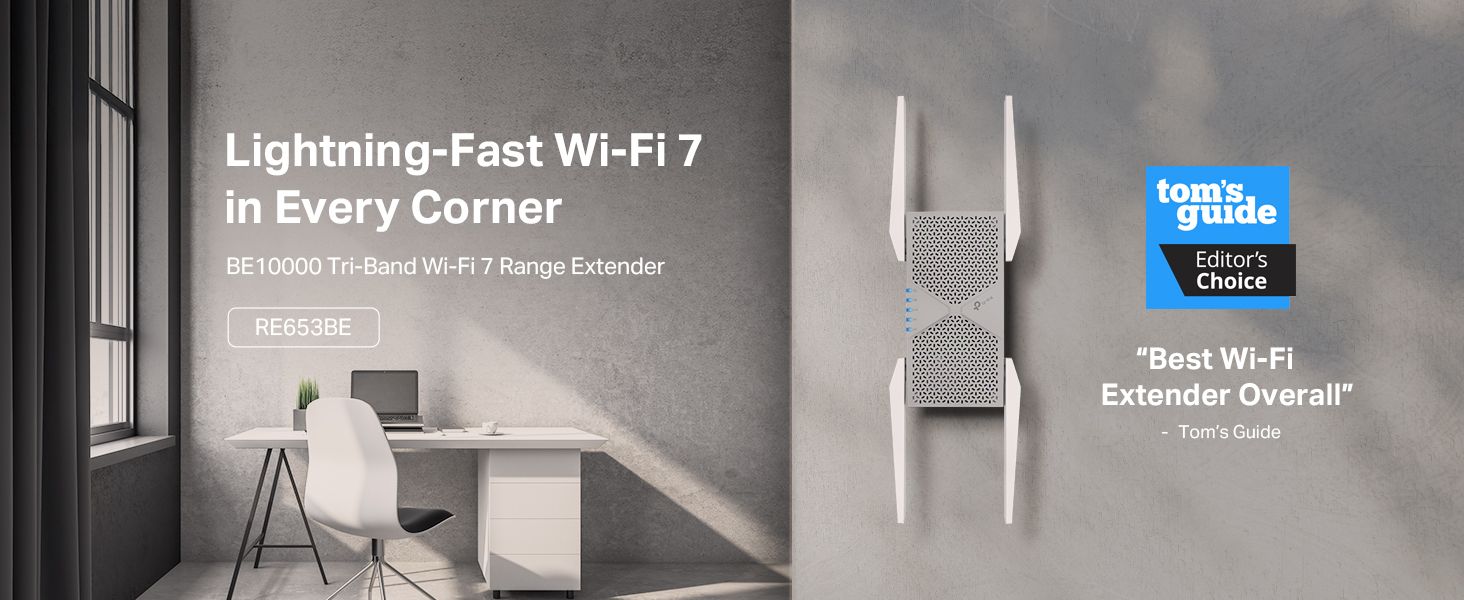
The TP-Link BE10000 RE653BE is a cutting-edge Wi-Fi 7 tri-band range extender delivering up to 10 Gbps total bandwidth across 6 GHz, 5 GHz, and 2.4 GHz bands. Designed to cover up to 2800 sq.ft and support 128 devices simultaneously, it features advanced Beamforming antennas, Multi-Link Operation (MLO) for enhanced throughput, and a 2.5 Gbps Ethernet port for ultra-fast wired connections. Compatible with EasyMesh routers, it ensures seamless whole-home coverage with easy setup via the Tether app. Security is top-tier with WPA3 and two-factor authentication, making it ideal for professionals and families demanding reliable, high-speed internet everywhere.


| ASIN | B0DXTMXKBL |
| Best Sellers Rank | #13 in Repeaters |
| Brand | TP-Link |
| Built-In Media | Quick Installation Guide, Wi-Fi 7 Range Extender RE655BE |
| Color | White |
| Compatible Devices | Router |
| Connector Type | RJ45 |
| Customer Reviews | 4.2 out of 5 stars 329 Reviews |
| Data Transfer Rate | 10000 megabits_per_second |
| Frequency | 6 GHz |
| Frequency Band Class | Tri-Band |
| Frequency Bands Supported | 6 GHz |
| Item Weight | 15.2 ounces |
| Manufacturer | TP-Link |
| Mfr Part Number | RE653BE |
| Model Number | RE653BE |
| Number of Items | 1 |
| Range | 258.06 square_meters |
| Special Feature | Access Point Mode, LED Indicator, MU-MIMO, Remote Access, WiFi Mesh |
| Special Features | Access Point Mode, LED Indicator, MU-MIMO, Remote Access, WiFi Mesh |
| UPC | 810142823630 |
| Unit Count | 1 Count |
| Warranty Description | 2 Year Manufacturer |
| Wireless Communication Standard | 802.11.be, 802.11abg, 802.11ac, 802.11ax, 802.11n |
| Wireless Compability | 802.11.be, 802.11abg, 802.11ac, 802.11ax, 802.11n |
C**D
Best WiFi repeater. The price is high but the quality is worth it.
This repeater is the only one that will actually work and work very good. Yes itโs a little costly, but the cheaper ones will not give you the speed that this does. They will stop working and you will have to buy another. The distance this amplifies the signal is amazing , itโs very easy to setup and allows you to repeat with triband capability. Itโs compatible with all of my devices , very fast and allows you to put the same or different passwords for each band type.
S**N
Easy addition to my home network, 2 minutes to reset and install. Easy Mesh is the magic!
Easy to reset, since mine was a used. I had zero issues and was able to connect it to my BE9300 router. Takes care of my patio area that was dropping connections from time to time. Would buy again if needed, simple two minute installation. I spent more time looking at the web interface and testing different clients to see how easily they join the extender vs the actual router. As expected the closer you are to the extender the more often you are connected to it. I also noted the connection changed as I went into the front yard and the router was closer than the extender.
M**K
TP-link extender
The TP-link WiFi 7 extender is a reliable and easy-to-use device. It seamlessly connects to my TP-link wired router, thanks to the straightforward tether app. Within about 30 seconds, the extender and router were connected, demonstrating their compatibility. As the latest tri-band model, this extender remains relevant as newer versions are released. Considering the additional cost, I believe itโs a worthwhile investment. While the speed is improved, there are still some areas in my house with connectivity issues. The directions suggest placing the extender in the middle of the router and in the spaces where connectivity is lacking. However, I didnโt use the feature that recommends the best location for connection. I might try that to see if it resolves the spotty areas. If it doesnโt, Iโll move the extender closer to our busiest spot. Our house is filled with smart devices that operate simultaneously, so I recommend this extender for its reliability and ease of use. However, I deducted a star for its limited coverage.
T**B
Wow, this unit doubled my WiFi 7 range.
We have a 3,000 ft2+ house with a large garage and yard. The router covered the house well, but since I have to have my router in the basement there were a few spots that were very touchy, never mind stepping away from the house. I put this extender in at the other end of the house in a spot with a fair connection and my 1Gb service actually now reaches the entire house from 500Mbs to the full 1Gb. HUGE improvement. I will say that I had a dual band older extender that had to be moved because this one just overwhelmed the area. Not a complaint.
|**|
Avoid - Causes continual reboots of the main router in mesh network
Does not work in EasyMesh setup with other TP-Link products. Initial setup was easy and everything was seemingly up and running quickly with this added as another node in my network. However, within minutes the main router (GE800) began rebooting. I figured there must be a firmware update. Updated this extender, no updates for the main router, updated my other satellite (BE800) in the mesh network. Time to try again....same result. I went into the main router DHCP settings and reserved a specific IP for the extender thinking that maybe there was a conflict being created. Restarts all around and time to try again. Same result. I saw various online reports of similar issues when enabling MLO, MU-MIMO, and other settings. Tried everything. Same result - within minutes of connecting this extender to my network the main router reboots and continues to reboot over and over every few minutes. Now I have the extender unplugged and just taking up space as a paper weight. Without the extender as a new mesh node my network is very stable with no issues. I have had good luck with TP-Link products in the past, but this one misses the mark and doesn't feel like it was ready for release and doesn't play nice in existing networks. I'd avoid this one for now until new firmware is released that fixes the issues.
B**R
Honestly less than 30 seconds it was running
I'm still in awe about how easy this was to set up. Within 30 seconds it was hooked up and ready to go!!! So far it's been working 2 days now. Non-stop excellent range. This product was real and not a letdown.
D**4
Easy Set up, but disappointed with performance
I'll give it a 3. Quick and Easy setup and it does show some promise. I purchased this to upgrade from my other unit. It was supposed to have a higher speed. Who doesn't want a few more MBPS. I can connect my computer to the SOURCE router via WIFI and get >220Mbps download/upload. I have the other repeater BE3200 and it would get to ~170-180, lost a few %. But worked great. When I used a cable to connect my computer to the BE3200, I could get close to the 220Mbps. The BE100000 unit shows in the specs that it has higher speed. When I connected this unit to the SOURCE router via WIFI, and used a ethernet cable to connect my computer to this repeater, I could get the 200Mbps. BUT when I set up to connect via the WIFI (5G) through the BE10000, the speed dropped to ~120Mbps. I tried various points within the condo, etc., and a few setting changes, but could never get more speed to even match my old unit. I am not sure why, but maybe due to the way it may want to fine tune itself using a MESH strategy? I am now happy with my other even though it loses ~10-15% speed via WIFI connections; some loss is expected. I was hoping that I could get closer to the 200 value. Maybe may have to try another brand.
T**R
Simple setup and solid connection
I used this to integrate with my existing TP Link router (Archer BE550) and it was just as simple a process as I had hoped. The setup from the Tether app was smooth and required almost no effort aside from deciding which network I wanted to extend. I don't get the same exact speeds as from my primary router, but the fact that you can extend the 2.4, 5, and 6Ghz bands has made it so that everything simply connects to whatever has the best signal at the time. The one downside (and I assume that this is a PS4 issue) is that my PS4 - which is wired to the extender via a CAT8 cable - still only registers fairly low speeds. A laptop in the same room is currently getting 450+ Gbps, but the PS4 is reporting to only have ~50Gbps. For those who care, this device is only ~20ft from my primary router and the connection only penetrates one floor and one wall because my goal was simple to hardwire the PS4 since its network card is garbage. Since I knew where it was going, I can't comment on the functionality for "finding the best location" or even really its ability to extend the range since my primary router gets solid coverage of my entire house and yard.
Trustpilot
1 month ago
3 weeks ago