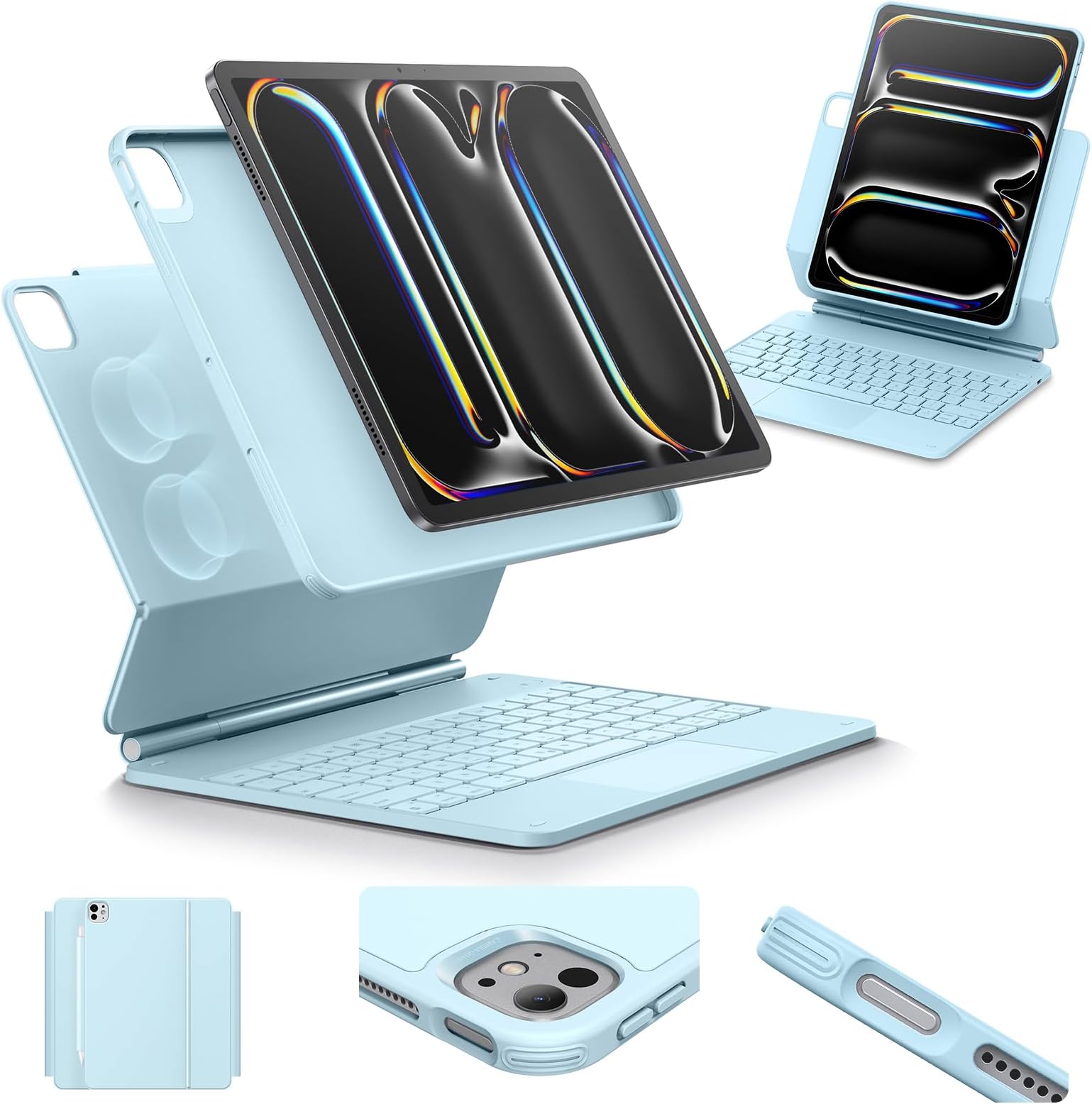
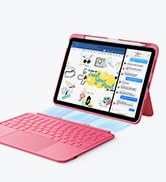
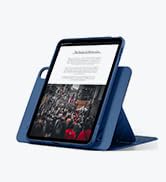
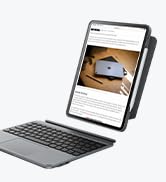
I LOVE MY NEW KEYBOARD! Cons (or possible cons): 1. It’s heavy. I am someone who likes a sturdy case on my iPad. I can’t just use a bare iPad and I’ve had somewhat heavy cases in the past as I would rather be fully safe. Having said that, this is heavier than even I’m used to. But I still love it. (Update: 3months later. I don’t really notice the weight any more) It isn’t going to be an issue for me but I can see why others might think it would be. Even the detachable case is heavy because there are magnets in it but that is also a Pro.(see below) Just letting you know, be aware before you buy. 2. No delete key? Some have said that is a con. I don’t know, There is a backspace key so that’s all I need. I mean do you really need both? Maybe a con for some but not for me. 3. You have to charge it. Don’t love having another thing to charge but this might not even be an issue. I read it only needs charging every week or so. If that’s the case, not a con for me though it may be for others. I just got mine so I’ll have to see how it does. UPDATE: looks like about 8 days holding a charge with fairly heavy use which is acceptable to me. (Update 3months later: The charging is fine. I only had it die once. Now i randomly plug it in at night just when i think about it. It isn’t a problem at all) 4. When you detach it, there isn’t a stand to prop it up with. I had the Logitech Combo Touch and if you detached the keyboard, you still had a stand. Not a huge issue but I liked that it did that. I guess I could make some kind of stand to place my iPad into if I don’t want to use the keyboard. I could even make a metal stand and just stick it to it. Hmmm. (Update 3 months later: i use the back of the case as a stand. It works fine when it’s in my lap. If it’s on a table I just put it on the keyboard the way it usually goes but you could also invert it like a teepee and place it on the back that way. Either way, it isn’t an issue) Pros: 1. It’s heavy enough to keep it from tipping over. I tried the Magic Keyboard and it was very top heavy. I returned it. Also, it didn’t have any protection for iPad when detached from keyboard. Even if you place the iPad higher up on this one it still doesn’t tip. (you can adjust the position of the iPad, Portrait, lower, higher) 2. There is a separate cover so if I detach it, it is still protected (unlike Magic Keyboard) 3. The keys feel nice to me. Plenty of room to type on. I guess if you have giant fingers maybe not but I think mine are average sized. Nice tactile feel. Some have said the keys and trackpad are too noisy. I’m slightly deaf so not a problem for me. Unless you are in a super quiet environment, I don’t think it’s that loud. (Update 3 months later: I find I can’t see the keys that well even with the lights. I just bought some stickers to place on the keys that may help assuming they stick properly. i found purple ones to match my keyboard. My eyes aren’t great and the light up keyboard doesn’t really help me see the letters so hopefully the stickers help.) 4. You can actually attach your iPad to your fridge (any metal surface) with just the case since it has magnets. If I’m cooking and need to read a recipe or something, it’s great to attach it to the fridge. So the heavy Con turns into a Pro here. (Update 3months later: I never do this lol, but you can) 5. There is more than just one color. I got Lilac. Thank you for other colors besides just black. (Update 3 months later: It stays clean looking, I’m sure I’ve had sticky fingers at one point or another but the case still looks good) 6. Portrait mode. I can use my iPad in portrait mode. Nice. 7. The price is good. 8. Because it’s Bluetooth, I suppose I could use the keyboard with my phone or other tablet or even my PC? I don’t plan to, but I guess you could. (Update 3 months later: You do have to wait for the keyboard to wake up before you use it so if you are impatient like me that’s annoying. You can’t open and instantly type it takes a few seconds. Maybe about 5 seconds. Not a lot but I find it slightly annoying) 9. There is a cover to protect your Apple Pencil. I like that. 10. I can just put the keyboard in my lap and type. I couldn’t do that with the Magic Keyboard - it was too tippy. Even the Combo touch wasn’t great for that but I could do it. This works great in my lap. 11. Different colors to light up keyboard. (Update 3 months later. I’m not that excited about this but it’s ok still) 12. Function Keys at the top. I never use them really so not a pro for me but maybe for someone. (Still barely use them 3 months later) I previously had the Logitech Combo Touch. I liked it ok. Better than Apple’s Magic Keyboard, but I like this one better than the Combo Touch. However, my Logitech Combo Touch just stopped working after only one year. I didn’t drop it or abuse it. I think maybe an update to my iPad may have made it stop working though I have no proof of that. I’ll check after the next update. Hopefully this one doesn’t die on me after a year. (Update 3 months later: still fine, I still LOVE it, I would buy it again.)