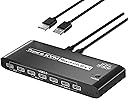
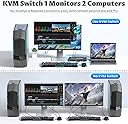
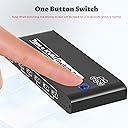
🚀 Elevate your dual-computer setup with seamless 8K switching power!
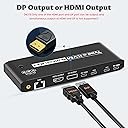
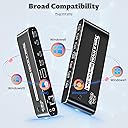
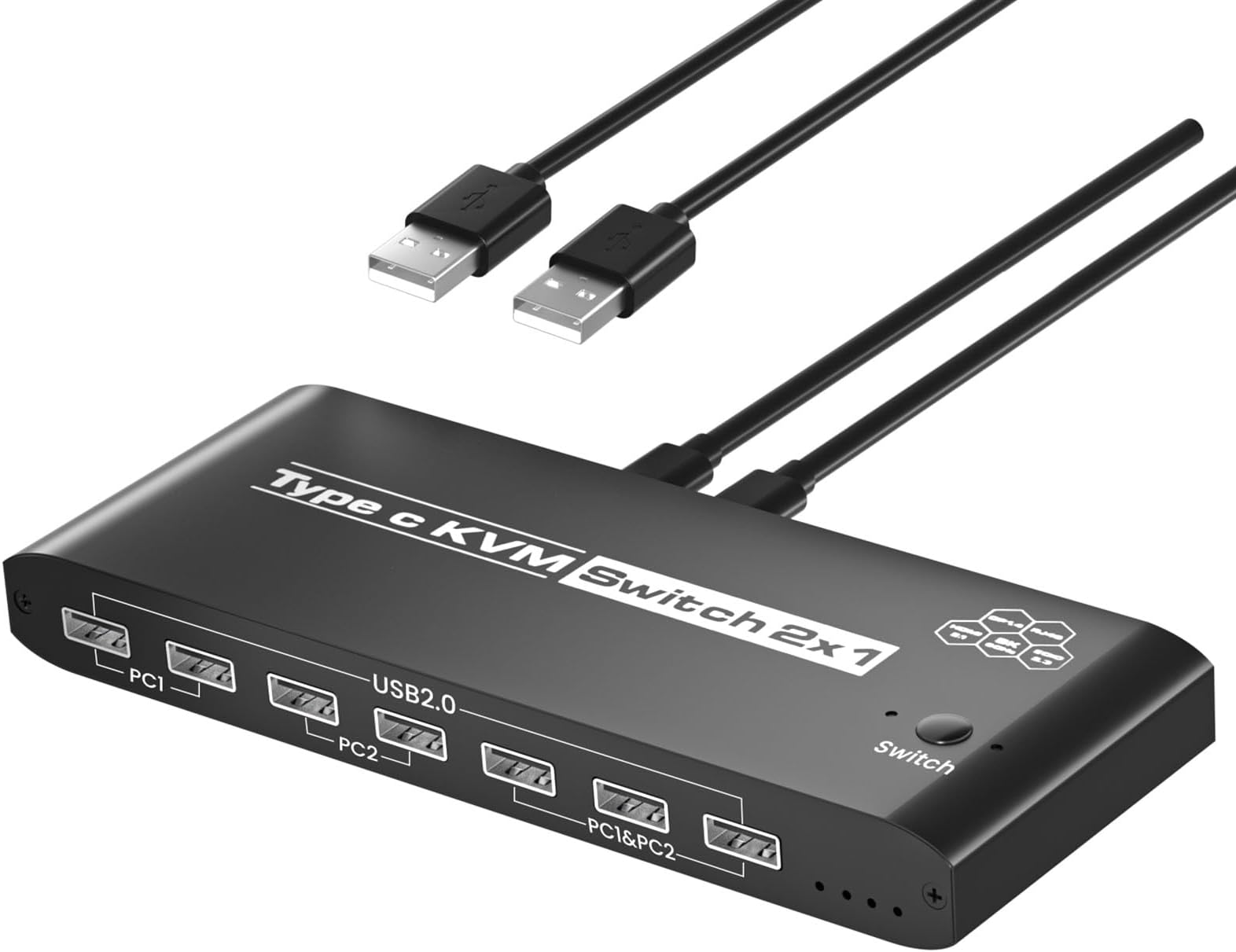
The Ozvavzk KVM Switch enables professional users to control two computers using a single 8K@60Hz monitor, sharing peripherals via 7 USB 2.0 ports and an RJ45 network port. Featuring plug-and-play USB-C connectivity and a durable metal design, it simplifies complex workstations while delivering crystal-clear visuals and broad OS compatibility.


| ASIN | B0D5YFH9XS |
| Actuator Type | Push Button |
| Best Sellers Rank | #558 in KVM Switches |
| Brand Name | Ozvavzk |
| Circuit Type | 1-way |
| Color | usb c kvm switch |
| Connectivity Protocol | Ethernet |
| Connector Type | Plug In |
| Contact Material | Silver |
| Contact Type | Normally Open |
| Control Method | Push Button |
| Controller Type | Push Button |
| Current Rating | 1 Amps |
| Customer Reviews | 3.8 3.8 out of 5 stars (23) |
| Included Components | KVM |
| International Protection Rating | IP00 |
| Item Dimensions | 8.54 x 5.31 x 1.65 inches |
| Manufacturer | Ozvavzk |
| Material Type | Aluminum |
| Mounting Type | Surface Mount |
| Number of Items | 1 |
| Number of Positions | 1 |
| Operating Voltage | 5 Volts |
| Operation Mode | ON-ON |
| Specification Met | CE, RoHS |
| Switch Type | DIAC |
| Terminal | Solder |
| Unit Count | 1.0 Count |
| Upper Temperature Rating | 55 Degrees Celsius |
| Wattage | 100 watts |
A**.
Well Built & Rugged!
I recently purchased this KVM switch for my dual computer setup, and I am beyond impressed. The first thing that stood out to me is how rugged and well-built this switch is. The entire body is made of solid metal, giving it a durable, high-quality feel that I know will last. The USB-C ports and cables, were exactly what I needed for my modern devices. The switch also supports both HDTV and DisplayPort outputs, making it versatile and capable of handling high-resolution displays with ease. Switching between my two computers has been seamless and hassle-free. Overall, this is an excellent product that I highly recommend to anyone looking for a reliable and robust KVM switch. It’s perfect for those who want a durable solution with USB-C connectivity.
A**R
Dell Pro laptop won't reboot with this KVM due to low power of 10W detected
I have to reboot using a 2nd power into the 2nd USB-C. Ryzen AI7PRO350 w/ Radeon 860M.
C**Z
Didn’t work
Couldn’t get it to work. It would not switch PCs. Returned it.
Y**I
Quality not great..
Heated up quick, ports stopped working, had to return it
S**E
No EDID support otherwise nice
This product as well as the other unbranded versions on the web all advertise on the top right of the case this has EDID 2.3 support. It does not. Neither of my computers recognized EDID connections. Not sure what EDID is? It's the ability of the KVM to remember the monitor signature and settings and make the computers think they are still connected when you switch away. Why is this important? Because every time you switch between computers the resolution changes and your desktop gets rearranged. Very annoying when using a large display and multiple windows are opened because switching away smashes everything into the small laptop display. Returning in most cases does not put anything back where it should, now they are a cascaded mess in the corner. Medium to higher end KVM switches have this as a standard. In this price point it should be included. Also for me it was considerably slower to switch back and forth than my brand name one. Like 7 or 8 seconds vs 3 or 4. It's to bad I really wanted to clean up the wiring mess and simplify everything with a couple of USB-C cables.
J**T
Do not buy
This is crap. No video displays when you set it up.
N**O
Ich beschreibe hier den Ozvavzk USB 3.0 HDMI KVM Switch 2 PC 1. Das Gerät hat ein handliches Tischformat und ist in einem Alugehäuse montiert. Es werden zwei USB3 Kabel und ein USB Kabel für Stromversorgung mitgeliefert. Letzteres wird aber nicht benötigt, da der Switch seinen Strom vom USB bezieht. Die nötigten (8K-zertifizierten) HDMI Kabel sind also vorher zu beschaffen. Der Switch funktioniert tatsächlich zuverlässig, doch ein wenig Geduld ist nötig, denn 1. braucht er bis zu 20 Sekunden für die Erkennung und zweitens ist eine eindeutige Zuordnung des Schaltzustandes nicht immer erkennbar. Sind die Kabel entsprechend der Beschriftung richtig angeschlossen, sollte nach dem Einschalten des 1. PC ein wenig gewartet- und ggf. umgeschaltet werden. Allerdings merkt er sich den zuletzt genutzten Eingang nicht, schaltet also nach dem Trennen und Verlust der Stromversorgung immer den PC1 zu. Ob das mit zusätzlicher Versorgung über das mitgelieferte Kabel anders ist wurde nicht getestet, denn das bedarf eines zusätzlichen seperaten USB-Netzteiles. Ich sehe das als Vorteil, da der erstzuzuschaltende PC definiert bleibt. Wer beim Erstbetrieb Bildaussetzer zu beklagen hat, wie in meinem Fall, sollte unbedingt die alten HDMI-Kabel durch zertifiziert 8K-HDMI Kabel ersetzen. Positiv: Signaldurchleitung und Umschaltung erfolgen zuverlässig. Kleine, rote, nicht störende LED's. Ausschließlich USB3 Anschlüsse (kompatibel zu USB2). Gut zu erreichender Umschalter. Zusätzliche Stromversorung nicht notwendig. Negativ: Maus- und Tastaturanschluß sind nach vorne herausgeführt. Etwas lange Zeit bis zur Bereitstellung. Unter drei getesteten Switches ist dieser der einzige, welcher seine Aufgabe zuverlässig erfüllt. Ich würde ihn jederzeit wieder bestellen.
S**A
Wechselzeit beträgt etwa 3 Sekunden. Absolut vertretbar. Das einzig blöde ist, dass das Gerät herumrutscht. Ich würde es gerne irgendwie am Tisch oder Rechner befestigen, weiß aber nicht, wie. Aber es passt schon.
Q**M
👍
D**L
Produkt hat anfangs gut funktioniert. Nach einem halben Jahr fällt das Gerät immer wieder aus. Dann werden Bildschirm Maus und Tastatur nicht mehr erkannt. Ich hatte extra nach einem KVM Switch mit externen Stromversorgung geschaut. Leider gibt es keine "einfachen" Restart-Button. Jedes mal wenn das Signal verloren geht, muss ich alle 8 Kabel rausziehen, sodass der Switch von keinem Gerät mehr Strom ziehen kann, sodass er tatsächlich "neu startet". Erst dann werden die Geräte (vielleicht) wieder erkannt. Habe dieses Problem leider mit allen KVM Switchern die ich bisher ausprobiert habe...
G**P
Tutto perfetto
Trustpilot
1 month ago
5 days ago