๐ Elevate Your Workspace with Lemorele!
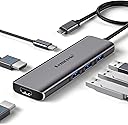
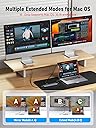
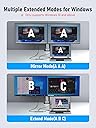
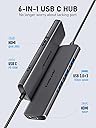
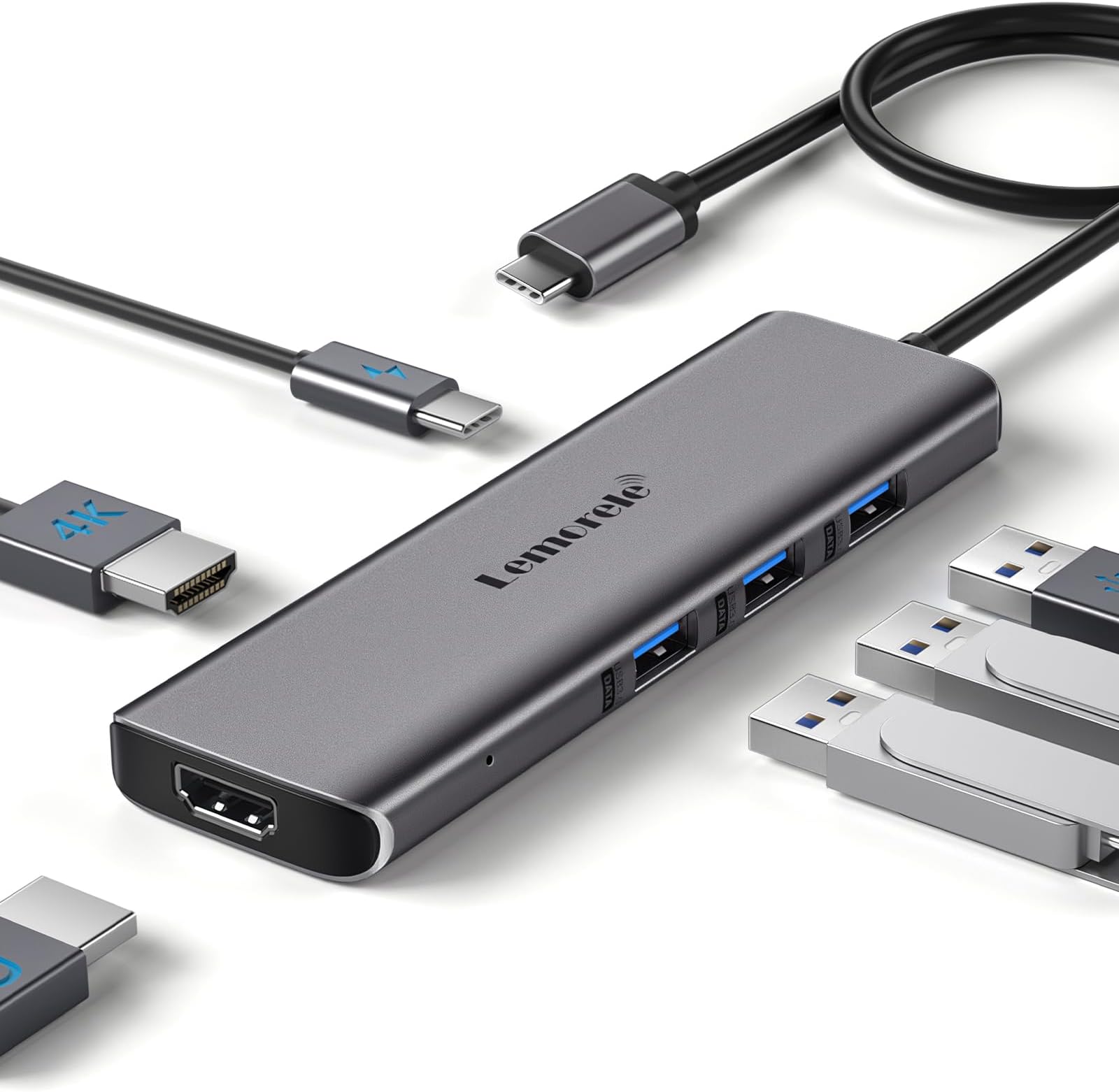
The Lemorele MacBook Docking Station is a versatile 6-in-1 USB-C hub designed for MacBook Air and Pro users. It features three USB 3.0 ports for high-speed data transfer, a 4K HDMI output for stunning visuals, and a powerful 100W charging port. Compatible with both Mac OS and Windows, this docking station enhances productivity by allowing seamless connectivity and rapid charging, making it an essential tool for modern professionals.


| ASIN | B0CCD8ZKTW |
| Best Sellers Rank | #320,877 in Electronics ( See Top 100 in Electronics ) #2,470 in Laptop Docking Stations |
| Brand | Lemorele |
| Color | Grey-6 in 1 |
| Compatible Devices | MacBook Pro, MacBook Air |
| Customer Reviews | 3.3 out of 5 stars 76 Reviews |
| Hardware Interface | USB 3.0 |
| Item Dimensions L x W x H | 11.22"L x 1.61"W x 0.46"H |
| Item Weight | 90 Grams |
| Manufacturer | Lemorele |
| Mfr Part Number | TC73-PLUS |
| Model Number | TC73-PLUS |
| Number of Ports | 6 |
| Product Dimensions | 11.22"L x 1.61"W x 0.46"H |
| Total Number of HDMI Ports | 2 |
| Total USB Ports | 3 |
| Total Usb Ports | 3 |
| Warranty Description | 1 year manufacturer |
| Wattage | 100 watts |
G**Y
4k for monitor doesnโt work correctly
The 4k input doesnโt work right, otherwise itโs ok
A**D
Driver listed by Mac OS as malware--NOT RECOMMENDED
This initially worked pretty well, and customer service was fairly quick to respond (even though I had to replace the unit a couple of times). However, not sure what happened recently but now it does not support two monitors (everything else works ok), and Mac OS now suggests deleting the software and reporting it as malware. I sent this image to customer service a week ago but have not heard back, so this product should be stamped with a big NOT RECOMMENDED.
S**N
Superior Customer Support
Excellent adapter to allow my MacBook to function as one of three screens when connected to two external monitors. Also appreciate the other options to use for charging or connecting wireless devices through usb ports. There have been some struggles with connectivity when my MacBook has undergone updates, however, customer support has been superior and each time theyโve been able to send a solution with an accompanying video with exactly what to do and it has solved the problem each time. Would highly recommend for a cost-effective solution and also recommend customer support as well!
T**9
Macbook air M2
I have a macbook air m2(2022) and it works
H**Y
Complete Garbage
This piece of junk makes you go through a software to display anything on an external monitor. Why is that bad? It's the difference between a device being able to detect a display and adjusting the settings automatically, translating the image normally etc., OR using a device that runs your input through a software to convert your image (so you get laggy, choppy video, and can't detect anything, and needs to update the firmware...on the adapter?!?! What. Who thought this was a good idea? This is getting returned immediately and anyone in the reviews saying this product works well is not a person you should listen to.
N**D
Has its purpose, but...
It works as you need it (i.e., it allows me to plug HDMI, USB, etc. into my Mac), however, it's weird that a docking station requires its own application and setup process on my computer. It seems like it should just simply be a connection. I personally would not buy again, but again, the main functions of why I got it still work fine.
A**D
An Essential Workaround to Multi-Monitor Lower-Tier M1/M2 Macbook Setups... Cheaper Than Anyone Else
After looking at other reviews for this product, there appear to be misconceptions about what this product does or doesn't do - or why this product exists. The issue that this product fixes (and, honestly, the issue that the item description for this item is actually somewhat terrible at advertising toward), is that the cheaper Macbooks that Apple sells (specifically the M1 or M2 Macbook Air or Macbook Pros) CANNOT use more than one external monitor. They simply can't. The baseline M1 or M2 chips on those laptops ONLY have TWO display processing controllers (the chips that help your laptop produce an image on your monitor) - one for your laptop display and one for your external display). This is a bummer because even if you plug in multiple HDMI cables into your M1/M2 Macbook, you only get one HDMI output. This is frustrating for a lot of people because this was never a limitation for Intel Macbooks before Apple moved over to their own chips. This docking station is a workaround because it has one additional display processing controller inside the hub. Your computer sends over the digital data needed for the third display (in a non-image format, via the UDisplay app) and then this USB hub converts that image using its display processing controller and displays that image via the 1080p-only HDMI port. As a side note, this seems to operate identically to other "Displaylink" hubs that other manufacturers make to fix this issue for Macbooks. I don't know if Displaylink technology is what is used here or not (it's definitely not advertised as such if it is), but if it isn't, it works identically. So... now that I've gone into that very long-winded explanation... How well does this dock work? Well... it works! After installing the UDisplay app, plugging in two external HDMI monitors to my laptop, and turning on the "Extended Display" option within the UDisplay app I got three unique images on all three displays. It does seem a little strange to have to use a third-party application to get that third image, but if you understand that the newer Macbooks are missing the hardware and software to get the third display, it makes sense that you would need something extra to facilitate that feature. I do really appreciate that the UDisplay software is actually built INTO the hub. When you plug it into your computer, the software shows up as a USB device that you can load without even truly installing it into your system. You WILL need to change your settings to allow the software to function though - but the app guides you through these steps and lets you know if any of the settings are incorrect. What are the limitations? Because the 4K HDMI port is a display rendered natively by your M1/M2 Macbook, it acts exactly like a normal HDMI output. All the normal settings are available for you to change in your Mac's Settings app. However, there are some limitations on the 1080p output that is rendered with the UDisplay app and the extra display processing unit on the hub. It ONLY renders in 1080p. This cannot be changed, even if the change is small. This screen also cannot be rotated (if you happen to use an additional display in the portrait position). Thankfully, neither of these limitations bother me as I have one external 4K display and one external 1080p display. For the price, this is an excellent solution to getting two monitors working with you M1/M2 Macbooks that don't have the ability to do this themselves. At the current price, this is the cheapest way you'll be able to do so. The only other portable hubs that have similar functionality (like the Displaylink hubs I mentioned above) are usually between $80-$150. I think this is a reasonable solution to a problem I've had for quite a while - and it fixes that problem entirely at a price I'm actually willing to pay.
O**A
Not great picture quality
I love how portable this is, and I wish it worked better. I ended up returning because while it did allow for me to extend two external monitors for my MacBook the picture quality for the secondary monitor was subpar.
Trustpilot
1 month ago
3 weeks ago