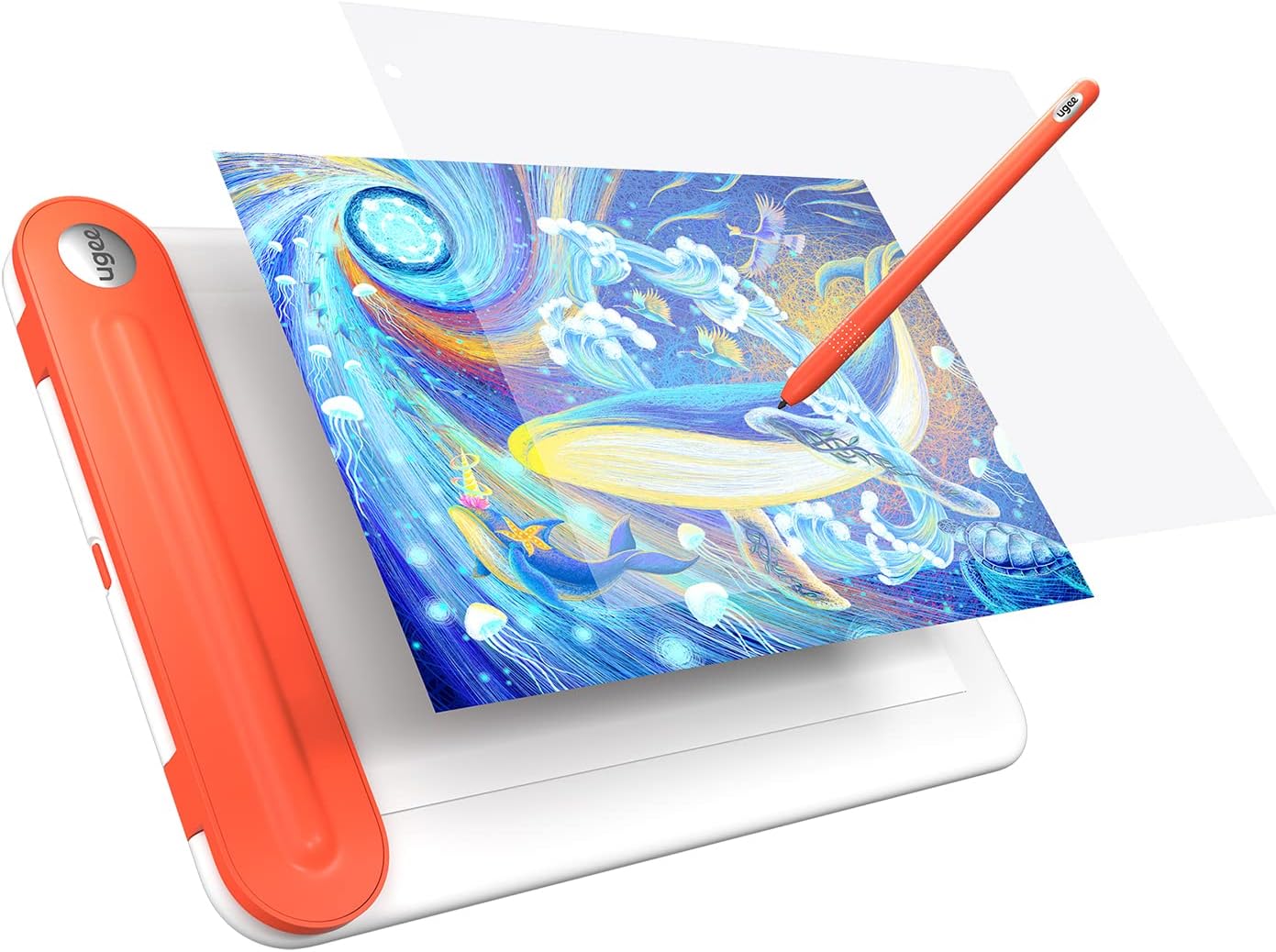
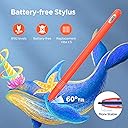
Although I have only acquired this Graphics Tablet a good two weeks ago, I have made extensive use of it while preparing an image for a drawing competition, making me confident in giving it a preliminary review. To make matters short: This graphics tablet - as of yet - appears an ideal and cheap entry point for traditional drawers like me into digital art, that are searching for a graphics tablet (one with a screen). If you just want to draw digitally maybe a screenless table might be a much cheaper entry though. The long version. I have been drawing traditionally - with a pencil - for a great part of my short life now and - while employing GIMP for the colouring - have never drawn digitally. For the use of this Tablet, I haver switched to Krita, another free and open-source software better suited to the process of drawing. These are my Observations: Responsive: For my part I value seeing what and where I draw and lines appearing at the time I move my pen. This tablet does not perfectly replicate that feeling of traditional drawing but it sure comes close. Lines appear after a noticeable - yet non-distracting or disturbing - delay. The force needed to trigger the pen to actually cause the appearance of a line is surprisingly heavy, which is perfect for me and dispels my initial fear of damaging the screen. It might however be an issue for those used to very light drawing. Screen: First of all, the screen brightness is sufficient but not overwhelming. Further have I heard it might be susceptible to scratches over time with normal use. Another aspect of note should be its size that is smaller (in length) than the standard A4 paper. I have not had an issue with any of these - quit to the contrary do I love the ability to zoom in and out at my convenience at add useless detail - yet should these weaknesses not be discounted. The Screen does thankfully not react to the touch of anything but the provided pen (replacement tips are provided.) Technology: The biggest umph is the quality and functionality of the driver. While the buttons on the tablet can be freely bound to certain actions and keys, the pen buttons can only in theory, with some actions not working for whatever reason. This was only tested in Krita though and binding those actions that do to the pen and those that don’t to the tablet worked well enough, so take this both with a grain of salt and as non-impeding to the enjoyment of the tablet if you are one without prior digital drawing experience like me. What you should contrarily take seriously is that I have yet to find a way of using this tablet as anything but a mirror to the Computer screen (Meaning, I am unable to use this as a second screen with them displaying speperate images like reference and the drawing programm, without the tablet turing unresponsive.). Much worse, rarely the screen displays nothing, turns unresponsive or similarly unusable. This does not appear at random but as result to the Computer booting or waking from sleep. Simply reconnecting the usb-conector fixes this, but it remains an issue one might not expect to have on Windows 11 24H2 built. I blame the driver, but that’s really just a wild guess. Overall: You get what you are paying for. An alright but small display, that won’t last you forever, technical difficulties to a limited degree and other small inconveniences. In exchange you get a functional introduction into digital art for barely a hundred bucks, that enables the use of many convenient features of digital drawing without causing bankruptcy. I recommend it for those tight on money who are non-committal and inexperienced with digital art, yet thirsting for a drawing tablet with a screen.