🔋 Power Up Your Clean Routine!
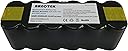
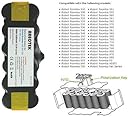
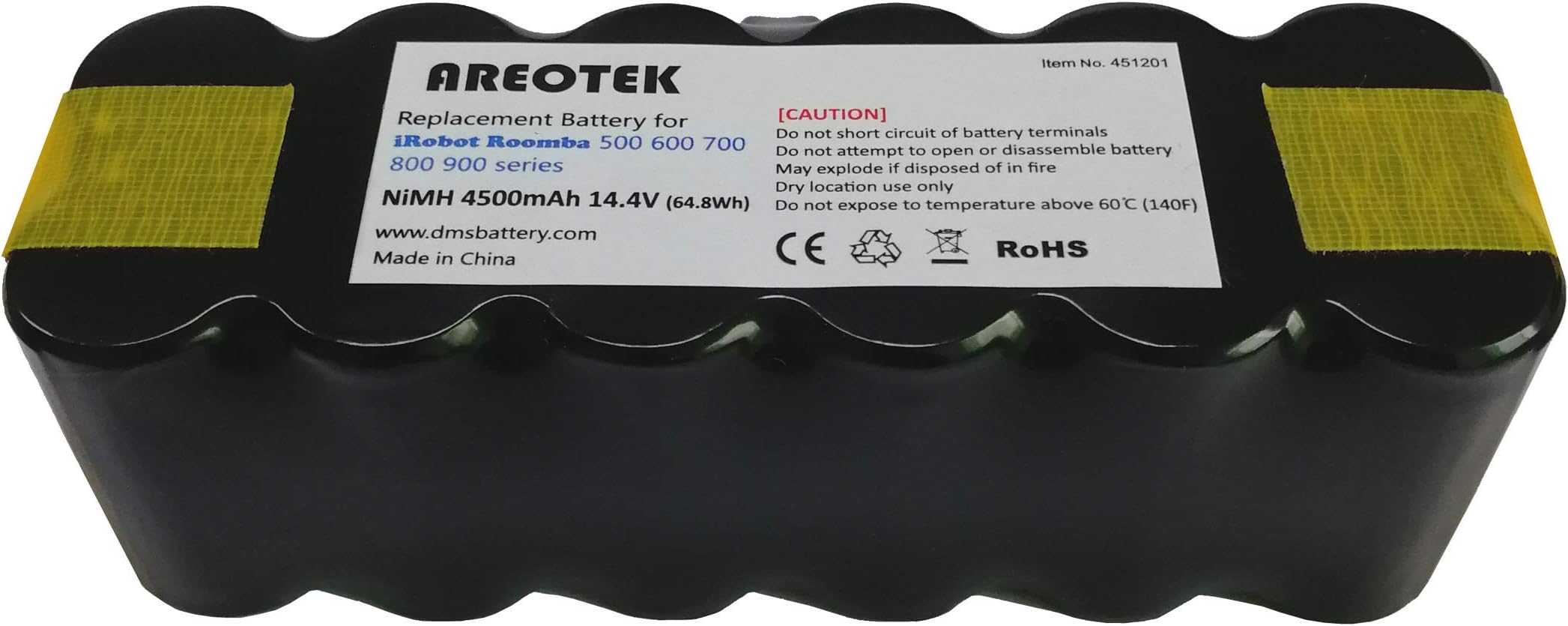
The 4500mAh Extended Life iRobot Roomba Replacement Battery is engineered for superior performance, providing up to 3 hours of cleaning time after an 8-hour charge. Compatible with a wide range of iRobot models, this drop-in replacement battery ensures a seamless transition and long-lasting power, backed by a one-year warranty and dedicated customer support.
| ASIN | B073QPGDLY |
| Antenna Location | Irobot |
| Battery Capacity | 4500 Milliamp Hours |
| Battery Cell Composition | NiMH |
| Battery Cell Type | NiMH |
| Battery Weight | 700 Grams |
| Brand | Areotek |
| Compatible Phone Models | ROOMBA 800 900 500 600 700 BATTERY REPLACEMENT |
| Customer Reviews | 4.2 out of 5 stars 302 Reviews |
| Item Dimensions | 0.01 inches |
| Item Weight | 700 Grams |
| Manufacturer | Areotek |
| Model Name | Areotek |
| Model Number | iRobot Roomba 500 600 700 800 |
| Number of Batteries | 1 C batteries required. (included) |
| Recommended Uses For Product | Irobot |
| Reusability | Rechargeable |
| UPC | 605734976388 |
| Unit Count | 1 Count |
| Voltage | 14.4 Volts |
R**.
great battery for my 550
Good value for an upgraded battery. Fits the 550 Roomba (and others) very well. Extended operating time is a real plus. Easy to install. Better than the OEM standard battery. Used mine a couple of months now, and it's performing quite well. Arrived on time from vendor. I would definitely buy this item again, when needed in the future.
M**C
If you're having battery problems, just get this and replace it.
After 2 years of constant use, it was starting to show signs of battery problems. It would recharge after 20 minutes of use, but it was in perfect working order otherwise. It seems silly to buy a new one so I tried to see if battery replacement was an option. This battery is slightly higher capacity than the original, which is always a bonus. It was super easy to replace the battery and this larger capacity fit into the compartment without any issues.
H**N
Works well now....
I purchased this to replace the totally depleted battery in my Roomba 585. In fact, the Roomba would no longer charge the battery and would give an error and blink yellow. After replacing the original with the new battery, I was seeing the same behavior as with the old battery. The Roomba battery reset procedure did not help, and neither did trying to charge it separately from the dock using the barrel plug from the power supply. I thought the battery might be bad and was prepared to return it, but decided to try one more thing. I fashioned a means to connect the programmable charger for my RC gear to the battery and put it through three charge/discharge cycles followed by a full charge and trickle top-up. When I put it back into the Roomba, it was happy again and I am getting excellent run times from the battery. I can't explain why I had to go through this procedure, which few users are likely to be able to duplicate. Whether it is a problem with my Roomba, the condition the battery arrived in, or what, I can't say.
J**S
Exellent Battery If Procedure Followed
After 4 ½ years my Roomba 780 needed a battery replacement. I looked at the various Amazon.com options and ratings, paying particular attention to the percentage of critical or negative reviews. This Areotek battery, at the time of my actual purchase seemed to score better than most, though I was still concerned about the battery’s 4500mAh rating. To make a 4500mAh battery the internal plates of the battery need to be much closer together than were the plates of the original Roomba 3000mAh battery. While this is instead a Ni-MH battery, automotive lead-acid batteries are known to suffer, at times, shorter life spans because of similar issues. Anyhow, time will determine durability. I removed the old battery, cleaned the metal contacts on the Roomba and the new battery with a pencil eraser, and gently pulled the Roomba’s metal contacts ever so slightly up to compensate for sag due to time. I installed the Areotek battery, and, as one should do with any Ni-MH rechargeable battery, I ignored the green charge light and stuck it immediately on the charging base for 24-hours. Next day the Roomba was started up with the base then unplugged and the Roomba ran for 1-hour and 51-minutes until it ran completely out of power. I put it back on the plugged in charger for another 24-hours and the second time (base unplugged) it ran for 2-hours and 11-minutes. Repeated the charge/run cycle for final third time with a 2-hour and 45-minute run before losing all power. While modern Ni-MH batteries don’t have much of a “memory effect” the above procedure done at the beginning of their life will condition them, or at least show them who is boss. The Roomba is now on its normal scheduled run twice a week and is doing fine. Finally, please do not think that you have to purchase a battery from iRobot. I strongly recommend the Areotek Ni-MH battery for consideration. ---------------- Addendum 8-2-2019: One year later this battery is still running on a twice a week schedule and seems to have a 1-hour and 45-minute run time. I'm still satisfied with the purchase.
S**L
Worked for awhile... and then
I purchased this battery almost 6 months ago. For the first three months it worked great, and my overall operating time for the Roomba increased. Then... about 3 months ago I started getting charging error messages from the Roomba. I trouble shooted the issue, and cleaned the contacts between the Roomba and charging station. That seemed to fix the problem, until I noticed the Roomba was not following the daily schedule I had programmed. If I manually hit the button the Roomba it would operate fine and return to base when done. However, if I programmed the Roomba on a set schedule, it would leave the base the first time, return, and then I would receive an error. The entire program along with date and time would be wiped out. It appears the battery is not allowing itself to be cycled and instead is resetting itself. I am now contemplating spending the $100 on the genuine Roomba battery or be stuck with a Roomba that I need to manually start each time I want to use it.
M**Y
Suspicious, but it works great!
I have an older roomba and the battery had died. I wasn’t sure what to expect with this battery but didn’t want to pay for the real one. This battery powers the roomba well. It will run for about 2 hours before needing a charge. It’s been a few months and it’s still going strong. Saves me from all that vacuuming!!
S**D
2+ hours so far!
Got this to use in a refurbished 530. The trick is to follow the directions for a new battery. Do not stick in the battery and run Roomba immediately, no matter how excited you are or how dirty the house is. 1st, I insert battery. 2nd, then I reset the software by turning on unit pressing 'clean' button. 3rd hold BOTH 'spot' & 'dock' buttons down for 10 seconds; then release. Wait till you hear the reset sound. Then plug in your charging cord direct to the Roomba, NOT to the docking charging station. Let the Roomba charge overnight (I gave it 24 hours), even if you see the charging light indicate charging complete. Finally, run the Roomba and let it go as long as it wants (it will head back to charging station when ready). Then going forward you can use the docking charging station. Every few months I do a 'reset' and direct cord charge for 24 hours just to get a good refresh. As a result this battery gives me 2+ hours of run time. Ive had it about 3 weeks running it every 2 days or so (due to a remodel going on), and been very pleased. Lets see where we are a year from now, but so far so good.
W**R
Worked Very Well For Me
This a replacement for a factory original Roomba battery, and so far, I'm impressed. It does seem to last longer than the original battery, even when that battery was new. I did leave it on the charger for a full 24 hours before the first use. After that, though, it's been running every day (sometimes twice a day - pets are not the greatest thing for home cleanliness!) with no issues.
Trustpilot
1 week ago
2 months ago