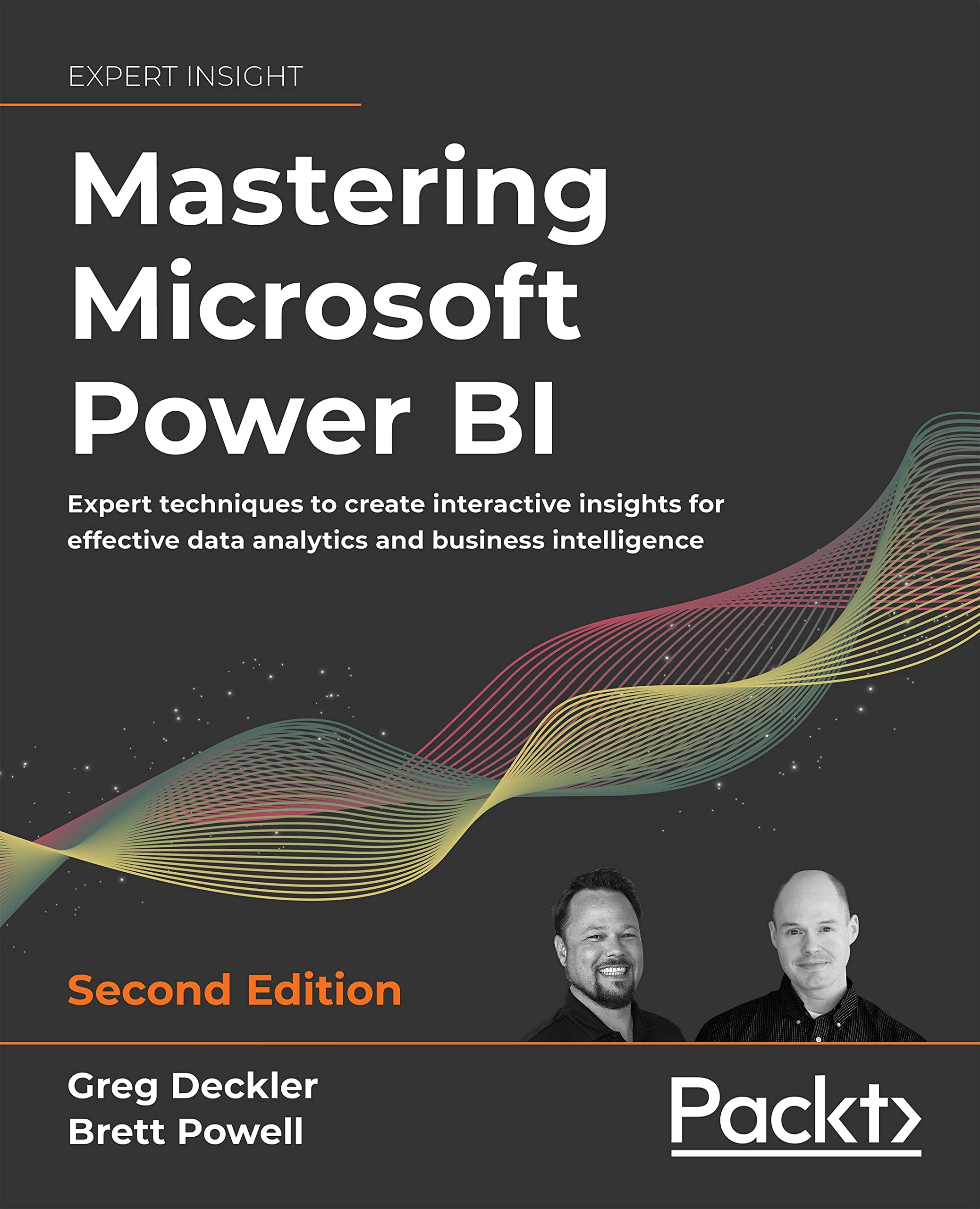
Mastering Microsoft Power BI: Expert techniques to create interactive insights for effective data analytics and business intelligence, 2nd Edition
Product ID: 449737616
Buy anything from 5,000+ international stores. One checkout price. No surprise fees. Join 2M+ shoppers on Desertcart.
Desertcart purchases this item on your behalf and handles shipping, customs, and support to Vietnam.
Mastering Microsoft Power BI: Expert techniques to create interactive insights for effective data analytics and business intelligence, 2nd Edition [Greg Deckler, Brett Powell] on desertcart.com. *FREE* shipping on qualifying offers. Mastering Microsoft Power BI: Expert techniques to create interactive insights for effective data analytics and business intelligence, 2nd Edition Review: Good book to lean Power BI - Weel written and covers the breadth and depth of the Power BI. Review: Excellent Book - I’ve been trying to learn power bi on Udemy, but it wasn’t cutting it. This book really fills in the gaps.




| Best Sellers Rank | #279,059 in Books ( See Top 100 in Books ) #6 in Microsoft SQL Server #16 in Presentation Software Books #50 in Business Intelligence Tools |
| Customer Reviews | 4.4 4.4 out of 5 stars (189) |
| Dimensions | 7.5 x 1.61 x 9.25 inches |
| Edition | 2nd ed. |
| ISBN-10 | 1801811482 |
| ISBN-13 | 978-1801811484 |
| Item Weight | 2.88 pounds |
| Language | English |
| Print length | 712 pages |
| Publication date | June 30, 2022 |
| Publisher | Packt Publishing |
S**J
Good book to lean Power BI
Weel written and covers the breadth and depth of the Power BI.
J**S
Excellent Book
I’ve been trying to learn power bi on Udemy, but it wasn’t cutting it. This book really fills in the gaps.
J**N
The Power-BI Bible
Makes my workday easier and is packed full of just-in-time information. Especially useful if you are new to Power BI
K**Y
My favorite Power BI book! Covers it all.
As a relatively new person to Power BI, I have several books. This one is by far my go to for information. I've become an accidental Power BI report builder/troubleshooter/administrator for our company in my growing list of BI duties. So at first I used this book for specific things as they came up - which it is great for. Right to the point, without unneeded fluff. Some examples: 1. ) Using M. We had a specific issue with an error message returning an indication that the problem was in an M query in one of our PBI RS reports. This area helped me get up to speed quickly on what I needed to know to troubleshoot this (previously had zero M experience). (Chapter 3: Connecting to sources and transforming data with M) 2.) Row level security. We were setting up some new PBI apps where this was a requirement based on user's role. This can be a little tricky and this helped us get it up and running quickly. (Chapter 5: Developing DAX Measures and Security Roles) 3.) Gateways. Our gateway was already setup, but we had some troubleshooting and I needed to get my head wrapped around the concept .This chapter greatly helped with that. (Chapter 11: Managing the On-Premises Data Gateway) 4.) Apps. As mentioned in #2, we were setting up new PBI Apps (some with external users). We also had reports that didn't fall under our app requirements. Really great info here on how to set them up, explanation of them, content distribution, subscriptions options, and how to analyze in Excel. 5.) Administering Power BI. Helped me with us setting up external users, thinking in the realm of data governance, and navigating the Admin portal. (Chapter 14: Administering Power BI for an Organization). 6.) Paginated reports. We are moving some of our reports off of legacy systems (including SSRS) and one of the items we've been stuck at with PBI is paginated reports. There is an entire chapter on this that helped me work through issues our contractor was having with a current report and to give us a roadmap for planning our report system migration. (Chapter 12: Deploying Paginated Reports) Lots of other great stuff here. I really love the format and it is true to its title covering both development and administrating of Power BI. At over 600 pages, it bucks the new trend of books that seem a bit light. I really appreciate the initial chapter of Planning a Power BI project as it encourages you to take a step back and design with the users in mind, gives best practices for planning your overall setup, and sets the tone for the rest of the book. Lastly, I REALLY appreciate that the authors included information for both PBI Service and PBI Report Server. PBIRS seems to have a lack of information available out there, and this is the first book I've seen where it regular includes references to both. Highly recommended for both newbies and people that may have a lot of experience in one area of PBI, but need to expand their knowledge in other areas.
S**E
Highly recommended book on Power BI
This is the most complete book on Power BI that I have read. The book is very detailed and digs deep into the concepts and patterns to be an effective Power BI developer and data analyst. The section in the book on the Power BI licenses is very well written and complete. Licensing Power BI is not a straight-forward topic. The use of written text, diagrams, and scenarios will really help the reader understand and determine their licensing needs. The authors explain the differences of shared and dedicated capacity and how that impacts the implementation costs and deployment of Power BI. The authors did a great job on using the data profiling capabilities within Power BI. Data profiling is a feature that keeps you within the Power BI application to analyze data and not needing to know how to query data from a SQL data source. Another topic that is necessary to understand is preparing, connecting and transforming the data from various data sources. The book is successful in completely explaining how data sources are implemented in a Power BI solution. Choosing and using the best storage modes is explained very well. The book covers the various storage modes and which ones to utilize based on your data sources. I was very impressed with the level of depth using the Power Query M language. There were several implementation tips that I learned for the first time. I felt that I learned so much more on the Power Query M language when reading the book. The authors did not just explain and show how to use the Power BI user interface, but they successfully showed examples for writing and editing Power Query M code, from beginning and advanced capabilities. I also found the Power Query M language topics of incremental data refreshes, using parameters, and implementing functions and keywords to be complete and go very deep. Using third-party tools and extensions to create Power BI solutions faster and more efficient was very impressive, as well. These topics will really help readers understand and confidently implement the learning. I was very impressed by how the authors explain how to access and import the data. This book really digs deep into the features and capabilities of Power BI on integrating and implementing a solution. The book included features that I have not previously seen. The content is very detailed and very-well written. I strongly recommend this book as required reading to learn and effectively use the features that Power BI provides. This would be a great addition to data analysts and Power BI users of all knowledge levels. There is plenty to read and learn.
J**L
Details Not as Complete or Clear as First Thought
The details in this book are not as complete as first thought. Much of the basic knowledge needed to understand the intermediate and advanced levels are totally left out, making it necessary for the student to buy another book to cover much of the basics needed (not good in my opinion). Also, the book is not intuitive in its examples. I am certified in education, and I would give this book a poor rating for simplicity and clearness of examples or the lack of more clear examples in many cases. If you can explain something in a more clear and understandable way, as an instructor, you should, rather than just showing off your knowledge. To "Master" a topic, you need to START from the basics and build to advanced level. The title of the book is therefore misleading.
L**2
Umfangreich. Studieren mit dem Software ist sehr empfohlen, sonst viel zu theoretisch (ggf. sind firmenspezifischen Einstellungen anders oder eingeschränkt).
J**E
O conteúdo online é fantástico.
N**U
Cool
A**R
Super informative.
R**O
Book to support future tutoring on Power BI. Great book for starters and advanced users.
Trustpilot
1 week ago
2 months ago