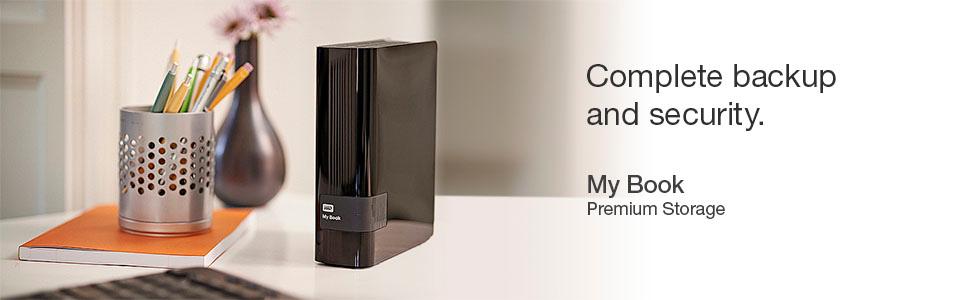
💼 Secure your digital empire with speed and space!
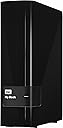
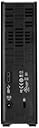
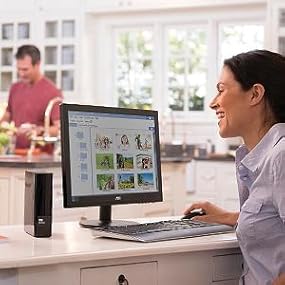
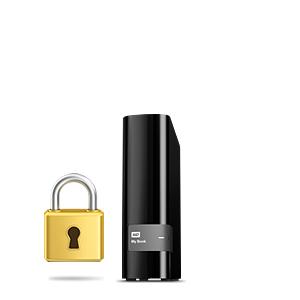
The WD My Book 3TB Desktop External Hard Drive combines ultra-fast USB 3.0 connectivity with a massive 3TB capacity, making it ideal for professionals needing reliable, high-volume storage. Featuring integrated Acronis True Image backup software, it ensures your data is protected effortlessly. Its proven durability and cool operation have earned it a loyal following among power users and gamers alike.


| ASIN | B00E3RH63A |
| Box Contents | USB Cable |
| Brand Name | Western Digital |
| Cache Memory Installed Size | 3 |
| Color | Black |
| Compatible Devices | Computer |
| Customer Reviews | 4.5 4.5 out of 5 stars (1,340) |
| Data Transfer Rate | 5000 Megabits Per Second |
| Digital Storage Capacity | 3000 GB |
| Enclosure Material | Aluminium |
| Form Factor | 3.5-inch |
| Global Trade Identification Number | 00718037812359 |
| Hard Disk Description | Desktop |
| Hard Disk Form Factor | 3.5 Inches |
| Hard Disk Interface | USB 1.1 |
| Hard-Drive Size | 3 TB |
| Hardware Connectivity | USB 3.0 |
| Installation Type | External Hard Drive |
| Item Weight | 2.23 Pounds |
| Manufacturer | Western Digital |
| Media Speed | 625 MB/s |
| Model Name | WD My Book |
| Model Number | WDBFJK0030HBK-NESN |
| Network Connectivity Technology | USB |
| Number of Items | 1 |
| Product Features | Compact |
| Specific Uses For Product | Personal |
| UPC | 803982835222 718037812359 |
| Unit Count | 1.0 Count |
J**Z
Lo uso para instalar juegos en mi Xbox One y funciona perfectamente y sin demasiadas complicaciones. Es tan sencillo como sólo conectarlo a la consola y a la corriente eléctrica. El único pequeño problema es que los juegos se cargan mas lento cuando se está instalando algo de fondo.
B**N
This is my forth My Book. The reason that I have four is because they are solid drives at an outstanding price. They are not the fastest out there they spin @ 5400 rpm vs a faster drive at 7200 rpm but they turn in a respectable transfer rate of 150 mb/sec. I am not a causual user. Two of my drives run as expanded memory on Bell Expressvu receivers and have been performing that job flawlessly and reliably for 3 years. They take a fair amount of abuse. The receivers recognize and work with the My Book beautifully. My third drive was given the unenviable task as serving as my animation drive for my work producing animation, this thing reads and writes huge quantities of data A LOT and the thing is just a solid performer and drive metrics show that no matter how hard it works, it stays cool. This latest one is simply serving as a backup. One of my internals was starting to worry me and at this price and capacity, there was no hesitation to get another one to safe guard my important data. I am more than willing to make the safe bet that a fifth is in my future at some point. I have recommended these drives to friends and those that have bought them - love them. You will too...
K**A
I am using this for my xbox one and it is totally awesome. the inbuilt harddisk of xbox os 5400rpm and this is 7200rpm. so the games that will be booted from this harddisk will be faster in terms of loading times. This is the best harddisk for xbox one
B**R
I now have two of the 3 TB drives and one of the 4 TB drives (I've had the 4 TB drive for a little over a year now). I have not had any issues with any of them. I have an external drive that is a bit faster, but for the price point these are good drives and hard to beat. I can generally maintain 105+ MB/sec write speed over the USB 3.0. For approximately $50 more I could have gotten an external drive that is significantly faster, but for writing once then reading as necessary these drive fit what I need them to do without my feeling that the writing time is excessive even when transferring fairly large files. Note: If you are using Windows, then you must go to the device manager and apply the setting for this drive to where it is set for better performance in order to get maximum Write speeds. There is also an option to turn off the power saver mode to keep it from constantly having to start back up between writes if there is going to be significant time between writes, and if you are more interested in speed than power consumption and possible drive wear. If you don't do those things, then you will not get the best write/read performance due to the drive powering up at the start of the read/write and/or Windows treating the drive as a USB quick release drive. Both of these settings change how quickly files will be written to the drive but for different reasons. As always, how you choose to apply these settings are up to you as the user. Personally, I attach these drives to one computer and rarely move them afterwards. So, I have no need of being able to unplug them from the system without using the windows disconnect USB device option first. I'll take that extra step on the odd occasion when I might need to move one of the drives for the added speed the rest of the time. I turn off the energy saver because I don't like waiting 10 sec or more for the drive to start writing after I try to move something there. I don't worry as much about extra wear from it being on as I get tired of the wait. That is how I like to use them. You should do what works best for you.
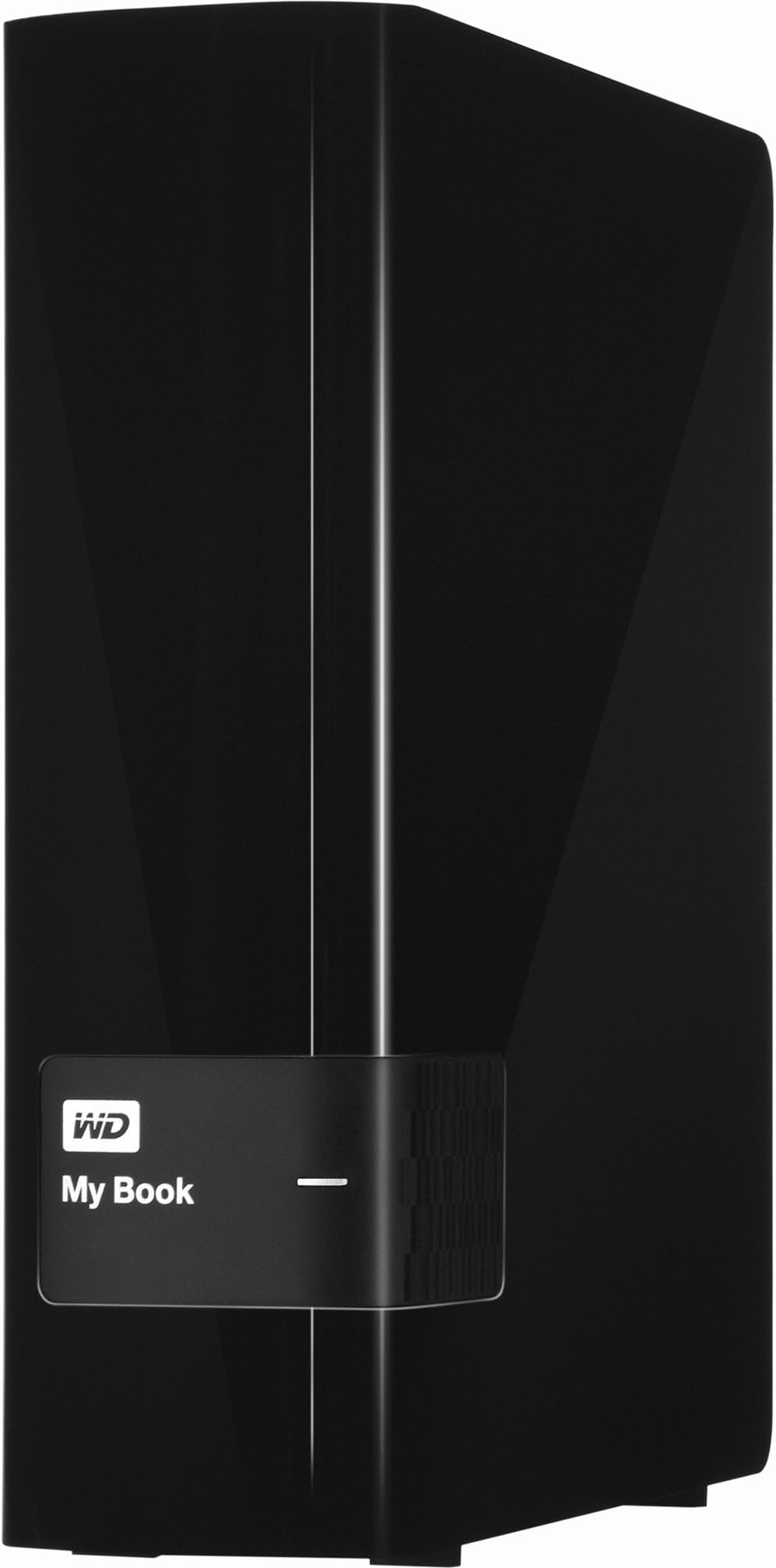
A**.
This is a Large Desktop Backup HDD. It is used for 24hour backup. Not for travel. Excellent performance. I found lowest rate here. Afraid to buy. But did once try. And found genuine product. Amazon have very good service. Prompt delivery.
Trustpilot
4 days ago
2 weeks ago