We remain fully operational. Our teams are working around the clock to ensure your deliveries continue safely.

DOWNLOAD THE APP


Copyright © 2025 Desertcart Holdings Limited
DOWNLOAD THE APP
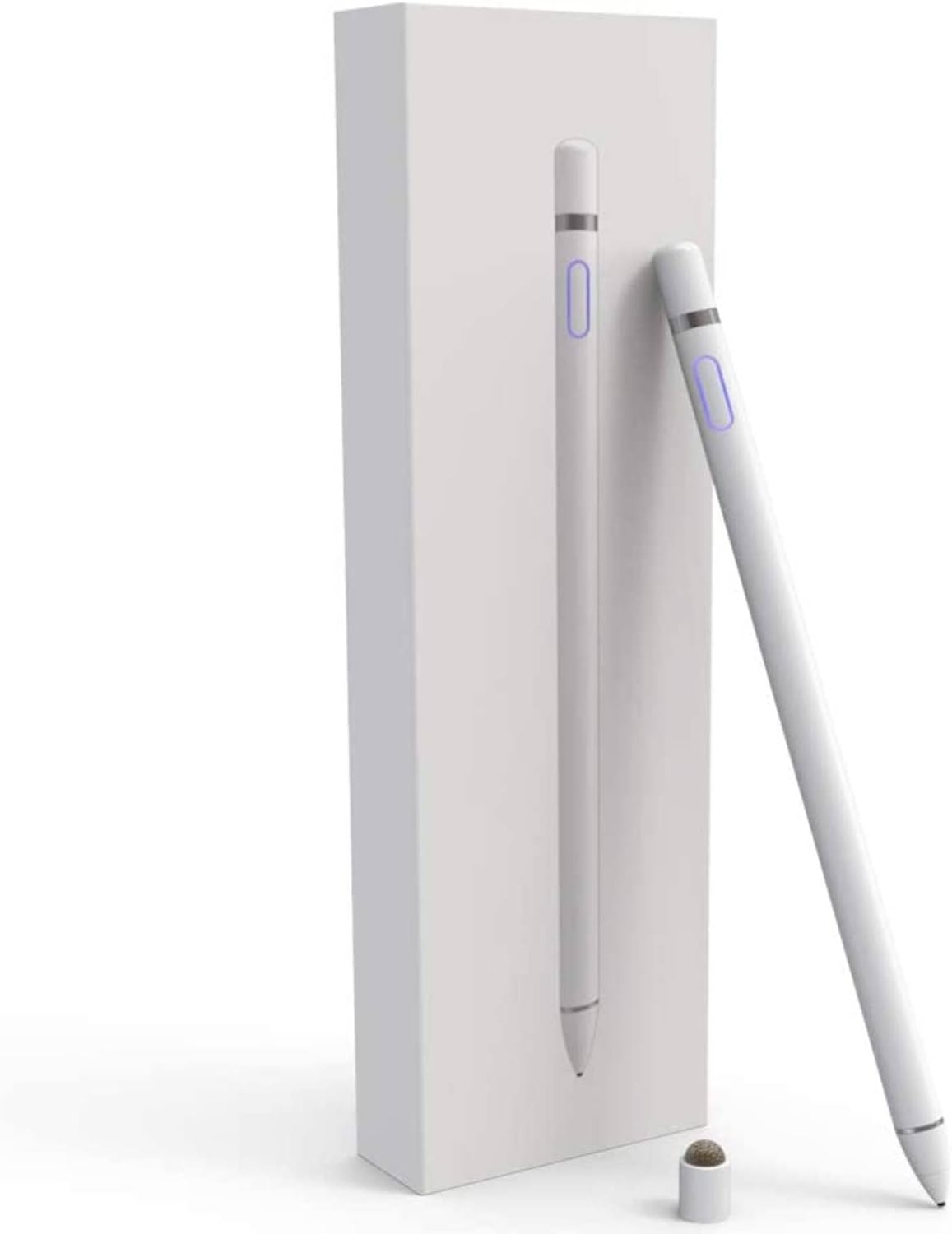


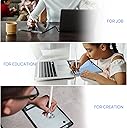

🎨 Unleash Your Inner Artist with Every Stroke!
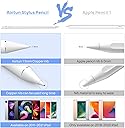
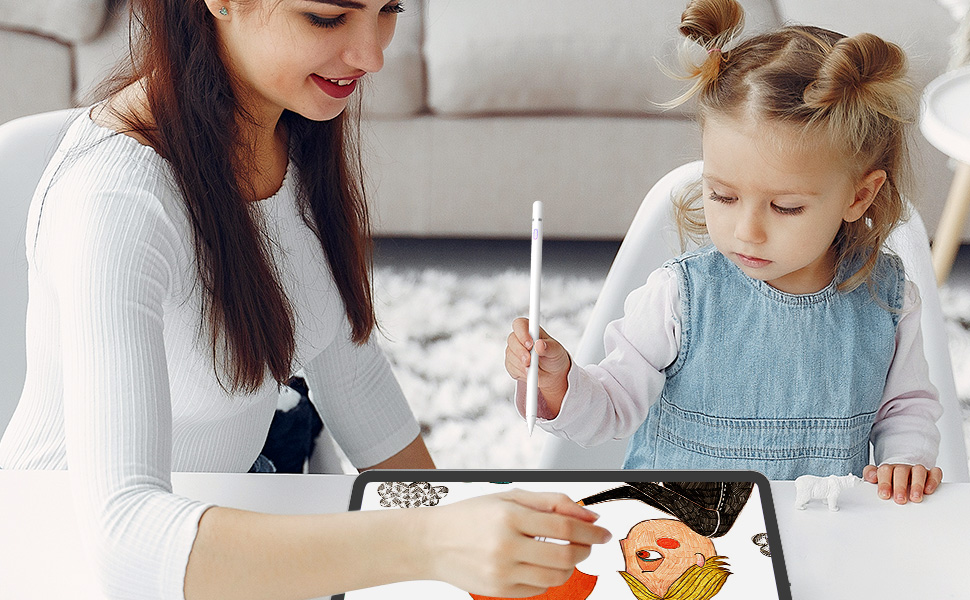
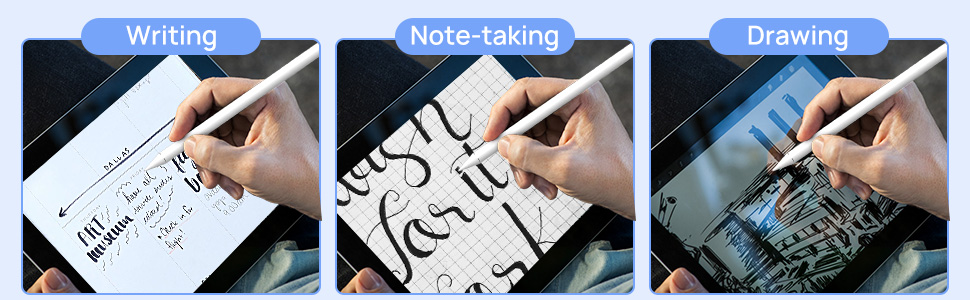
The Aoitun Stylus Pen is a versatile, Bluetooth-free drawing tool compatible with a wide range of iPad models. With a 1.5mm fine tip for high precision, it offers zero latency for a seamless writing experience. Perfect for professionals and students alike, this stylus enhances productivity and creativity, making it an essential accessory for digital art and note-taking.




| Compatible Devices | Tablet |
| Charging Time | 60 minutes |
| Number of Batteries | 1 Lithium Polymer batteries required. (included) |
| Item Dimensions | 8.31 x 2.28 x 0.94 inches |
| Item Weight | 9 Grams |
| Material | Aluminum |
| Color | Pearl White |
D**N
Excellent for those with older iPads
I absolutely love this product. I have an older iPad mini that will run Procreate, but it is not compatible with Apple Pencils. I searched forever to find an appropriate stylus that might work when I ordered this on a whim not expecting much. Well, I’m glad I did! It comes with a glove to put on your drawing hand so that you don’t accidentally hit the iPad while you’re drawing, which is super helpful. It’s not as accurate and lacks the features of the real thing (pressure sensitivity etc), but it works wonderfully despite that. There was very little learning curve when I was testing it for accuracy, and it works amazingly well! I’ve only had it a few days, but I have zero complaints especially for the price. Also, it’s the only stylus like this that works with an iPad 4 (or at least the only one I found with good reviews).
M**M
Great Quality For A Great Price
I just re-ordered this pen, so this is my second one. The only reason I re-ordered was because the tip of the pen no longer screwed on correctly (probably because of the amount of usage and I would fidget with it too often). I had my first pen for about a year. I am a college student and my Ipad is an older version, so I needed a pen that is compatible. I go to class about 5-7 hours a day and I charge it probably every 4 days. The battery life is so long.. which is one reason that I love it. The battery life never shortened, but this is probably because I never overcharged it. I made sure to set an alarm to check on the status of the charge. When it was green, I took it off. It takes about 30 minutes to an hour to charge. NOTE: The charger that comes with the pen IS FOR THE PEN. When I received my first pen, I thought they had sent the wrong charger because it was so difficult to fit onto the end of the pen. It also LOOKED like it would NOT fit. However, after wiggling it around and pushing (just a little) harder, it finally fit. So be careful when first inserting the charger because it takes a little while to get the hang of it.When using, it automatically turns off after about 5 minutes, if not being used. It is easy to turn on and off. The button is on the side of the pen and glows blue when on. The light fades and goes out when the pen's battery is low or it is dead. The Ipad does still detect your hand, which is one downside to this pen. However, it is an older model so it is just something that I deal with. It really does not bother me too much since I just tend to write at the bottom part of the Ipad. There is a glove that comes with the pen that is used for this reason. I tried it and it does work, but I prefer not use it.Highly recommend if you have an older Ipad/computer that is not compatible with the newer versions of pens/stylus. When my new pen goes out, I will definitely re-order this one again.Hope this helps!
A**L
Worked great but then stopped working
great pen in the past 2 months but then it started malfunctioning it wouldn't charge or turn on which was a bummer. It was not that smooth and pretty laggy but it worked better for drawing my finger I really liked how it worked because the last one I got didn't work and it felt like an actual apple pen. really disappointed in this product I reached into the seller waiting for a reply hopefully we can get this resolved. making a edit on this review the seller did make contact with me and I'm getting it replaced great service! 3rd edit/ repoststopped working I didn't charge it for one day and it would take a charge or turn on
J**.
It’s good, but it’s a bit iffy
The media could not be loaded. I wanted to buy an Apple Pencil stylus for my IPad but because my IPad is an old model and it won’t accept the 1st or 2nd Gen pencil, so I went with this one because it’s compatible with the IPad I had. Upon receiving it, I have some things to say. First of all, it doesn’t even come with the charger, just the stylus itself and the gloves. Second of all, Bluetooth function works yay but I wished there was a way to calibrate it because when I use it on a art program (Ibis Paint X is the one I use) it doesn’t go on a straight line, so it’s pretty Scribbly and iffy. I’ve tried on other apps, it seems like it doesn’t want to go on a straight line. Third of all, I do like the feeling of it considering it’s really light and easy to use. My only complaint is that it doesn’t go on a straight line, so I wish there was a way to calibrate it better.
C**L
Might as well use your finger
This pencil does not function like a real Apple Pencil. First of all, the iPad does not recognize it as a pencil. It basically treats it as if you’re using your finger, with all of the inaccuracies. Secondly, when using a genuine Apple Pencil, my apps go into write mode automatically. With this faux pencil, you have to set them in write mode before using it, just as you would if using your finger.Thirdly, if any part of your hand touches the screen, it quits working. Although it’s not in the description, it comes with a glove to shield the iPad screen from the side of your palm and pinky finger, but you have to dawn the glove every time you want to write on your iPadBasically, you’re better off spending the extra money and getting a real Apple pencil. This pencil is nothing like an the real thing. It’s more like to using your finger, only worse.
Trustpilot
2 weeks ago
2 weeks ago