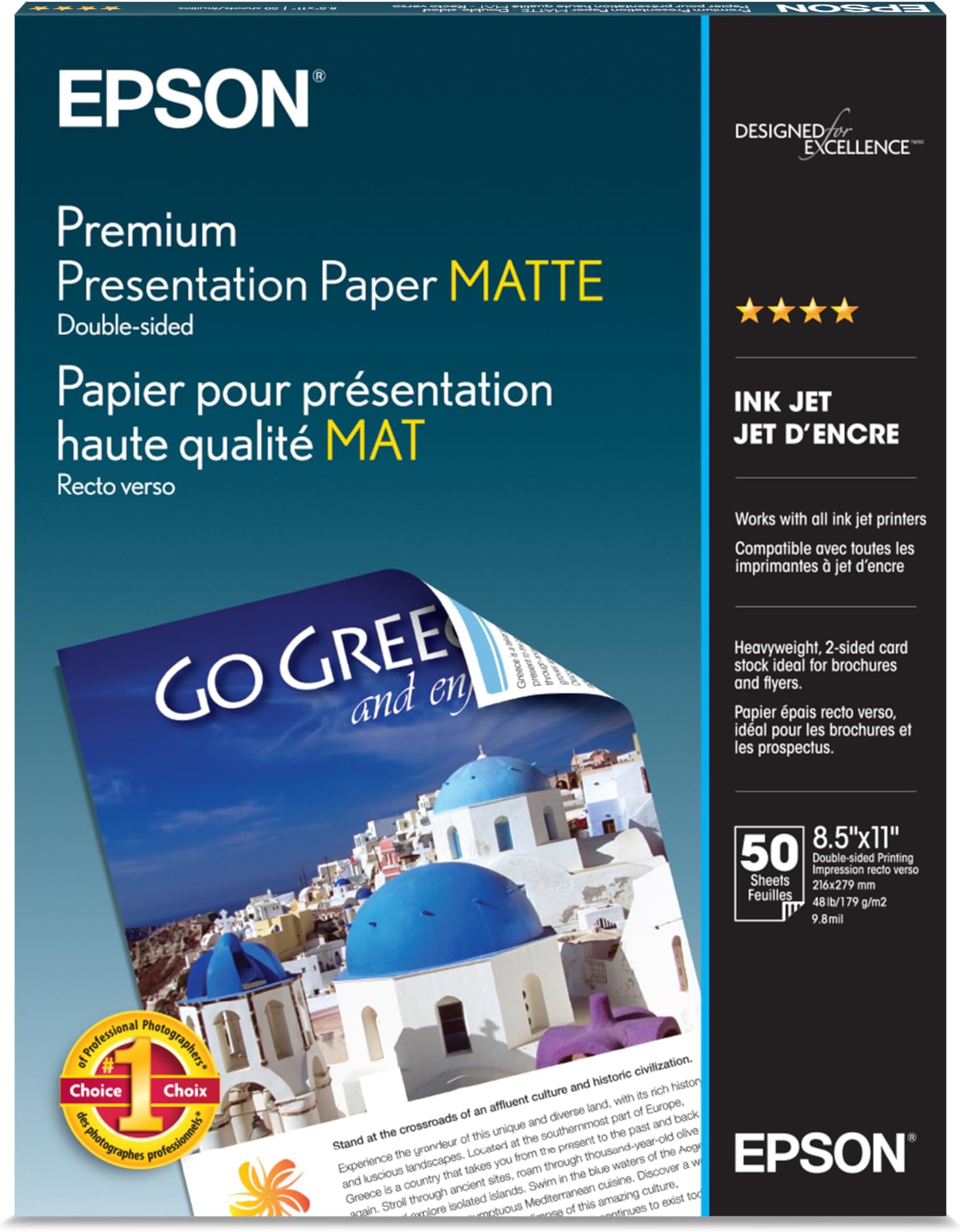




Epson Premium Presentation Paper MATTE (8.5x11 Inches Double-sided 50 Sheets) (S041568)
Product ID: 354678223
Details
- BrandEpson
- ColourWhite
- Item Weight600 Grams
- Paper FinishMatte
- Sheet Size8.5x11 Inches
📄50 Sheets
📏8.5x11" Size
⚖️600g Weight
🖨️ Elevate Your Prints with Epson's Premium Matte Paper!
Epson Premium Presentation Paper MATTE offers a high-quality, double-sided printing experience with a matte finish, perfect for non-glare photographs and professional projects. With 50 sheets per pack, this durable paper resists fading for up to 72 years and is compatible with all inkjet printers, making it an essential choice for creatives and professionals alike.


| ASIN | B00006B7PY |
| Brand | Epson |
| Brand Name | Epson |
| Colour | White |
| Customer Reviews | 4.8 out of 5 stars 2,730 Reviews |
| Global Trade Identification Number | 00010343837782, 20010343866397 |
| Item Dimensions L x W | 27.9L x 21.6W Centimeters |
| Item Type | paper |
| Item Weight | 567 g |
| Manufacturer | Epson America |
| Material Features | Matte Finish |
| Paper Finish | Premium Matte |
| Paper Size | 8.5x11 Inches |
| Paper Weight | 45 |
| Sheet Count | 50 |
| Sheet Size | 8.5x11 Inches |
| UPC | 010343837782 |
| Unit Count | 50.0 Count |
R**K
Four Stars
Good paper.
T**L
Great Quality Paper!
I'm enjoying the Epson S041568 Premium Presentation Paper Matte Double Sided, Letter Size, 50 sheets. It's working well with my Epson ET-3830 (Eco-Tank) printer, Perfectly! I do a lot of printing and haven't had any issues. I would recommend to everyone!
N**E
Great For Making Art Prints
I am a stay-at-home mom who loves to paint and I’ve recently decided to have a go at selling my art prints! Over Christmas, I treated myself to an Epson 8550 EcoTank printer along with this Epson Premium Presentation Double Sided MATTE Paper. The paper I purchased is in a pack of 50 sheets that are 8.5” x 11”. So far it has been working out wonderfully. I’ve been printing 8” x 10” on the paper so that I can also offer 8” x 10” Matting, but they also look great printed with no border. I’ve had no issues with smearing/smudging while printing borderless on the paper. The matting I’m using was also purchased on Amazon. I am extremely happy with the quality of the Epson paper and don’t think I will ever change! I’ve also heard that it’s best to pair Epson papers with Epson printers. My printer has a preset setting for Presentation Matte Paper so I just go with that every time and the colors come out vibrant and accurate to the original paintings. The paper is smooth, but sturdy. I’ve noticed a slight curl in some of my prints, but it’s no problem once they’re popped in a frame or between matting. Overall I love this paper and I’m excited to try out larger sizes! There are a few things that I have learned along the way when trying to create art prints at home. At first, my prints kept coming out much darker than the original painting and I hope these suggestions can help out fellow artists who have been running in to the same problem. • Take your photo of painting in INDIRECT but bright sunlight (this helps capture the colors better) • You will always have to edit your photo in some way prior to printing • While editing your photos, do it in a dim lit room with your computer monitor brightness at about 20-25% max • This step is crucial- Make sure your printer setting is set up to match the same paper. Ex, with Presentation Paper Matte, select matte setting. • I have found printing in AdobeRGb to work the best
R**S
Great copies
Very crisp images and true colour.
A**0
جوده عاليه
ممتاز جدا
Trustpilot
2 months ago
1 week ago