🖥️ Elevate your workspace with sleek clarity and seamless flow!
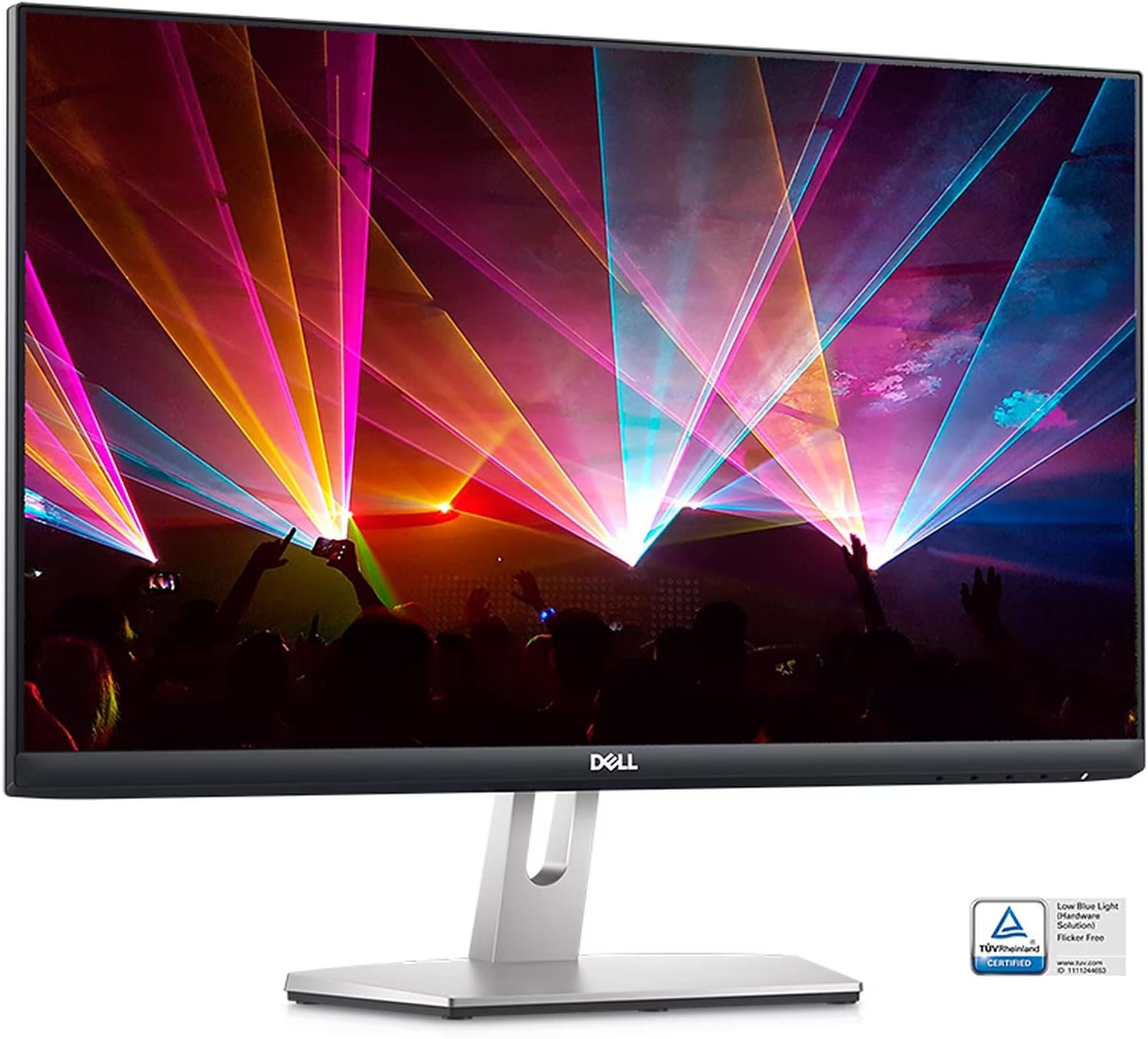
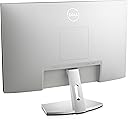
The Dell S2421HN is a 24-inch Full HD IPS monitor featuring a 1920x1080 resolution, 75Hz refresh rate with AMD FreeSync, and ultra-thin bezels. Designed for professionals seeking vibrant color accuracy (99% sRGB) and eye comfort technologies like flicker-free and ComfortView Plus, it offers versatile dual HDMI connectivity and a sleek silver finish to enhance any modern workspace.
| ASIN | B08WNQFWQN |
| Adaptive Sync | FreeSync |
| Additional Features | Flicker-Free |
| Aspect Ratio | 16:9 |
| Best Sellers Rank | #54,161 in Electronics ( See Top 100 in Electronics ) #1,263 in Computer Monitors |
| Brand | Dell |
| Brightness | 250 candela_per_square_meter |
| Built-In Media | Power Cable HDMI Cable |
| Color | silver |
| Connectivity Technology | HDMI |
| Contrast Ratio | 1000:1 |
| Customer Reviews | 4.6 out of 5 stars 280 Reviews |
| Display Resolution Maximum | 1920 x 1080 Pixels |
| Display Technology | LED |
| Display Type | LED |
| Hardware Connectivity | HDMI |
| Has Color Screen | Yes |
| Image Contrast Ratio | 1000:1 |
| Item Dimensions D x W x H | 6.02"D x 21.17"W x 16.25"H |
| Item Weight | 7.3 Pounds |
| Manufacturer | Dell Computers |
| Model Name | S2421HN |
| Model Number | S2421HN |
| Mounting Type | Desk Mount |
| Native Resolution | 1920x1080 |
| Number of Component Outputs | 2 |
| Picture Quality Enhancement Technology | AMD FreeSync, Dell ComfortView Plus, Flicker-Free, 99% sRGB color gamut, IPS technology |
| Refresh Rate | 75 Hz |
| Resolution | FHD 1080p |
| Response Time | 8 Milliseconds |
| Screen Finish | Smooth |
| Screen Size | 24 Inches |
| Screen Surface Description | Smooth |
| Shape | Rectangular |
| Total Number of HDMI Ports | 2 |
| UPC | 884116375517 |
| Viewing Angle | 178 Degrees |
| Voltage | 240 Volts |
| Warranty Description | manufacturer |
B**R
Would Buy again
Love this monitor. Have bought several of them for various builds. Great value for money. Not a gaming monitor, but great for my casual use.
S**S
Good price
Working great
B**0
Fantastic Monitor for Work
I needed a monitor to connect to my MacBook Air for work. It took me 10 minutes to take everything out of the box and connect to my Mac. I use the included HDMI cable to connect via my Dell multiport adaptor (not included). I found this particular monitor by searching YouTube for recommendations. This was a great first step because the YouTube video shows you how to connect the monitor to your computer. The monitor dimensions were perfect for my work space. The price point makes this a very good value. I highly recommend this monitor.
T**R
Good color
Went from TN panel to this as my secondary and I much prefer it’s color clarity
R**C
Great!
Makes working from home a lot easier.
D**Y
OK for the Price
I have this as a backup monitor. It is reasonable quality and the price was also reasonable. But some concerns: 1. The back of the monitor is a cheap white plastic. Looks a bit shabby if seen 2, The monitor has no height control. So if you were to use it with multi monitors you are stuck with one height. 3. It is HDMI only so if you have Display Port you need a converter cable. 4. As a back up it is fine but that is all.
C**A
TRASH
TERRIBLE MONITOR!! Constantly getting "No signal" message. Purchased this with a Dell Desktop and something is broken with it's ability to connect with the desktop. Wasted $187.
T**.
Very Finicky. Would not work with provided cable.
Initial setup for my PC with an HDMI cable wouldn't work, it said no signal. I tried a few different HDMI cables with no luck. Tried all the troubleshooting I could find online, flipping the cable around no luck, unplugging replugging no luck, holding the power button down to clear the cache nothing, trying to install drivers nothing. I plugged the HMDI into my friends macbook through a dongle and it worked fine. I found a HDMI to DVI dongle for my PC and that got it working for some reason. No amount of trouble shooting could get the HDMI to HDMI to work. It worked fine for a few weeks until I bumped the HDMI cable while moving my keyboard cable and the monitor cut out. I couldn't get it to receive any signal. Tried all the troubleshooting again to no avail, gave up and dug out my old monitor. Is it too much to ask that a monitor do it's one job and work with the provided hardware in a seamless plug and play manner like all the other monitors I've had? Maybe it's a bad monitor I got and can be warrantied still but my advice is to ask yourself if you want to buy this and risk that ordeal of troubleshooting, functioning, random cease of function, and dealing with return/warranty.
Trustpilot
3 days ago
1 day ago