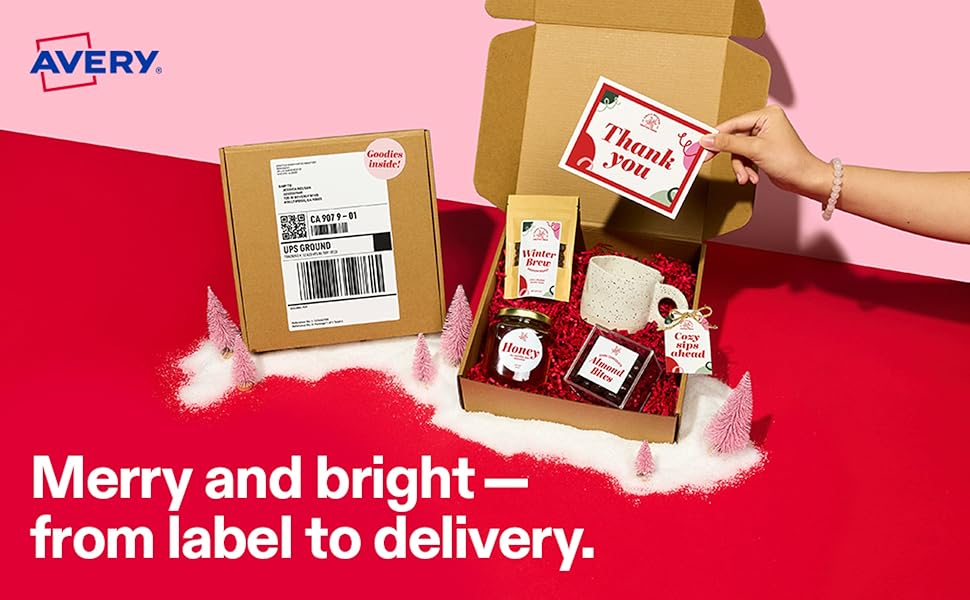
These were great! I ran a test print and conducted my own (maybe not so scientific) testing by freezing one label stuck to the bottom of a dinner plate with a little water in it, I left one soaking overnight in cold water stuck to a water bottle, I simmered one in water a few minutes stuck to itself folded in half, took them out dried and rubbed and there was minimal damage to the full color laser printing and the adhesive still had a decent amount of hold. This is more than your average package would go through before the contents were destroyed, so I think they hold up to their name! I wish I'd taken pictures of my method to prove this, but hopefully you'll take my word and Avery keeps up the consistent quality of their product. You can try it out yourself if you have my time. I used these for a gay pride parade, my student org passed out 400 water bottles with our and a couple other orgs' info. Printing, labels, and bottles (store brand) cost us less than 20 cents per bottle, YMMV. After riding around in a truck with ice a few hours from early morning to end of parade, then ending up in a plastic bag in my car for a week, we drank the leftovers for a few weeks (we don't drink a whole lot of disposable bottles), and my friend even carefully peeled one of the labels off to keep on her fridge! I printed them at the print shop at school, color laser. My only gripe was that it wasn't extremely obvious where to find the appropriate Microsoft Word template, but it took less than 10 minutes. Beware of printing errors, If you are inexperienced with printing on any more than regular copy paper I advise you to do the following: Purchase at least 10% more labels than you think you need if you are printing many. Stuff happens. Next, talk to the printing people wherever you go, or do it yourself at home or office, and do a test print on regular paper. This is routine for printing on more expensive papers, along with checking color and proofreading, but they won't necessarily do it for you so always ask nicely for a proof with regular paper and with your actual paper you will use. Line up the sheet with your labels against a bright light or the sun and make sure everything looks good and is a good deal within the margins. Slight misalignment is normal, design your label accordingly and save as PDF with high quality option, embed fonts, etc., if available, to make sure that no matter where you go it prints the same. With Office program files, if you open it in a different program or computer sometimes the formatting or something changes. Print shops usually ask for PDF anyway. Once you are ready, print 5 to 10 sheets at a time, or 1 to 3 at a time if it's less than 10. Keep an eye on your output. This paper can get some serious static electricity buildup which may or may not be the fault of the specific printer you are using or the paper may need special handling before loading. This happened at the print shop and several sheets came out clung together with printing crossing multiple sheets and colors were not aligned. Thankfully we only needed 400 out of the pack of 500 labels. The shop was nice and gave us some sheets of (normal paper) labels, printed and blank, and didn't charge for the ruined labels.