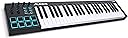
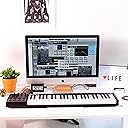
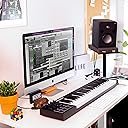
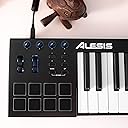
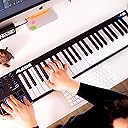
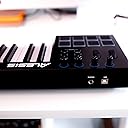
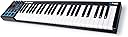
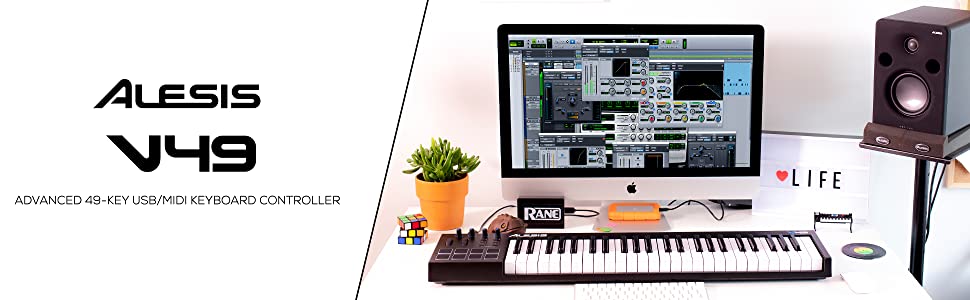
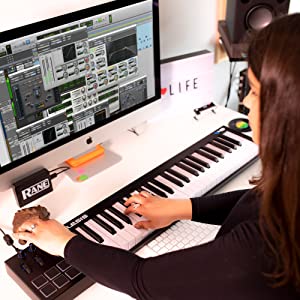
🎶 Unlock your studio’s full potential with the Alesis V49 — where pro control meets instant inspiration!
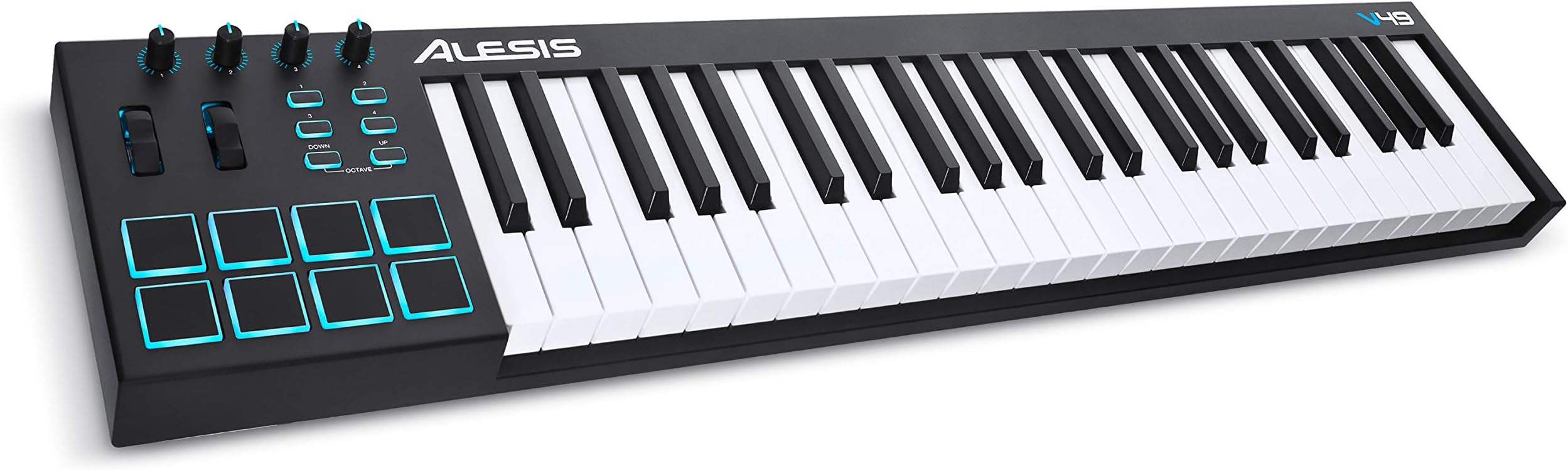
The Alesis V49 is a 49-key USB MIDI controller featuring velocity-sensitive keys, 8 backlit pads, and 4 assignable knobs and buttons. Designed for seamless integration with major DAWs, it includes a premium software bundle (Ableton Live Lite, ProTools First, and more) to elevate your music production from the first note.


| ASIN | B00IWWEW20 |
| Additional Features | Backlit Drum Pad |
| Brand | Alesis |
| Brand Name | Alesis |
| Color | Zwart |
| Compatible Devices | USB-compatible devices, including computers (Windows, Mac) and other devices with USB-MIDI connectivity |
| Connectivity Technology | USB |
| Connectivity technology | USB |
| Connector Type | USB |
| Control Method | Touch |
| Control Type | Keyboard Controller |
| Customer Reviews | 4.6 out of 5 stars 5,805 Reviews |
| Global Trade Identification Number | 00694318016176 |
| Hardware Interface | USB |
| Hardware Platform | x86_64 or ARM |
| Human Interface Input | Buttons |
| Included Components | Software Package (Alesis Suite Software) |
| Instrument | Keyboard |
| Instrument Key | Any |
| Item Dimensions D x W x H | 14D x 24W x 4.2H centimeters |
| Item Type Name | 49-Key USB MIDI Keyboard Controller with 8 Backlit Pads, 4 Assignable Knobs and Buttons, Plus a Professional Software Suite with ProTools | First Included |
| Item Weight | 2.85 Kilograms |
| Keyboard Description | MIDI keyboard with 49 full-size square-profile keys that are dynamically sensitive, equipped with 8 pressure and dynamics-sensitive pads, 4 potentiometers and 4 assignable buttons, plus pitch and modulation wheels |
| Manufacturer | UNWSM |
| Manufacturer Part Number | V49 |
| Model Name | V49 |
| Model Number | V49 |
| Model name | V49 |
| Noise Control | None |
| Number of Keys | 49 |
| Number of keys | 49 |
| Platform | Mac, Windows 10, Windows 7 |
| Product Style | 49 Keys |
| Product dimensions | 14D x 24W x 4.2H centimeters |
| Size | 49 Keys |
| Special features | Backlit Drum Pad |
| Supported Software | Ableton Live |
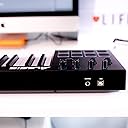
| Total USB Ports | 1 |
| UPC | 694318016176 |
| Unit Count | 1 Count |
| Warranty Description | 1 |
F**A
Meets my expectations
Great product. So far working as specified. Thanks Amazon for such sellers.
M**P
Good for small table
We replaced with 61 keys~
B**M
Great MIDI Keyboard
Keys are responsive and velocity sensitive. The keys are a little bit too springy to my liking, but not a bit issue as you get used to it. Works well with Piano Booster (free) and Synthesia software for learning piano.
C**K
Génial
Pour un clavier MIDI, celui-ci a le toucher qui se rapproche le plus d'un vrai piano et ça je trouve ça incroyable. Petit bémol sur les touches à gauche qui à force du temps commencent à faiblir mais sinon, après 5 ans d'utilisation, je trouve que ça reste un des meilleurs contrôleurs MIDI du marché en terme de rapport qualité/prix. Celui-ci conviendra autant aux débutants qu'aux personnes plus avancées. Je recommande.
E**R
Teclado midi fantástico!
Me ha gustado mucho el teclado. Los pads son sensibles, casi táctiles, permitiendo agilidad a la hora de componer. Las teclas son contrapesadas, dando la sensación que es un piano real. El cable usb facilita su rápida y simple conexión. Cuando lo conectas al DAW puedes poner cualquier instrumento, haciéndolo un midi super útil para usarlo como multi instrumento. Es muy bonito y muy ligero. Eso sí, al tener 49 teclas + los pads, ocupa casi 1 metro de espacio, por lo que hay que tener una superfície adecuada para acomodarlo. Estoy encantada con esta compra.
S**H
Good buy
It's pretty easy to use for learners and easy to make music on it. Plus it looks very good.
A**.
Great quality and more versatile than advertised.
I received this midi controller yesterday and have already used it with Musescore to separate voices for choir members and to record my own musical composition for next January. I spent several days examining the reviews and weighed the pros and cons before purchasing. My priority was a quality keyboard with keys similar to a piano. The quality is definitely there. The keys are a little heavier than I expected, but it didn’t take long for me to get used to them. You certainly can’t play compositions quickly. I use this device strictly for inputting notes and for playback, and it does the job perfectly. I’m very impressed. If you need a piece played fast, then create it first and then edit the time signature until you get the playback speed you want. One of the drawbacks of this device is it’s size, but it’s not heavy. It’s just tall and wide to accommodate the keys and control knobs/pads. Its size doesn’t allow it to sit perfectly in a keyboard drawer so I have mine placed on top of an open keyboard drawer with a padded backing to prevent the drawer from being closed accidentally and knocking the controller to the floor. It may not be ideal for some, but it puts the controller at a perfect height for me, and having the control pads and knobs on the left, means that I can move my laptop directly in front of me. (With many manufacturers the controls/pads are along the back of the unit which would mean keeping my laptop farther away in order to access the back of the controller.) The item is described as having only 4 programmable keys, but in reality it’s more versatile than that, since all of the controls except the octave up, octave down, pitch and modulation wheels are programmable through Musescore. I have programmed all the other keys for the most used commands so I don’t need to use my computer keyboard all the time. For example, I have programmed all the major notes from sixteenth to whole notes, the dot augmentation, play, stop, note input, rests, and return. I have also programmed the sustain pedal. I haven’t installed any of the included software that came with the controller since Musescore has everything I need. If I download the software now, since using Musescore, I’m not sure if I can uninstall the included software and return the midi controller to Factory Settings so I can go back to Musescore. Maybe someone else will have an answer to that. I did rate this controller as low for new beginners because you really have to know some music before using it, or being open to researching music theory. It’s not a piano. That can’t be stressed enough, and there’s no sound unless you hook it up to a computer. What is amazing is that given its size, it uses a computer as it’s power source, and I haven’t noticed a huge loss of battery power on my laptop. If I had one wish, it would be to have programmable keys on both sides of the keyboard since it’s difficult to play with the left hand and leave the keyboard to use one of the programmed keys. If keys were on both sides, I could choose which hand to use for certain buttons. Regardless, it’s still better than using my laptop keyboard or the mouse for note input, and it’s also better than having the controls across the back. Since Musescore 3.x has a feature that records automatically as you play, it’s really a minor inconvenience. For my purposes, I couldn’t ask for a better midi controller.
Trustpilot
2 weeks ago
2 weeks ago